
The coins left your wallet, the order still says processing, and the destination stays empty. Do not send again. A stuck crypto swap on an instant exchange is an Order ID plus two transaction hashes, not a DEX gas trick. Copy the live status, split send-side confirmations from receive-side credit, then wait or open one official support case. This checklist keeps you inside RevBit claim windows and away from anyone who DMs you first.
Summary: If a swap looks stuck, copy the Order ID and the exact live status before you send again. Confirm the deposit TxID on a same-network explorer separately from any payout TxID to the destination. Wait while confirmations are still climbing and there is no AML prompt. Escalate once with Order ID plus hashes via official chat or support@revbit.net, and ignore anyone who messages you first.
An instant swap here is a non-custodial deposit-address order: you send from your wallet to a one-time deposit address, the platform exchanges, then it pays out to the address you pasted. CEX limit-order “pending” or a DEX nonce is a different machine. If this order is already finished, use how to swap crypto on an instant exchange instead.
How to check the Order ID and the live status label
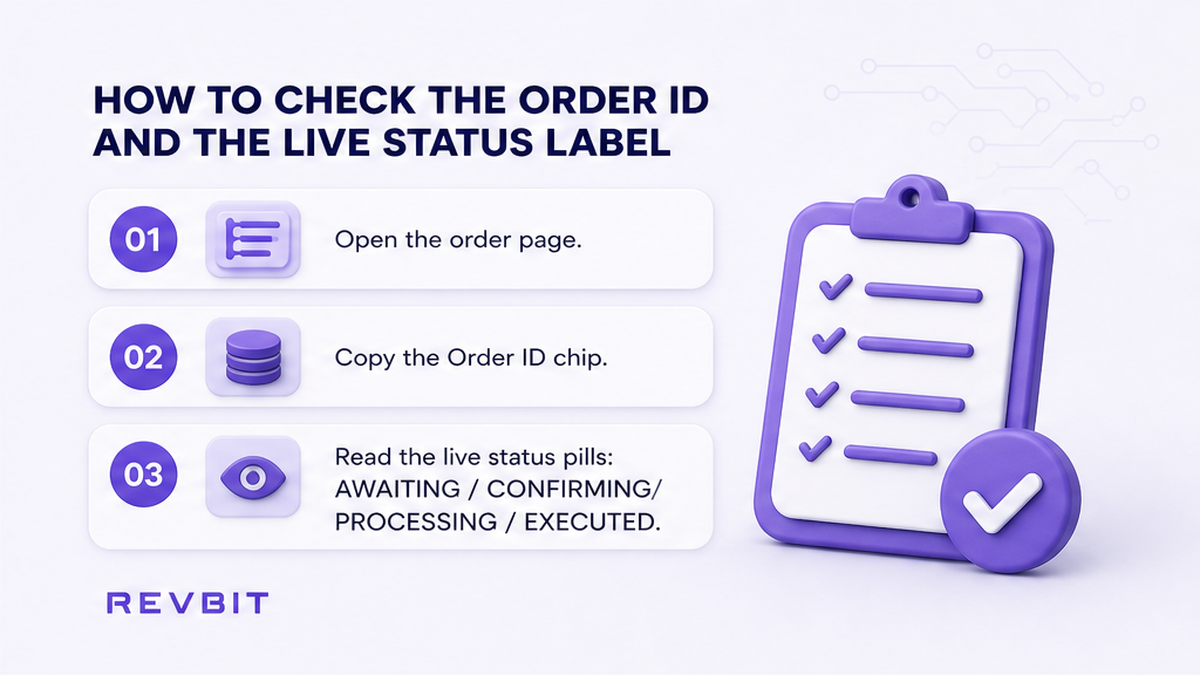
The Order ID is the unique ticket for this swap. The status is the platform’s word, not a feeling. RevBit’s application status doc lists three checks: cabinet Exchange History (Executed means completed and funds sent), refresh the order page with F5 if you have no account, and email notifications.
| Live label | Plain meaning | What to do |
|---|---|---|
| Awaiting deposit | Send not seen yet | Look for a deposit TxID. No hash is not a payout bug |
| Confirming | Deposit seen; blocks still stacking | Check confirmation count on the same-network explorer |
| Processing | Exchange step running | Recheck both legs. Do not treat the word as lost funds |
| Sending / finished / Executed | Payout should exist | Look up the payout TxID on the destination explorer |
| Action required | UI already asked for a step | Stop new sends. Read the prompt. No second order |
Do: treat Executed as “funds sent,” then verify the receive-side hash. Don’t: open a new swap to unstick this ticket.
Check send-side confirmations vs receive-side credit
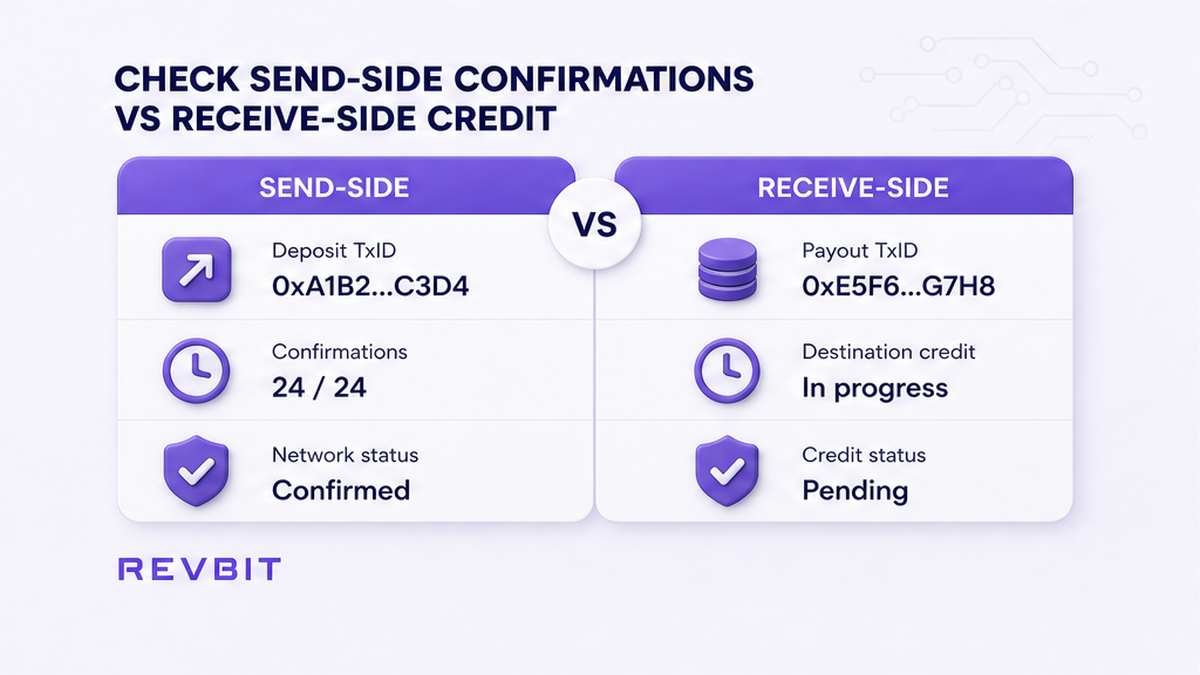
A TxID is the blockchain receipt ID. Confirmations are new blocks stacked on that send. The mempool is the waiting room before a transaction enters a block. Send-side Success is not coins in your destination wallet. For USDT, native Value 0 is normal; the amount sits on the token transfer row.
Workflow: Live order page → Order ID + exact status → Deposit TxID? → Same-network explorer (Pending / Success / Failed + confs) → Receive-leg payout TxID? → Fork: wait / AML / wrong rail / amount → One official case inside 7 business days (note the 6-hour window after completion)
- Open the live order page or Exchange History and copy Order ID plus the exact status.
- Check the sending wallet for a deposit TxID. No TxID means not broadcast, or a CEX withdrawal is still internal.
- Paste the hash into a same-network explorer. Empty search usually means not broadcast or the wrong chain.
- Read Pending vs Success vs Failed and the confirmation count.
- If status is sending, finished, or Executed, look up the payout TxID or the destination token transfer.
- If the explorer is Pending or confirmations are still climbing, wait. Do not send twice.
- If deposit Success is clear and payout is missing or wrong, go to the wait-vs-support fork.
RevBit’s transaction link doc names OKLink, Blockchair, and Etherscan. For Bitcoin use mempool.space. Explorers are read-only.
Do: split the two legs every time. Don’t: treat a green send as a credited swap, and don’t Speed Up a confirmed exchanger order like a DEX swap.
Use a fork checklist: wait, AML, or wrong rail
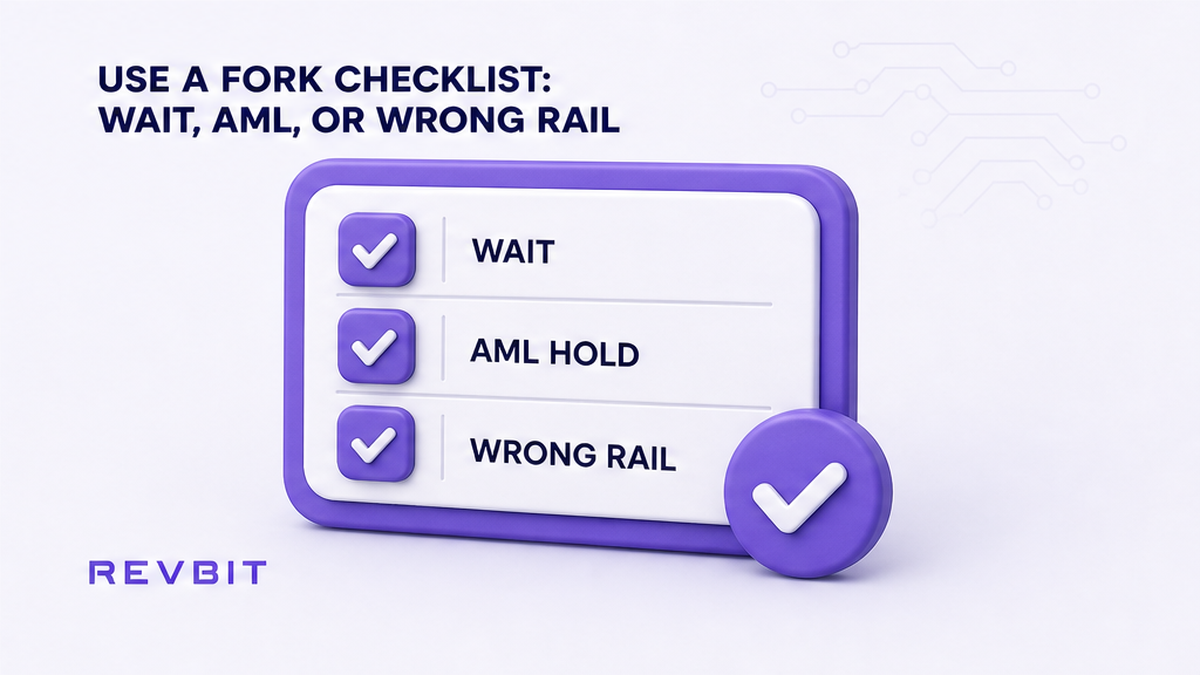
Pick one fork. Mixing them often creates a second loss.
| What you see | Fork | Action |
|---|---|---|
| Pending explorer or rising confirmations, no document prompt | Network wait | Wait. Keep the hashes. No second deposit |
| Official UI asks for documents, freeze, or action required | AML hold | Stop new sends. Use the AML guide. Ignore DMs |
| Wrong network, wrong address, or missing memo/tag | Wrong rail | Evidence pack. Terms 2.12. No extra send unless official support asks |
| Amount does not match the order | Underpay / overpay | Stop extras. This page is not the refund playbook |
AML is a risk scan of the coins. Rising confirmations are not AML by themselves. If the official UI asks for documents, stop new sends and follow how to handle a crypto swap flagged by AML.
A memo or destination tag is the apartment number on shared deposits (XRP, XLM, TON). If that field was blank, use the crypto destination tag and memo checklist. Terms 2.12: recovery may cost 5% (minimum USD 20), only if amount > USD 30, review up to 14 days, refusal possible. Wrong-network USDT (TRC-20 vs ERC-20) is the same class. RevBit often defaults USDT receive to TRC-20.
A late Fixed quote can feel stuck. Fixed is 1% plus network fee with a 12-minute lock. Terms 2.10: send more than 10 minutes after confirm and the rate is recalculated; credits taking more than two hours may add 0.5% of LP rate. That is not a missing payout.
Verdict: Wait on climbing confirmations. Use the AML article only when the official UI asks. Wrong chain, wrong address, and missing memo are Terms 2.12 evidence, not a second deposit.
Do: stay on one fork. Don’t: assume every delay is a freeze, and don’t reuse an expired deposit address.
Decide when to wait vs when to open support with TxID
Wait while the explorer is Pending or confirmations are rising and there is no AML prompt. For Bitcoin, RevBit requires a minimum of 2 confirmations before processing (Bitcoin confirmation doc). The RevBit homepage states about 2 minutes average; that is not a BTC SLA.
Escalate when deposit Success is clear, status stalls past a calm wait, payout TxID is missing or wrong, or you already completed a requested action. Open one official case via on-site chat or RevBit support (support@revbit.net). Ignore unlock DMs. Brand channel: t.me/revbit.
While your send is still 0-confirmation, some wallets can RBF or Speed Up. That only bumps the wallet broadcast. After one confirmation there is no undo. Terms 6.3: exchanges through the Services cannot be canceled by REVBIT. If you have not sent yet, use how to cancel a crypto swap. Support pack: Order ID, both TxIDs if shown, pair and networks, amounts, timestamps, screenshots. Never seed, keys, or 2FA.
Do: escalate with hashes after a real stall. Don’t: seed a second order to an expired address, and don’t hand keys to anyone who contacted you first.
File claims inside Terms windows and avoid fake-support DMs
Terms 2.11: claims on exchange applications go within 7 business days of placement, with complete evidence, to support@revbit.net. Late or incomplete: the service is not responsible. Terms 2.13: a payment disagreement must reach support within 6 hours after completion. Read the clocks in RevBit Terms of Use.
Avoid anyone who DMs first offering to unstick funds. Official support will not ask for a seed. EU/EEA residents cannot use the RevBit swap.
Do: file inside the 7-business-day window, and the 6-hour window if the fight is about a completed payment. Don’t: wait on a homepage 2-minute timer, and don’t send secrets to strangers.
What to do next after this checklist
- Keep Order ID, both TxIDs, and the last live status in one note.
- If confirmations are still climbing, wait and refresh the same explorers.
- If the official UI asked for documents, stop new sends and use the AML guide.
- If deposit Success is clear and payout is missing, open one official case with the evidence pack inside the Terms clocks.
- Only after this order is finished or already in official support, eligible users can start a new swap on a fresh order and address.
Never reuse an expired deposit address. For the next clean swap, eligible users (not EU/EEA) can use the RevBit homepage swap widget. More how-tos: RevBit blog.
Frequently asked questions
How long should a RevBit swap take?
It depends on the chain. Homepage “~2 minutes” is not a BTC deadline. Bitcoin: RevBit requires 2 confirmations; blocks average about 10 minutes on bitcoin.org, so a 10–60 minute band is common. Check explorer confirmations, not a stopwatch alone.
What if Bitcoin is still unconfirmed?
Open a BTC explorer by TxID. While the send is at 0 confirmations or still climbing toward 2, wait. RBF or Speed Up only while unconfirmed. Do not open a second swap to an expired address.
Can I cancel a stuck swap?
Terms 6.3: REVBIT cannot cancel exchanges through the Services. If you have not sent yet, use the cancel guide. After a confirmed deposit, use this checklist and one official support case.
Order says finished or Executed but the wallet is empty?
Verify the payout TxID on the destination explorer. Check the token tab, the network (TRC-20 vs ERC-20), and any required memo. Then open one official case inside 7 business days (6 hours after completion for a payment disagreement).
Is endless processing always an AML hold?
No. Rising confirmations are a network wait. Documents, freeze, or action-required in the official UI is the AML fork: stop new sends and follow the AML article.
What should I send to support?
Order ID, both TxIDs if any, pair and networks, amounts, timestamps, and screenshots of the live page. Never seed, keys, or 2FA. Use on-site chat or support@revbit.net.