
Your coins sit on Binance (or another CEX), and you want an instant crypto swap – not another trading account. The trap is withdrawing first, then hunting for a deposit address, or ignoring the fee so the exchanger sees an underpay. Create the RevBit order first, copy that fresh deposit address, match ticker + network + memo on the CEX screen, and size the gross so the net equals the order. You leave with a CEX-to-swap workflow you can run once.
Summary: To withdraw from a CEX to an instant exchange, create the RevBit order before you open Binance Withdraw. Copy only the fresh deposit address (and memo/tag if shown). Match ticker and network exactly, then gross up so the net after the CEX fee equals the exact order amount. Prefer Floating when CEX Processing may outlast the Fixed 12-minute lock. Track the TxID on both sides; never reuse an old disposable deposit address.
A CEX is a custodial exchange that holds your balance until you withdraw on-chain. An instant swap like RevBit is non-custodial on the happy path: you send to a one-time deposit address from your order, then receive to a wallet you control. This guide is the CEX withdraw → deposit-address rail, not a general swap tutorial – for the widget itself see how to swap crypto on an instant exchange. EU/EEA and other restricted users cannot use the service; confirm eligibility before you move funds.
How to create the RevBit order first, then copy the deposit address
Open the swap widget, choose send/receive assets and networks, paste your receive wallet, then create the order. Copy the deposit address for this order only. Treat it like a one-use parcel locker: a new order gets a new locker.
- Confirm eligibility (non-EU/EEA and not otherwise restricted) on the checkbox.
- Set send/receive tickers and networks to match what you will withdraw from the CEX.
- Paste your destination wallet; add a receive memo only if that UI asks for it.
- Choose Floating if the CEX may sit in Processing longer than a Fixed lock; choose Fixed only if you can broadcast the exact deposit inside the lock.
- Create the order and copy the fresh deposit address – plus any deposit memo/tag shown – from this screen only.
- Save Order ID, expected deposit amount, and network label before you switch to the CEX tab.
Workflow: RevBit order (eligibility → pair → network → rate mode) → Fresh deposit address (+ memo if shown) → CEX on-chain withdraw → Net amount = exact deposit → TxID on explorer → Order detects → Payout.
Do: create the order first so the address belongs to a live application. Don’t: reuse a screenshot, address book, or old order – Terms 2.10 say sending to a previously used disposable Fixed address breaks the Fixed guarantee.
How to match ticker, network, and memo on the CEX withdraw screen
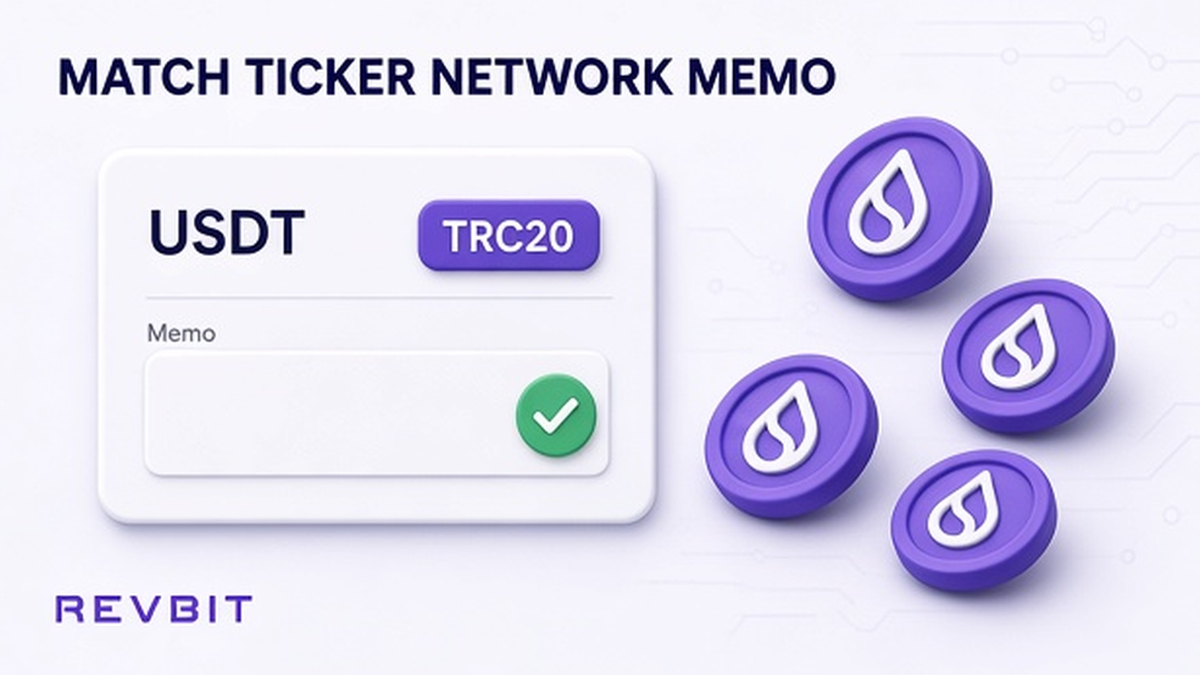
On Binance-style flows go Assets → Withdraw / Send → on-chain. Paste the RevBit deposit address. Match three fields: coin ticker, network label, and any memo/tag.
A ticker is the coin name (USDT, BTC, XRP). A network is the road (for USDT that may be TRC-20, ERC-20, or BEP-20 – different roads, not interchangeable). Binance FAQ (updated 2026-08-24): the withdraw network must match the receiving platform; the wrong network can mean permanent loss. Do not pick the cheapest fee if that network mismatches the RevBit order.
For XRP or EOS, Binance may require a Memo (destination tag – the apartment number on a shared building address). Fill it only if the RevBit order shows one. Full field checklist: crypto destination tag and memo checklist.
Do: paste address + memo from the live order and re-check first/last characters. Don’t: invent a memo for BTC, and don’t treat TRC-20 as ERC-20 because both say USDT.
How to account for the CEX withdrawal fee so the net equals the deposit
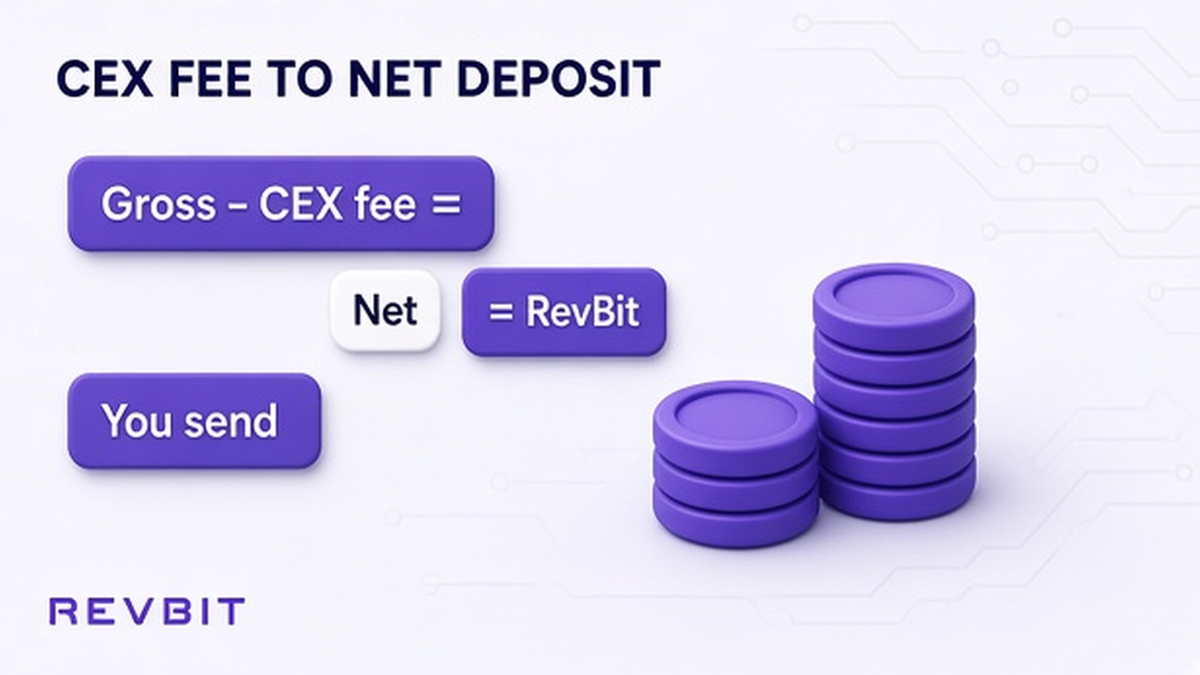
Binance shows the transaction fee and the final amount you will receive before confirm. The exchanger cares what arrives on-chain, not what you typed as gross.
| Screen field | What it means | What you should do |
|---|---|---|
| Withdrawal amount (gross) | What the CEX debits | Raise it so net arrival matches the RevBit deposit |
| Withdrawal / network fee | What the CEX keeps | Read it live; third-party snapshots go stale |
| Receive / final amount | What should hit the deposit address | Make this equal the exact order deposit |
| RevBit order deposit | Amount the application expects | Underpay → Terms 2.10 current-rate path on Fixed |
Example only (verify live UI): a 2026-09-07 third-party snapshot listed rough USDT withdraw fees around 1.5 USDT TRC20, 0.3 ERC20, and 0.01 BEP20. Fees differ by road.
Terms 2.10: underpay or ignored withdrawal/network fees can move Fixed to the current rate at receipt. Multiple deposits to one application address can refund minus fees – do not “top up” the same Fixed locker.
Do: size gross so net = exact deposit, then complete 2FA/email. Don’t: send the order amount as gross and hope the fee is “small enough.”
Pending CEX withdrawal vs Fixed 12-minute lock: pick Floating when rails are slow
Fixed on RevBit: 1% + network fee, rate frozen 12 minutes (Terms 2.2.1). Market move over 1.3% before detection can void toward refund or market. Crypto sent more than 10 minutes after confirm can recalculate at the current rate (Terms 2.10).
Floating: 0.5% + network fee, not fixed until funds arrive and the exchange completes (Terms 2.2.2); recalculated only downward (Terms 2.9). Comparison: Fixed vs Floating rate crypto swap.
Binance on delays: while Processing, wait; TxID typically within 30–60 minutes. No TxID 6 hours after the confirmation email → contact Binance with a screenshot. That window alone can outlast a 12-minute Fixed lock.
Do: pick Floating when you cannot guarantee a fast broadcast inside the Fixed clock. Don’t: open a second Fixed order while Processing, and don’t invent a top-up to the same address.
When ready, create the order on the RevBit homepage swap widget with Floating selected if your CEX often sits in Processing.
Track TxID on both sides while the CEX still shows Processing
A TxID is the on-chain receipt hash. Until the CEX shows Completed and prints a TxID, you cannot prove the send to an exchanger. Binance: Completed means funds left Binance; further help is explorer + receiving platform.
- Keep one RevBit tab open with Order ID, amount, and network visible.
- On the CEX, wait through Processing without opening a twin order.
- When the TxID appears, open the same-network explorer and confirm deposit address and amount.
- Watch the RevBit order for detection → exchange → payout.
- If CEX is Completed, explorer confirms, and the order still waits, open one official case with Order ID + TxID within 7 business days (Terms 2.11) via RevBit support or support@revbit.net – never Telegram “unlock” DMs.
Network labels: crypto swap network selection checklist. Large first moves: optional dry run in test swap before a large crypto transfer – keep this article on the CEX rail.
Do: track explorer + order page, then one official case if needed. Don’t: reuse the disposable address, split one Fixed application into multiple CEX withdrawals, or pay anyone who DMs first.
Frequently asked questions
Can I withdraw from Binance straight to a RevBit deposit address?
Yes – create the RevBit order first, then use Binance on-chain Withdraw to that fresh deposit address. Match ticker and network exactly. Do not send to an address from an old order.
What if Binance Processing lasts longer than the Fixed 12-minute lock?
Prefer Floating when CEX rails may delay. Binance often quotes TxID within 30–60 minutes while Processing; a Fixed 12-minute lock can expire first. Do not open a second Fixed payment as a workaround.
Does the CEX withdrawal fee count toward the swap deposit amount?
No. The exchanger sees what arrives after the CEX fee. Gross up so the final receive amount equals the exact RevBit deposit. Underpay can force the Terms 2.10 current-rate path on Fixed.
Do I need a memo or destination tag on the Binance withdraw?
Only when the RevBit order UI shows a memo/tag (common for XRP/EOS-style shared deposits). Copy it from the live order, not from chat history.
What if Binance says Completed but my RevBit order is still waiting?
Copy the TxID, confirm the explorer shows the deposit address and amount, then wait for detection. If it still stalls, file one official case with Order ID + TxID inside the 7-business-day claim window – no second deposit unless support asks.
Can I reuse last week’s RevBit deposit address for a new Binance withdrawal?
No. Deposit addresses are disposable per order. Reusing an old Fixed address can break the Fixed guarantee (Terms 2.10). Always create a new order and copy a fresh address.