
When a crypto swap asks where to send your payout, the safest answer is not the address you used last time. It is the address shown on the Receive screen of the wallet app that controls the keys for the asset you intend to receive. A familiar address can belong to an exchange deposit, a previous swap, a router, another wallet, or an account you no longer control.
Summary: Open the wallet app that controls the destination keys, select the exact asset and network, and copy its Receive address. Compare the pasted address and network with the swap order before confirming. A small test payout and saved order evidence can help identify a mistake before sending the full amount.
This guide is a pre-confirmation checklist for a crypto swap. It separates four checks that are often blended together: the correct wallet app, asset, network, and exact address. A matching-looking address does not prove that the right wallet controls it, and a correct address on the wrong network may still create a recovery problem.
Use the checklist slowly, especially when moving funds from an exchange to a self-custody wallet. If you are unsure whether a destination needs a memo or tag, review this destination tag and memo checklist before sending.
How to open the wallet app that controls the destination keys
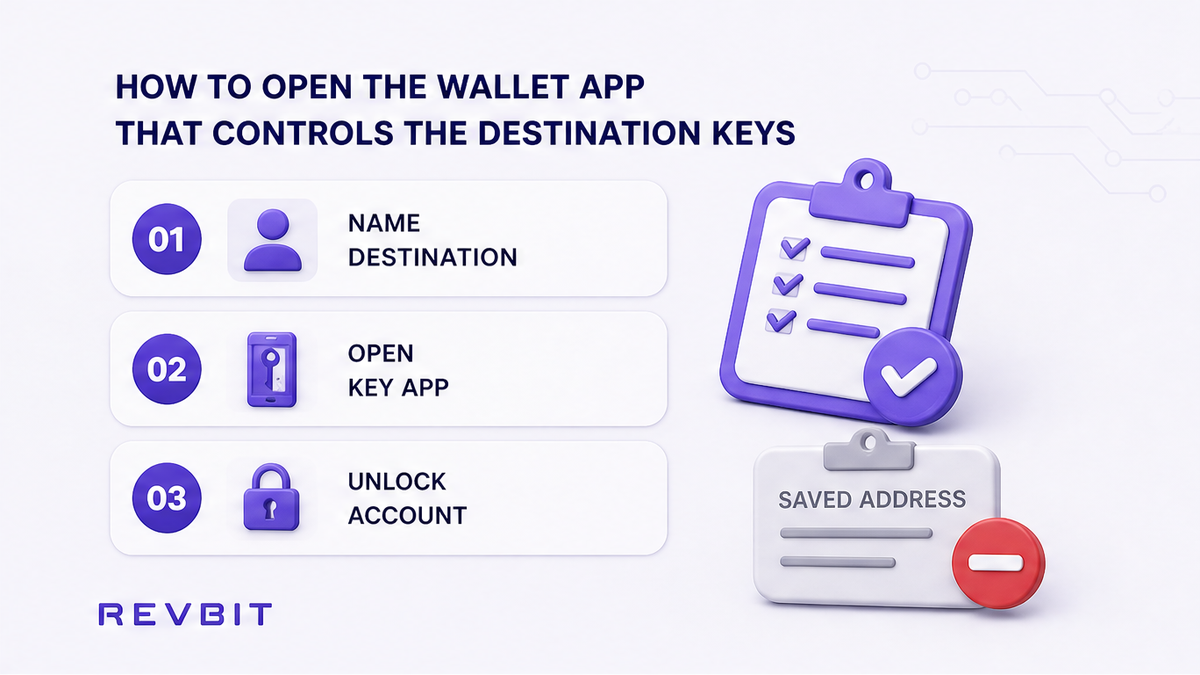
Start by naming the destination you actually want, rather than using an address from your clipboard. The correct wallet app is the app that controls the keys for the intended destination. In a self-custody setup, this may be a hardware wallet companion app, browser wallet, or mobile wallet. In a custodial setup, it may be an exchange account, but you still need that account’s deposit flow for the specific asset.
Do not choose an app merely because you used it for a former swap. An old address can look familiar while belonging to a service, account, or chain unrelated to the payout. If you use more than one wallet app, set the others aside while identifying which one holds or derives the keys for the intended destination.
Do: Open the wallet app where you expect to control or access the received funds, unlock the correct account, and verify its account name or public identity.
Don’t: Treat a saved address, chat address, or address used for a previous swap as your wallet address without confirming which app controls it.
How to open Receive for the exact asset and network
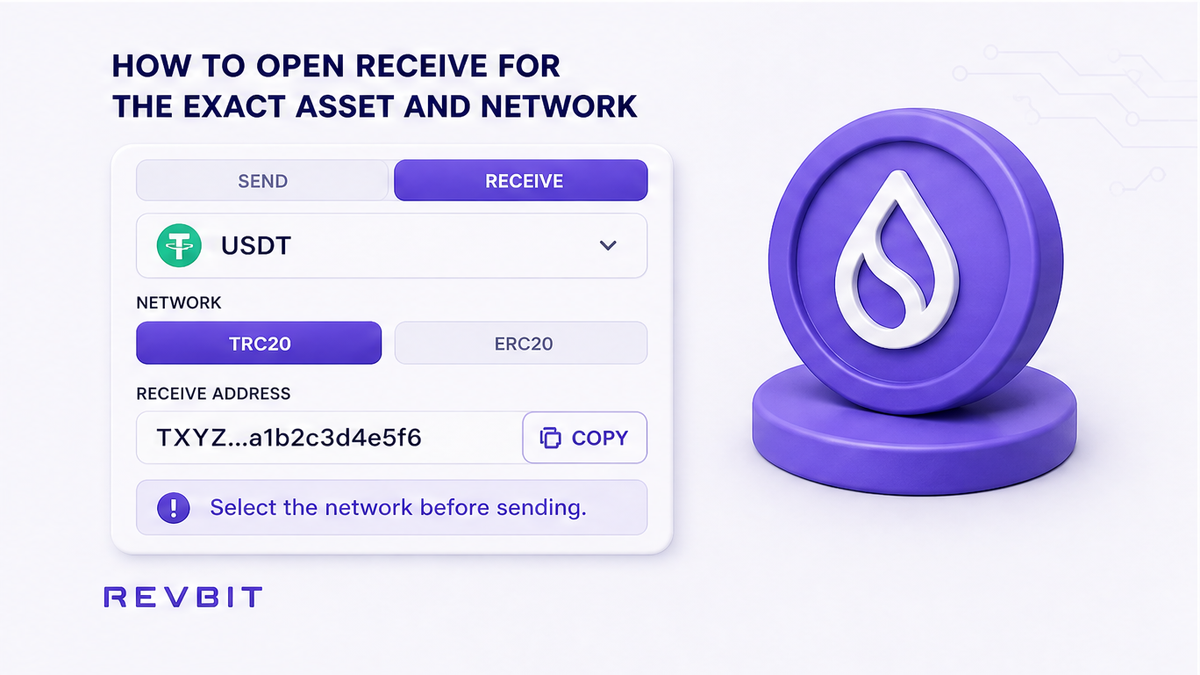
Once the correct wallet app is open, select the exact asset you expect to receive. Then choose Receive, not Send. The Receive screen presents the address the app expects you to share for incoming funds and often shows available networks. Copy from that screen only after checking the asset name and chain.
Asset names can be reused across networks, so “USDT” alone is not complete. RevBit’s network checklist states that its default USDT receive network is TRC20, while an ERC-20 destination wallet requires you to select ERC20 explicitly in the swap widget. This is RevBit-specific guidance, not a universal default. If the wallet shows several networks, select one supported by the swap order and destination wallet.
Do: Confirm the asset, account, Receive screen, and network together before copying, and read any warning about chain compatibility.
Don’t: Copy an address from the Send field, token contract page, DEX router screen, or unrelated asset page and assume it is a receive destination.
How to match the wallet details to the swap order
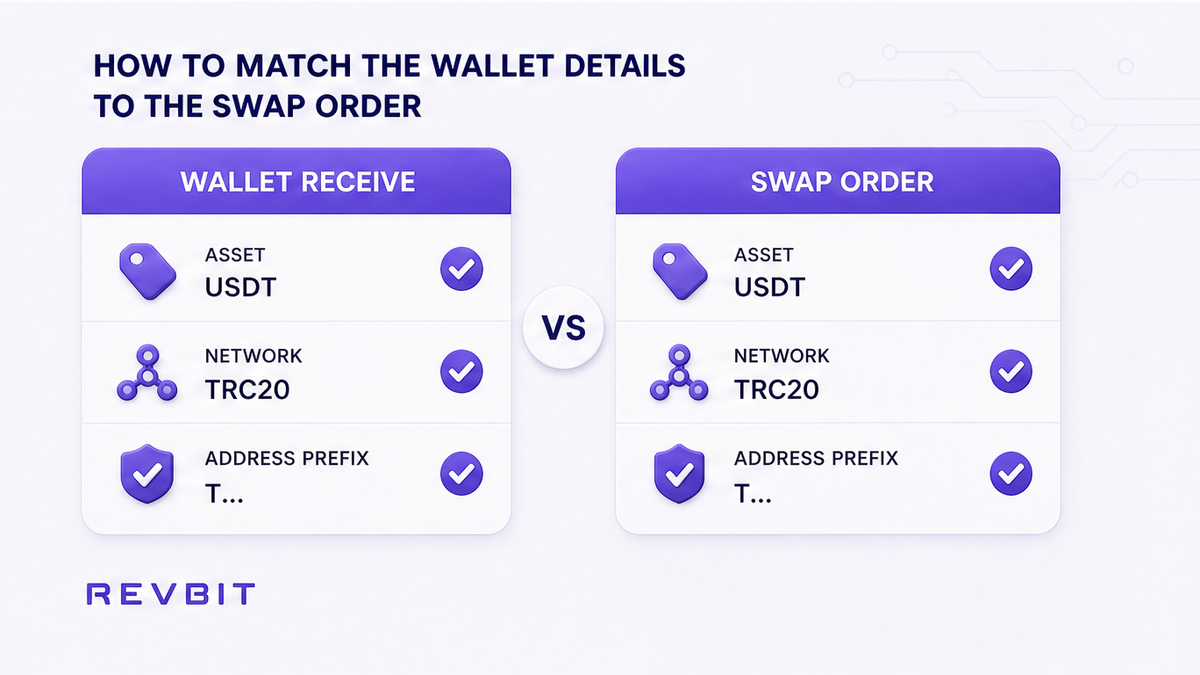
Before pasting, compare the wallet screen with the receiving fields in the swap order. The asset symbol and network should match, and the address format or prefix should make sense for that network. Address formats vary, so the prefix is a warning sign, not proof. The key confirmation is that the full address came from the intended wallet’s Receive screen.
Keep source and destination roles separate. In an exchange, the payout address belongs to the wallet that should receive the second asset, not necessarily the wallet or exchange account used to send the first. If the form shows a network selector, choose it deliberately. When the address appears correct but the network differs, stop and resolve the conflict.
- Read the asset name on the wallet Receive screen.
- Read the network selected or displayed by the wallet.
- Read the network selected in the swap order.
- Compare the address prefix and visible formatting on both screens.
- Confirm that the destination wallet app controls the keys for the intended funds.
- Check whether the asset requires a memo, destination tag, or other extra identifier.
- Continue only when the asset, network, destination ownership, and order fields agree.
Do: Treat a disagreement between the wallet and swap order as a stop signal, even if the address looks familiar or the application allows you to continue.
Don’t: Assume an address is safe because it has the expected length or prefix, or because another app accepted it earlier.
How to paste once and compare the first and last characters
Copy the address from the verified Receive screen and paste it into the swap order once. Do not immediately press final confirmation. Return to the wallet screen or use a trusted side-by-side view and compare the first several and last several characters. This can reveal a wrong selection, stale clipboard value, or clipboard replacement by unwanted software.
A first-and-last-character comparison is a screen check, not proof that every character is unchanged. If anything differs, clear the field and copy again from the wallet Receive screen. If the address keeps changing or you cannot identify the pasted value, stop. Never edit an address by hand to make it resemble the wallet screen.
Do: Compare the visible beginning and ending characters after pasting, then inspect the asset, network, and full field again before confirming.
Don’t: Rely only on a shortened preview, approve a mismatch, or paste several candidate addresses until one appears to work.
How to run a small test and keep the order evidence
When the amount is significant or the destination is unfamiliar, use a small test payout first. Use the same destination address, asset, and network planned for the larger transfer. Wait for the test to arrive in the intended wallet app and verify the correct asset and account. A successful test confirms only the route tested, not a different later address or network.
Save the swap order ID, receive address, selected asset and network, relevant screenshots, wallet app and account, and the transaction hash once broadcast. If you pasted an address from a previous swap, exchange deposit, router, or another wallet, stop before sending more. A confirmed blockchain transfer is usually irreversible; recovery may depend on destination-key control or the owner’s cooperation. For an exchange issue, contact RevBit support with the order ID and evidence. RevBit’s terms state that claims on exchange applications are accepted within 7 business days. You can also use this small-test swap procedure. When checks pass, create the exchange through the RevBit swap widget, which does not replace your responsibility to select the app, asset, network, and Receive address.
Do: Test a small amount, verify its arrival in the intended wallet account, and preserve the order ID, address, network, asset, and transaction details.
Don’t: Send the full balance because the address looks right, or assume support can reverse a confirmed transfer to an address you do not control.
Frequently asked questions
What if I pasted a swap address instead of my wallet Receive address?
Stop before confirming if the order is pending, remove the address, and copy a new one from the Receive screen of the wallet that controls the intended keys. If the transfer is confirmed, recovery is usually not possible unless you control the destination keys or can contact the destination owner.
Is a Ledger address the same as the one shown in Rabby?
Do not assume Ledger and Rabby addresses are interchangeable because both apps can display similar accounts or formats. Verify the exact asset, chain, account, and key control in the app you intend to use before selecting the Receive address.
Can a confirmed transfer to the wrong app be reversed?
A confirmed blockchain transfer is usually irreversible, so a swap service cannot promise to cancel or reverse it. Recovery depends on destination-key control or cooperation from the owner, and you should provide support with the order evidence if the transfer involved an exchange application.
What should I check when the asset address looks right but the network differs?
Stop and compare the network in the wallet Receive screen with the network in the swap order. A similar-looking address does not make an incompatible network safe. For USDT in RevBit’s flow, TRC20 is the stated default and ERC20 must be selected explicitly when the destination wallet is ERC-20.
What evidence should I save before contacting exchange support?
Save the order ID, receive address, asset, selected network, wallet account or app, relevant screenshots, and transaction hash if broadcast. Send a concise timeline and do not create additional replacement orders that could make the situation harder to trace.
Disclaimer: The material in this article is not financial or investment advice. Everything stated here reflects the author's personal view and should not be treated as a recommendation to trade or invest. We make no warranties regarding the accuracy, reliability or completeness of the information presented. Cryptocurrency markets are highly volatile and can move unpredictably. Before committing any funds, every investor, trader or crypto user should study several independent sources and check the regulations that apply in their own jurisdiction.