
You opened a crypto swap, then changed your mind – wrong rate, wrong network, or you simply do not want to send. Instant exchangers are not bank apps with a one-click Cancel after payment. Map your stage first: if you never broadcast, abandon without paying that deposit address; if you already sent, collect Order ID + TxID and use official support under Terms 6.3. This guide covers both forks so you do not double-pay or talk to fake helpers.
Summary: To cancel a crypto swap order in practice, map your stage before you act. Before you broadcast, do not send to the deposit address – close the flow, let the timer die, and open a fresh order only when ready. After an on-chain send there is no bank-style undo (RevBit Terms 6.3); escalate one case with Order ID + TxID via official support, and never create a second order if the deposit window already expired.
On a non-custodial instant swap you send from your wallet to a one-time deposit address shown for that order. “Cancel” here means abandon before you pay, or escalate after funds hit the chain – not MetaMask nonce tricks and not a CEX open-order cancel.
Use the stage table first. Wrong fork is how people send twice, reuse a dead address, or get drained by DM “helpers.”
Map your swap stage: cancel checklist before you act
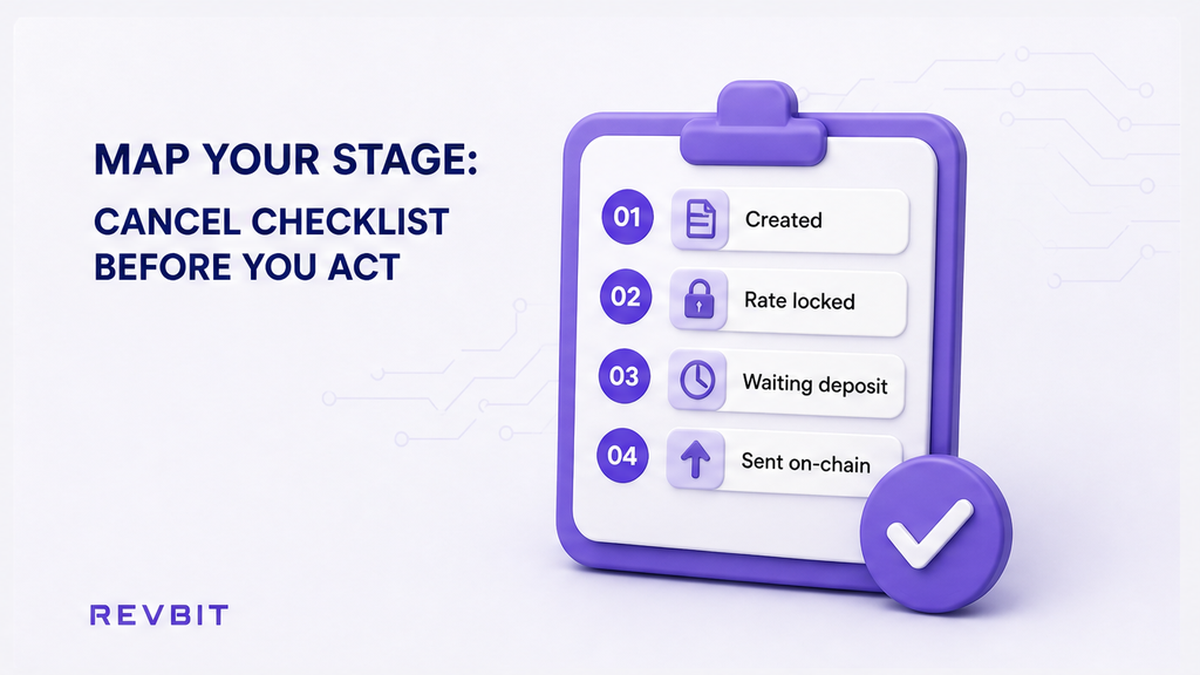
Do not hunt for a cancel button until you know where the order sits. Instant-swap help centers share the same split: if you have not sent, the order can expire unused; if you already broadcast, the path is effectively irreversible and support needs proof.
| Stage | What you see | Practical move |
|---|---|---|
| Quote / order open, no send | Deposit address shown; wallet still unsigned | Abandon: do not pay; let the window expire |
| Awaiting deposit | Timer or “waiting for payment” | Same: closing without send is enough |
| Tx pending in your wallet | You signed; explorer may show 0 confirmations | Not an exchanger cancel – wait or fix wallet fees; then escalate with TxID |
| Deposit confirmed on order address | Explorer shows success to that address | No undo button; build Order ID + TxID packet |
| Processing / exchanging | Order UI shows progress after deposit | Do not open a second order; wait or contact official support |
Workflow: Open order UI → Note stage → Never sent? Abandon address → Already sent? Save Order ID + TxID → Official support only → New swap only on a fresh order.
Do: write the stage in one line before you act. Don’t: treat a stuck status screen as a cancel tutorial – for “processing forever / finished but empty,” use the stuck crypto swap order status checklist instead.
How to cancel without sending: abandon before you broadcast
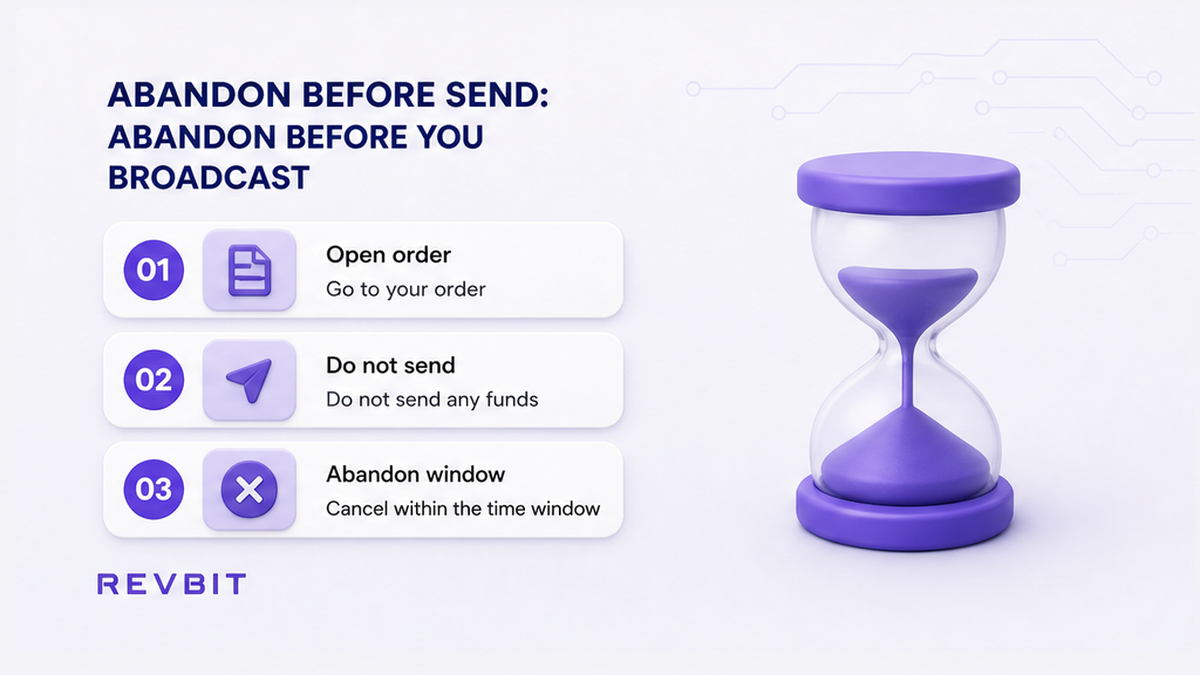
This is the only “cancel” that feels like a bank cancel. If you have not signed and broadcast the deposit, you still control the coins in your wallet.
- Stop: do not paste the deposit address into your wallet if you already decided to quit.
- Close the order page or leave the timer to run out – unused orders expire.
- Delete any bookmark of that deposit address. Old addresses are not reusable later.
- If you need a different rate, network, or receive address, create a new order and copy credentials only from the fresh UI.
- On Fixed rate, the quote lock is about 12 minutes (Terms 2.2.1; Fixed fee 1% + network fee). Send inside that window or choose Floating (0.5% + network fee) – or do not send.
- Only when the old case is clearly unused, start again on the RevBit homepage swap widget.
Do: treat “I never hit send” as abandon-and-recreate. Don’t: pay an address from a screenshot after the quote died, and don’t split the amount into several txs to the same Fixed address (Terms 2.10: multiple deposits to one Fixed application → refund path minus applicable fees, not a smart cancel).
After you send: fix expectations and escalate under Terms
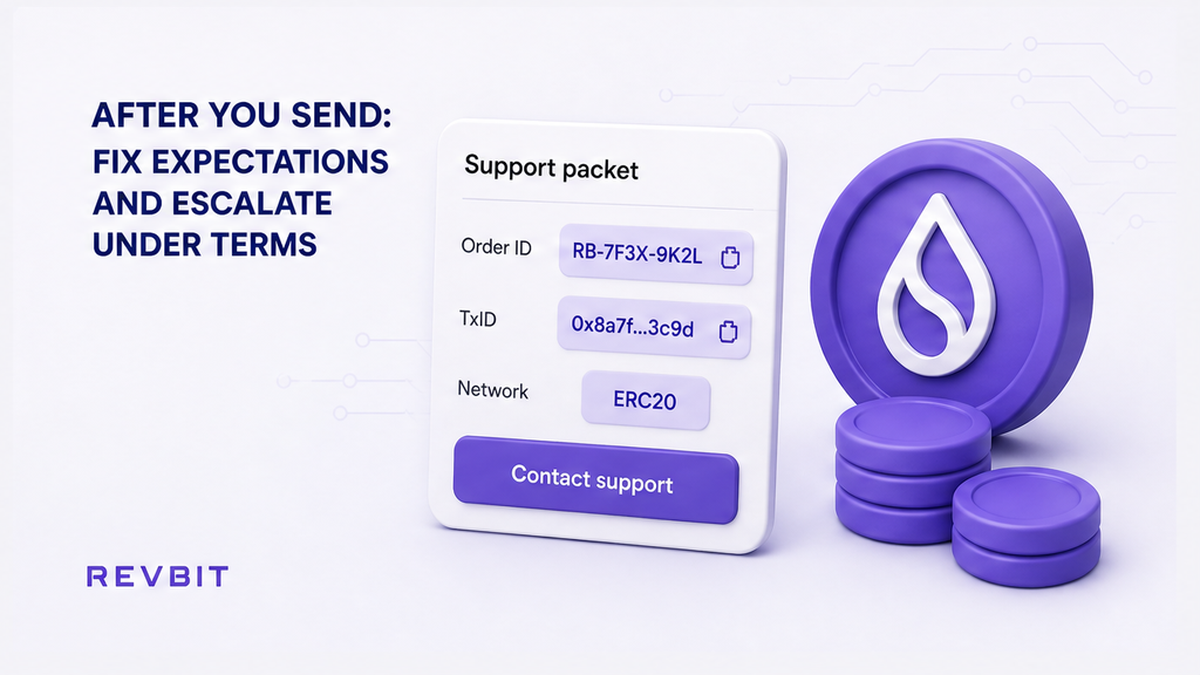
Once the deposit is on-chain and confirmed, you cannot pull it back like a card chargeback. RevBit Terms of Use clause 6.3 states that exchanges through the Services cannot be canceled by REVBIT – check details before you exchange. Industry FAQs say the same: after send, no simple cancel.
What you can do: wait for explorer confirmations on your network; if a Fixed send lands late (Terms 2.10: more than 10 minutes after confirm can recalculate at the current rate), do not invent a second payment; if the market moved more than 1.3% before a Fixed tx is detected, Terms 2.2.1 describe refund or continue at market – still not a user Cancel button; open one official support case with Order ID and TxID (the explorer hash of your send).
Do: assume on-chain deposits are irreversible and escalate with proof. Don’t: invent a refund promise, and don’t pay anyone who DMs first offering to “unlock” or “speed cancel.”
When the deposit window expired but you already paid
Expired timers push people into the worst move: opening a second order and paying a new address while the first deposit is still in flight. Industry TIME_EXPIRED guides agree – expired is terminal for that quote; a late deposit may enter a refund or recalculation flow if the provider supports it, but you must not resend to the same address or start a parallel order “just in case.”
- Confirm the TxID on the explorer for the network you used.
- Keep the original Order ID – do not create a second swap for the same coins.
- Do not send again to the expired order’s deposit address.
- Contact official support once with the full packet (next section).
- Only after that case is clear, create a brand-new order if you still want to swap.
Claims on exchange applications: within 7 business days to support@revbit.net (Terms 2.11). Payment disagreement window: 6 hours after order completion (Terms 2.13). Credits taking more than 2 hours may add 0.5% of LP rate on return/exchange (Terms 2.10) – another reason not to stack DIY fixes.
Do: one deposit, one Order ID, one support thread. Don’t: open a second widget order while the first Tx is unconfirmed, and don’t treat AML hold UI as a cancel button.
Build the official support packet (Order ID + TxID)
Support works from facts. Competitors ask for the same pair: exchange ID + transaction hash. Build the packet before you chat: Order ID, TxID, network (for example USDT TRC-20 vs ERC-20 – different rails), exact amount, deposit address, and screenshots of the order plus explorer.
Send that packet only through official channels: on-site live chat or RevBit support (support@revbit.net). Official Telegram is https://t.me/revbit and X is https://x.com/revbit_net – never share seed phrases, private keys, or 2FA codes. Fake “support” that messages you first is a scam pattern.
Do: one complete packet on official channels. Don’t: paste seeds into chat, and don’t pay an “unlock fee” to a stranger.
Start a new swap only after you fix the old case
When abandon worked (no send) or support closed the old case, recreate carefully. Follow how to swap crypto on an instant exchange: pick pair and network, Fixed or Floating, paste a receive address you control, send the exact amount shown, then track that new Order ID.
EU/EEA residents cannot use the service – do not force a swap CTA if you are in a restricted region. For amount mismatches, use the overpaid/underpaid refund checklists instead of inventing a cancel.
When you are ready and eligible, create the next order on the homepage swap widget and copy the deposit address only from that live screen.
Do: fresh order, fresh address, exact amount. Don’t: reuse an abandoned deposit address “because it still looks valid.”
Frequently asked questions
Can I cancel a crypto swap order before sending?
Yes in practice: do not send to the deposit address, let the order expire, and open a new order with a fresh address when ready. Closing the page is enough if you never broadcast.
Can I cancel a swap after sending crypto?
No bank-style cancel. Confirmed on-chain deposits are irreversible. RevBit Terms 6.3 say exchanges through the Services cannot be canceled by REVBIT. Escalate with Order ID + TxID via official support; outcomes follow Terms and AML rules, not a refund promise.
The deposit window expired but I already sent – what now?
Do not create a second order or pay a new address. Wait for explorer confirmations, then open one support case with Order ID + TxID. Never resend to the expired address.
Is closing the order page enough to cancel?
If you never broadcast, yes – just do not pay that address later. If you already sent, closing the browser changes nothing; you still need the support packet.
What should I send to support?
Order ID, TxID, network, amount, deposit address, and screenshots of the order plus explorer. Never seed phrases, private keys, or 2FA. Use on-site chat or support@revbit.net only.
How is cancel different from a stuck swap?
Cancel/abandon is about quitting before send or handling a late/expired deposit with support. Stuck status (processing forever, finished but empty) needs status diagnosis – use the stuck order checklist, not this cancel guide.
What if I need a different rate or receive address?
Do not edit an old deposit. Abandon without sending (or finish the official case if you already paid), then create a brand-new order and copy deposit details from the live UI only.