
A Telegram or WhatsApp “support agent” messages you first about a stuck swap, then asks for a seed phrase, a remote-desktop app, or a small “unlock” payment. That is almost never real help. Use this fake crypto exchange support telegram checklist: verify handles against the official site, refuse secrets and off-site fees, open help only through channels you start yourself, and know what to do if you already sent funds or shared a recovery phrase.
Summary: Treat every inbound Telegram or WhatsApp “exchange support” DM as hostile until you verify it through a link you open on the official website. Compare @handles letter by letter, never share a seed phrase or install remote-access tools, and never pay to “unlock” a swap. Real RevBit help lives on the site chat, /support, and support@revbit.net. If you already sent coins to a scammer, stop, save the TxID, and contact official support only.
Instant swaps move fast, and a stuck order feels urgent. Scammers sell that urgency: they impersonate staff, paste lookalike logos, and push you into private chat. RevBit’s homepage FAQ is blunt: exchanges run only through orders on the official website. Offers through messengers or forums are likely scams impersonating the service.
Run the checklist before you reply, click, or send anything.
Avoid messenger “swaps” and inbound DMs by default
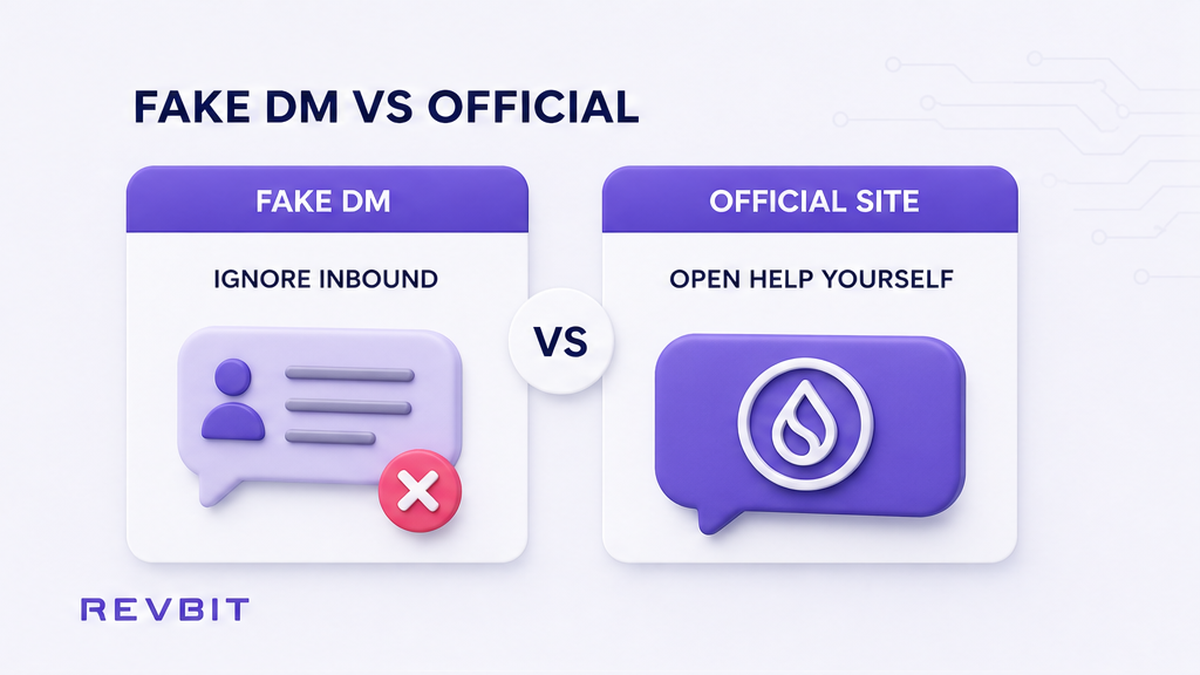
If someone offers to exchange crypto or “fix” your order inside Telegram, WhatsApp, Skype, Viber, or a forum thread, stop. That person is not your order page. The coin ticker (the asset name, like USDT) and the network (the rail it travels on, like TRC-20 vs ERC-20) only matter on a real website order – not in a chat paste from a stranger.
RevBit FAQ answers “Why didn’t I receive my funds after exchanging via Telegram, forum, Skype, or WhatsApp?” with one rule: all transactions happen exclusively through applications on the official website. Messenger or forum “exchanges” are most likely impersonation. Report them; do not keep negotiating.
Do: assume unsolicited help is fake until you prove it via a route you opened yourself on revbit.net. Don’t: continue a swap that started only in a DM, and don’t send a “verification” amount to an address from chat.
Workflow: Inbound DM claiming support → Do not reply with secrets → Open official site yourself → Use site chat or /support → Compare any Telegram link only against the handle published on that site.
Check official channels letter by letter, ignore logos
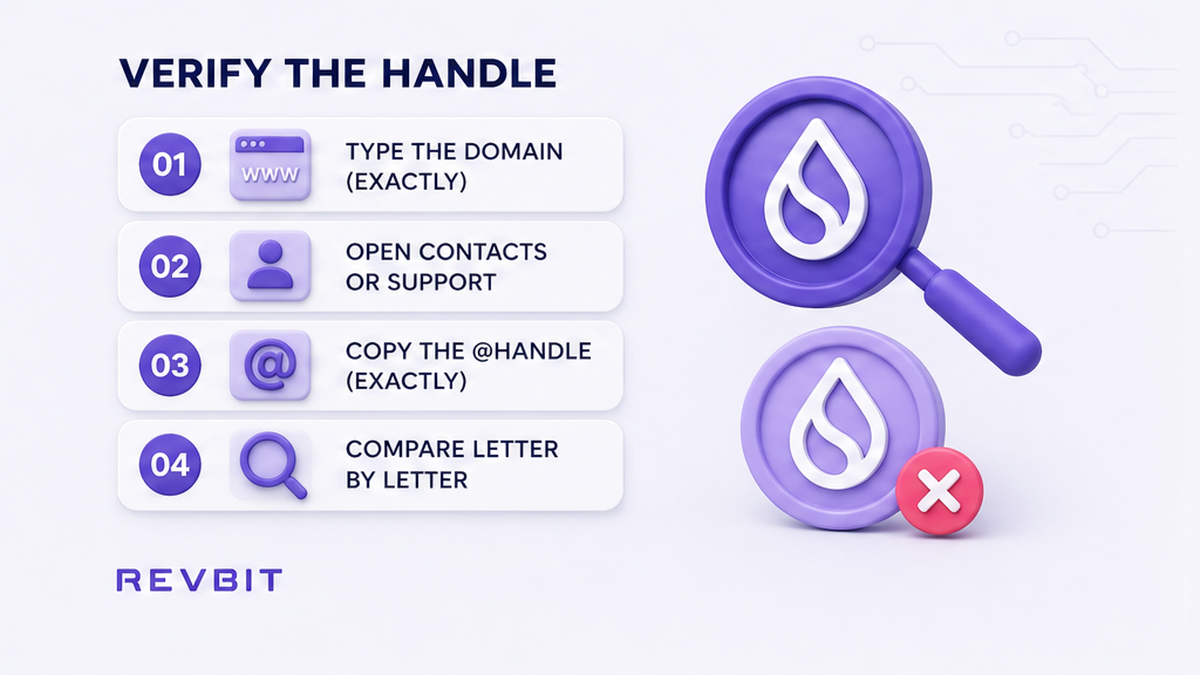
Display names, avatars, Premium badges, and “Admin” labels are theatre. Only the @handle matters, and only when it matches a link you opened from the typed official domain – not from a search ad or a forwarded message.
| Signal | Fake pattern | Safe action |
|---|---|---|
| Who starts the chat | They DM you first after you posted a question | Ignore; open help from the website yourself |
| Identity proof | Logo, blue badge, “RevBit Support” display name | Compare @handle to the official link character by character |
| Where the swap lives | Payment details pasted in Telegram / WhatsApp | Create and track the order only on the official website |
| Support path | “Agent” demands AnyDesk, seed, or unlock fee | Use site chat, /support, or support@revbit.net |
Published community channel: https://t.me/revbit. Official X: https://x.com/revbit_net. A community channel is not a private support desk. Do not treat a random bot handle from a DM as official just because the logo looks close.
- Type the official domain yourself (do not follow a link from the DM).
- Open Contacts / Support / footer links on that page.
- Copy the published Telegram or email string.
- Compare every character of the @handle to what the DM shows.
- If one letter, underscore, or digit differs, close the chat.
- Start help only through site online chat or the contacts listed on the official Support page.
Do: verify from the website outward. Don’t: trust a handle you found in Google ads, group replies, or “we moved to WhatsApp” redirects.
Avoid seed phrases, wallet connects, remote access, and unlock fees
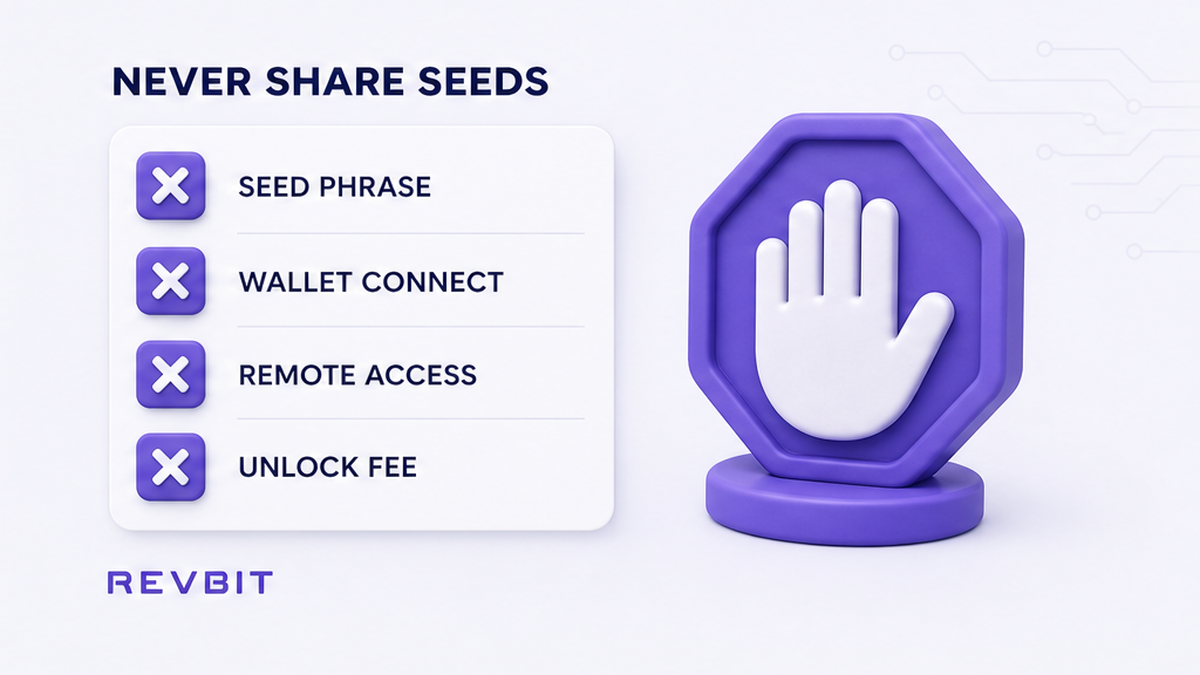
A seed phrase (also called a recovery phrase) is the master key to your wallet – usually 12 or 24 words. Anyone who has it can empty the wallet. Legitimate support never needs it. Private keys and 2FA / SMS codes are in the same “never share” bucket.
Common pressure scripts:
- “Install AnyDesk / TeamViewer so we can unblock your account.”
- “Connect wallet / sign this message to verify ownership.”
- “Pay a small tax, AML fee, or unlock fee to release your funds.”
- “Send your seed so we can restore the stuck balance.”
AML here means anti-money-laundering screening – automated checks that can flag a swap as high risk. Real AML holds are handled on the official order path and site chat, not by a stranger demanding an off-site payment. Paying a “verification fee” into a new address is a second theft, not a fix.
Do: hang up the script the moment seed, remote desktop, wallet-connect, or unlock payment appears. Don’t: install remote tools for “support,” and don’t send extra crypto to “speed up” or “unfreeze” anything.
Open real RevBit help only on the site, chat, or support email
For a live RevBit order that is slow, flagged, or missing a memo, stay on channels you control:
- Online chat on the official website (including when an AML / HIGH RISK path asks you to contact chat).
- The RevBit support hub for listed contacts.
- Email support@revbit.net for technical claims.
- Partnership questions: marketing@revbit.net – not swap recovery.
Claims on exchange applications: RevBit Terms 2.11 – within 7 business days to support@revbit.net. Payment disagreements: Terms 2.13 (6 hours). Wrong memo / network: Terms 2.12 (fee 5%, min USD 20, only if amount > USD 30, review up to 14 days, refusal possible). None of those windows open in a random Telegram DM.
If the hold is a real AML check on an official order, use the stuck-order path in what to do after a crypto swap AML check – still never via a stranger’s chat.
Do: paste your real order ID only into official chat or email you opened from the site. Don’t: let a DM rewrite your deposit address or “move” your claim to WhatsApp.
What to do if you already sent funds or shared a seed
If coins already went to an address from a fake agent:
- Stop sending more “unlock” or “correction” amounts.
- Save TxID, amount, asset, network, timestamps, and screenshots of the @handle and URLs.
- Contact only official support (site chat or support@revbit.net) with that proof.
- Ignore “recovery specialists” who DM you next – that is usually another scam layer.
- Do not hire anyone who guarantees they can reverse a completed send to a scammer.
If you typed a seed phrase into a “support” form or shared it in chat, treat that wallet as burned. On a clean device, create a new wallet, move any remaining funds you still control, and never re-enter the old seed into another “help” page.
Do: document once, contact official support once, then wait for that channel. Don’t: double-send, and don’t reuse the compromised seed anywhere.
What to do next: run the support-scam checklist before every reply
- Did they message you first? Default to no trust.
- Did you open contacts from the typed official site? If not, stop.
- Does the @handle match published links letter by letter? If not, block.
- Are they asking for seed, 2FA, remote access, or an unlock fee? Refuse and leave.
- Is the “swap” only in a messenger? Create orders only on the RevBit homepage swap widget instead.
- Already sent or exposed a seed? Stop, save TxID / screenshots, email support@revbit.net, move remaining funds if needed.
More practical swap checklists live on the RevBit blog. Eligible users create orders on the official site only – EU/EEA residents cannot use the RevBit swap service.
Frequently asked questions
Is RevBit Telegram support in DMs real?
Treat unsolicited DMs as fake. Use links you open on revbit.net. Swaps and claims go through the official website, site chat, or support@revbit.net – not payment details pasted by a stranger in Telegram.
What is the official RevBit Telegram?
The published community channel is https://t.me/revbit. Compare @handles character by character. A logo or Premium badge is not proof. Community chat is not a private agent who asks for your seed.
Should I give my seed phrase to support?
No. Never. A seed phrase is the master key to the wallet. Legitimate support does not need it, does not need your private key, and does not need remote-desktop access to “unlock” funds.
Why didn’t I receive funds after a Telegram or WhatsApp swap?
Per RevBit’s homepage FAQ, exchanges run only through orders on the official website. Messenger or forum offers are likely impersonation scams. Stop sending, save proof, and report via official support – do not keep paying the chat.
What if someone asks me to pay a fee to unlock my swap?
Stop and do not pay. Unlock, tax, and “AML fee” requests in DMs are a classic second theft. Open the real order on the website or contact support@revbit.net / site chat instead.
I already sent crypto to an address from a fake agent – what now?
Do not send again. Save TxID, amount, network, and screenshots. Contact official support only. Ignore recovery DMs that promise to reverse the theft.
Where is real RevBit support?
Use /support, online chat on the official site, and support@revbit.net. For claims on exchange applications, Terms 2.11 allow contact within 7 business days to that email – not via a random WhatsApp number.