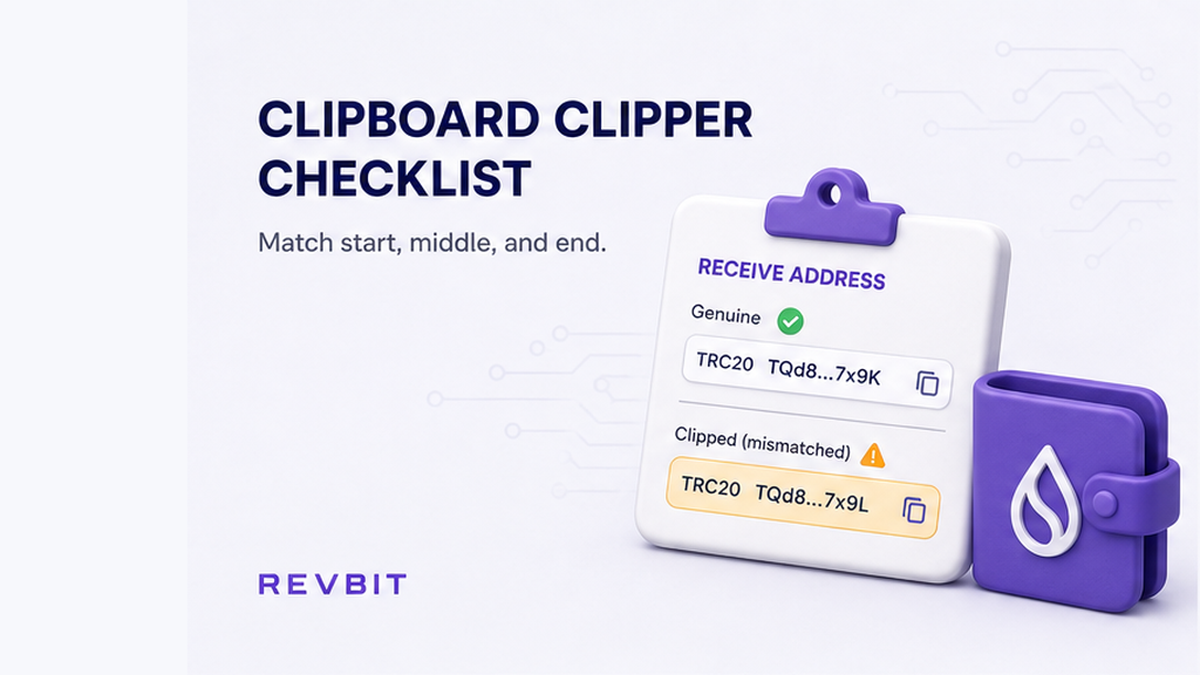

You copy a receive address, paste it into a swap, hit send, and the coins land in a wallet you never typed. A clipboard clipper is malware that silently swaps the copied string for a lookalike on the same network. Instant swaps have two paste surfaces: receive address into the widget, then deposit address into wallet Send. Run a notepad dual-paste and a start/middle/end match on both before you broadcast.
Summary: Clipboard clippers replace a copied crypto address with a lookalike before you paste. On an instant swap, check two surfaces: the receive address in the widget and the order deposit address in wallet Send. Dual-paste into Notepad or TextEdit, then match start, middle, and end against the source screen. If any string differs, do not send and do not broadcast a “correction” transaction.
A clipper is not a typo and not a fake-support chat. The letters look almost right because the malware keeps a prefix or a last character. Microsoft Threat Intelligence (17 June 2026) names Trojan:Win32/CryptoBandits.A as active since February 2026. It polls the clipboard about every 500 milliseconds.
That is why a first-and-last glance is a weak habit. Check the middle on both paste surfaces. On a non-custodial instant swap you send from your wallet, and payout follows the recipient address you pasted.
How to tell a clipper paste-swap apart from fake support and a wrong network
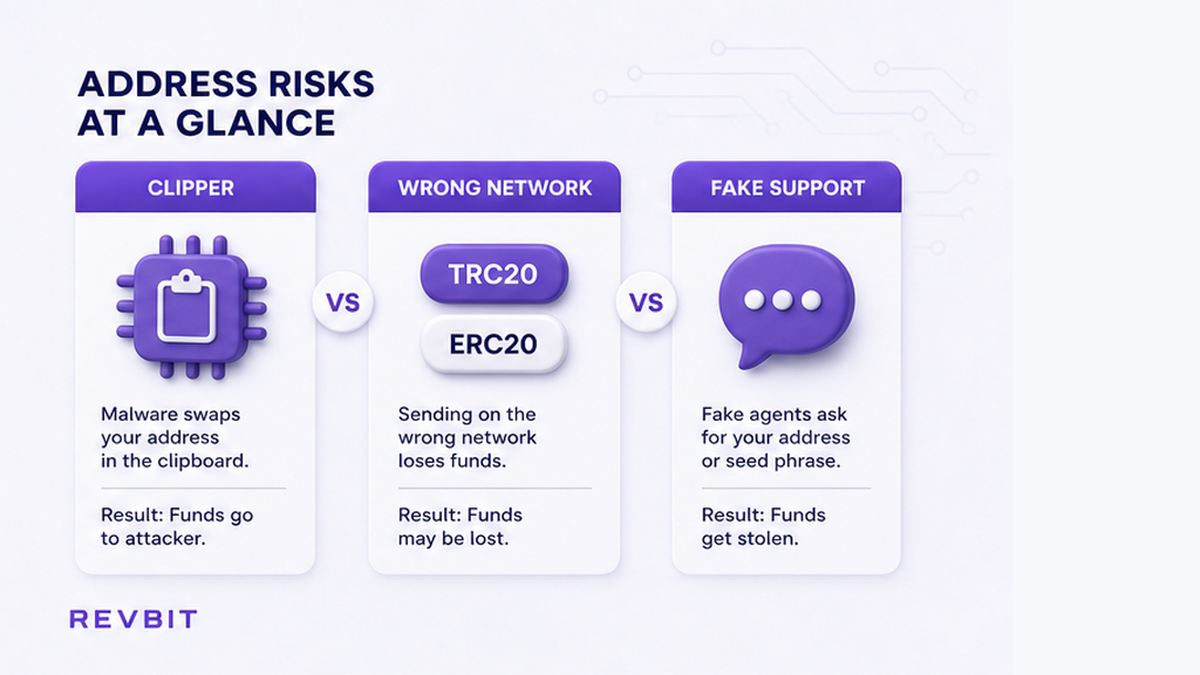
Three failures get mixed up at send time. Name the failure before you paste. Only the first row is this checklist.
| Failure | What you see | What to do |
|---|---|---|
| Clipboard clipper | Same network; address string swapped after copy | Stop the send; notepad plus start/middle/end |
| Wrong network | USDT TRC-20 vs ERC-20 (Tron vs Ethereum) | Use a network checklist, not this paste test |
| Fake support | A DM, a seed-phrase ask, or an off-site payment | Follow the fake support scam checklist |
Plain language: a clipper keeps ticker and network looking correct. The string is wrong in the middle. This guide is only for copy-paste, not for lookalikes in your transaction history.
Do: Check which failure you have before you paste. Don’t: treat a DM helper as support, and don’t “fix” a clipper by switching networks.
How to run a notepad dual-paste test before you open the swap widget
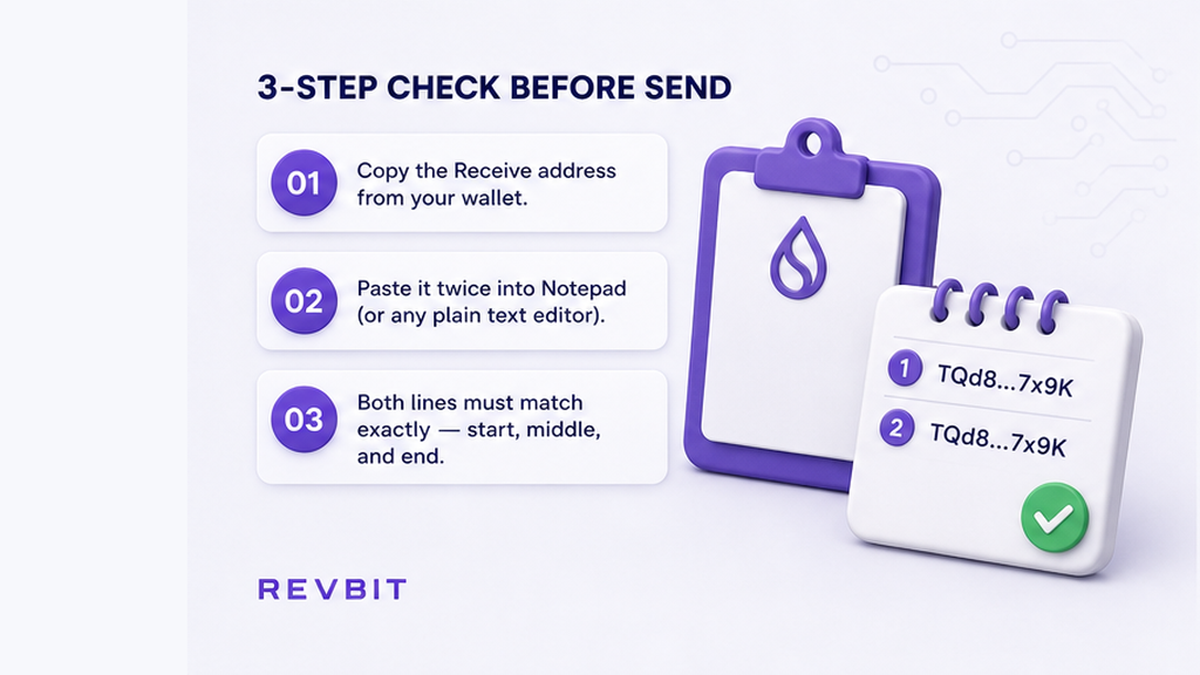
MetaMask clipboard-hacking help is the practical test. Copy the public address from the wallet Receive screen. Paste twice into a default text editor (Notepad on Windows, TextEdit on macOS). Both lines must match the Receive screen character-for-character.
Some clippers wait until you paste into a wallet or a dapp (a web app that talks to your wallet). A clean notepad test does not prove the PC is clean. Still re-check after paste into the swap form.
McAfee Labs (30 June 2026) described Silent Swap: a Chromium extension branded “Google Notes” that watches copy/paste. Check Point Research (17 June 2026) found a Rust clipper with over 15,500 embedded attacker wallets.
- Open your wallet Receive screen for the asset and network you actually want.
- Copy the receive address from that screen only.
- Paste into Notepad or TextEdit.
- Paste a second time on a new line.
- Compare both lines to the Receive screen, including a middle chunk.
- If either paste differs, stop. Do not open the swap widget on that device.
If notepad fails, stop. Microsoft flags USB .lnk shortcuts and cracked tools. Scan or rebuild, then move coins later from a clean setup.
Do: Run the notepad test before you open the widget. Don’t: copy from chat, a PDF, or last week’s screenshot.
How to match start, middle, and end after you paste into the swap form
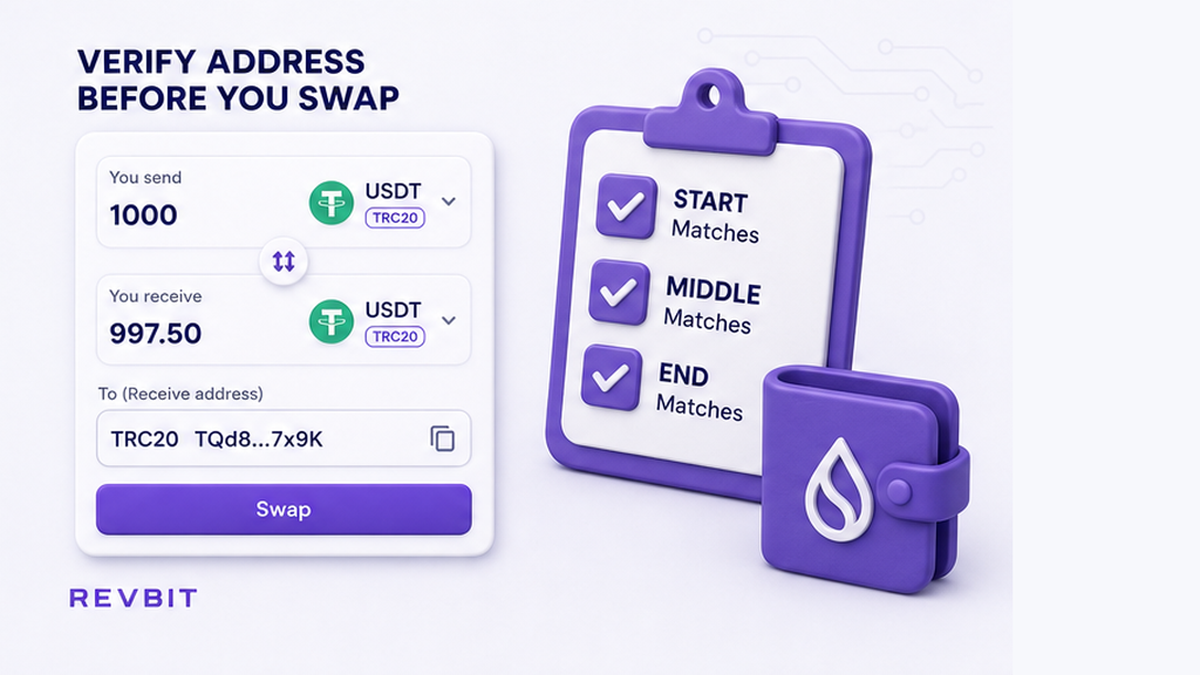
Paste the receive address that already passed notepad into the swap form. Then match three chunks against the wallet Receive screen beside it.
Trust Wallet says to verify the first and last several characters plus a section in the middle, every time. That middle check is the upgrade.
Microsoft’s CryptoBandits write-up explains why first-and-last fails. BTC legacy addresses starting with 1 and P2SH with 3 keep the first two characters. bc1q and bc1p keep the last character. Tron addresses that start with T keep the first two. McAfee still tells consumers to check the first and last six characters. Make sure you also read a middle chunk.
If the UI asks for a memo or destination tag (the “apartment number” on a shared deposit), copy it from the live order later. Do not copy it from chat.
Workflow:
Wallet Receive → Notepad dual-paste → Widget receive field (start / middle / end) → Create this order → Copy this order’s deposit address → Notepad + wallet Send (start / middle / end) → Hardware device screen → Send the exact amount once
Do: Keep the Receive screen visible while you compare. Don’t: trust the first six and last six characters alone.
How to re-check the order deposit address on Send and on a hardware wallet
Surface two is the order deposit address: where you pay. A clipper can swap that copy too. Then coins never reach the order. Copy the fresh deposit address from this order only. Paste into notepad, then into wallet Send. Repeat start, middle, and end against the order page. Keep how to swap crypto on an instant exchange next to this checklist.
If you use a hardware wallet (a small device with its own screen), confirm the destination on the device, not on the laptop UI. ChangeNOW notes the device screen does not share the PC clipboard. EthClipper (2021, still cited in 2026) warns malware can feed a prefix/suffix lookalike. Still read the middle. Reject the send if the device string differs.
After both paste surfaces match, a small test is extra insurance for a large new destination. It does not replace notepad plus middle. Use the test swap before a large crypto transfer guide only after this checklist is green.
Do: Reject the send if the device destination differs. Don’t: sign because the laptop Send field “looks close.”
What to do when pasted strings differ: stop sending and skip a fix TxID
If any string differs, do not send. Do not broadcast a “correction” TxID (transaction ID). A second send from an infected PC can be clipped again. Do not pay anyone who DMs you first.
If you already sent, save the order ID and TxID. Open official support only if coins actually hit the RevBit deposit for that order. Read RevBit Terms of Use before you assume a clawback. Clause 2.5 covers personal error, including a wrong address. Clause 6.3 states exchanges cannot be canceled by RevBit once assets leave the Services. Clause 2.12 says a wrong address can cause irretrievable loss. If a recovery path is even offered, the fee is 5% (minimum USD 20). It applies only if the amount is greater than USD 30. Review can take up to 14 days. Refusal is possible. That path is not a clipper-theft refund.
Non-custodial means payout follows the recipient address you pasted. If the widget already held the attacker receive address, coins went where you told the platform to send. When the deposit really landed, claims go within 7 business days to support@revbit.net. Use on-site RevBit support, not Telegram DMs and not a seed paste.
Do: Stop, save evidence, and use official support only if the deposit hit the order. Don’t: expect a clipper-send refund, and don’t chase the first TxID with a second payment.
What to do next after a clean clipboard checklist
After a clean paste, send the exact order amount once. Then track status on the official order page.
- Confirm the notepad dual-paste matches the wallet Receive screen.
- Check start, middle, and end in the widget against that same screen.
- Create the order. Check start, middle, and end on the deposit address in wallet Send. Confirm on the hardware device if you use one.
- Send the exact amount shown for that order, once.
- Track status on the official order page. If credit stalls, use a stuck-order checklist, not a second clipped send.
Eligible users can create the order on the RevBit homepage swap widget after this checklist is green. EU/EEA residents cannot use the RevBit swap.
Do: Send once after both surfaces match. Don’t: skip the middle check because the first and last characters lined up.
Frequently asked questions
How do I know if a clipboard clipper is on my PC?
Copy the receive address from the wallet screen and paste twice into Notepad. If either paste differs, stop and scan or rebuild. A match does not prove the device is clean. Still check at confirm.
Is checking first and last characters enough?
No. Microsoft’s CryptoBandits family keeps the first two characters or the last one. McAfee still teaches a six-character glance. Check start, middle, and end every time.
Will an exchanger refund a clipper send?
Do not expect it. If the widget had the attacker receive address, payout followed your paste. If the deposit address was swapped, coins never reached the order. Terms 6.3: exchanges cannot be canceled. Terms 2.12 is not a clipper clawback.
Should I send a second transaction to fix the first TxID?
No. Stop. Save order ID and TxID. Official support only if the deposit actually hit the order address. A second send from an infected PC can be clipped again.
Does a hardware wallet stop clippers?
It does not remove malware. It gives a second screen. Reject the send if the device destination is not the address you intended. Still read the middle, not only the prefix.
Do I still need a small test swap?
After both paste surfaces match, a small test is extra insurance for a new destination or network. It does not replace the notepad test or the middle-character check.