
Picking the wrong chain on a crypto swap can lock funds where support cannot pull them back. USDT is only a ticker; TRC-20 and ERC-20 are separate rails with different addresses. Use this checklist to match the order network, wallet format, and memo fields before you send – so a USDT TRC20 vs ERC20 choice is deliberate, not guessed after the transaction leaves your wallet.
Summary: Treat ticker and network as two fields. Confirm the exact network on You send and You receive, match the address prefix (T… vs 0x…), fill any destination tag or memo the order shows, then broadcast. Wrong-network sends are usually not recoverable. On RevBit, flagship USDT receive defaults to TRC20; same-ticker network changes need a cross-chain pair, not a wallet rename.
Instant swaps ask you to choose a deposit network and a receive network before the rate locks. That choice is the highest-risk click in the flow. The steps assume a non-custodial instant exchange: you create an order, send from your wallet, and receive to an address you control. EU/EEA residents and other restricted regions cannot use the service.
Treat USDT as a ticker, not a network
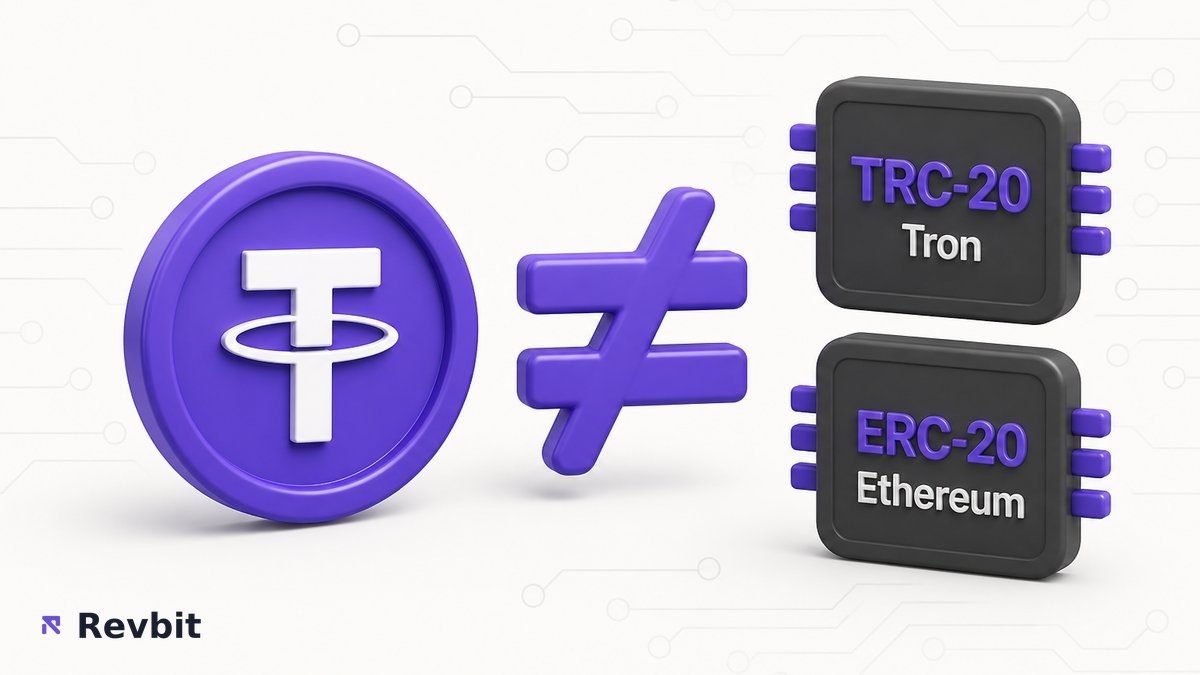
USDT (Tether) is the asset name. TRC-20 means that USDT lives on Tron. ERC-20 means the same ticker lives on Ethereum. Native BTC and native ETH are their own coins on their own chains – not “USDT on another label.” Mixing those ideas is how people paste an Ethereum address into a Tron field.
On the swap screen, read both Network fields. The ticker can look identical while the network differs. If your wallet only holds USDT on ERC-20, do not create a receive order for USDT TRC20 and hope the funds “show up.”
In practice: write the pair as “asset + network” (for example, USDT TRC20) before you copy any address. If either side disagrees with the wallet screen, stop and rebuild the order.
Compare TRC20 vs ERC20 fees, time, and address format
People search USDT TRC20 vs ERC20 because fees and confirmation feel different. Network fees are set by each blockchain and change with congestion. RevBit service fees are separate: Fixed rate is 1% plus network fee; Floating rate is 0.5% plus network fee. Do not treat third-party dollar bands as RevBit facts.
| Criteria | USDT TRC-20 (Tron) | USDT ERC-20 (Ethereum) |
|---|---|---|
| Typical network fee | Often lower; still chain-dependent | Often higher when Ethereum is busy |
| Confirmation feel | Usually faster in calm conditions | Can slow when gas is congested |
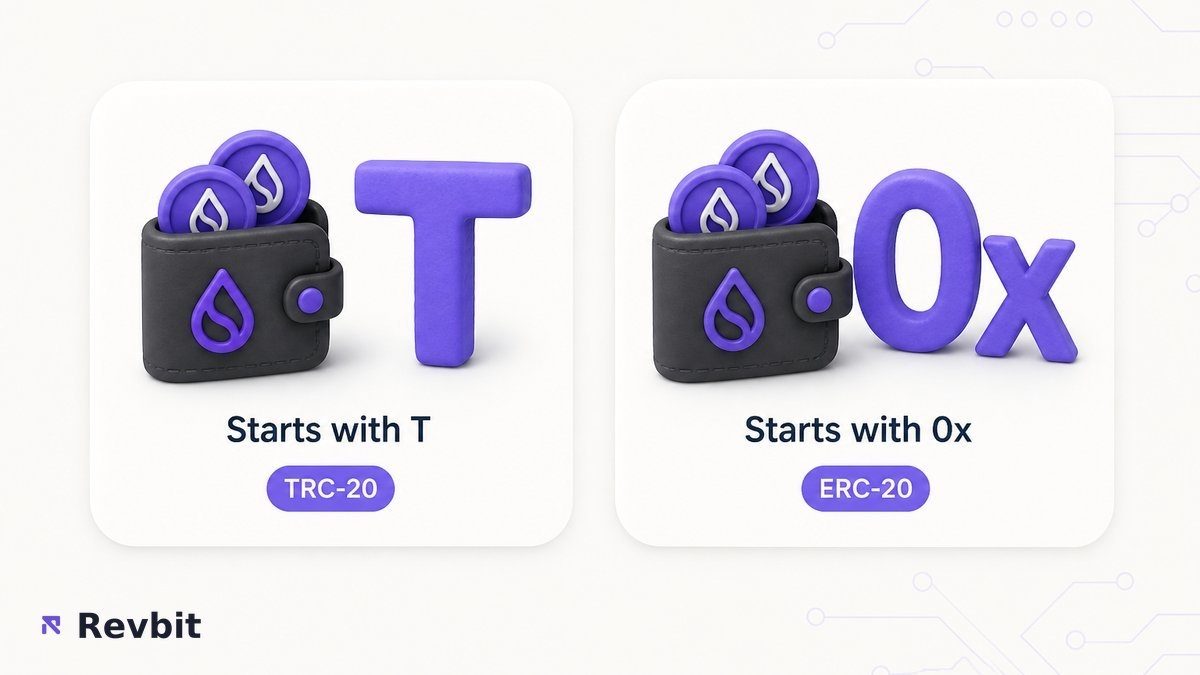
| Address format | Usually starts with T | Usually starts with 0x |
| Gas token you need | TRX for Tron fees | ETH for Ethereum fees |
| When it fits | Wallet and order both show TRC20 | Wallet and order both show ERC20 |
Qualitative “lower / higher / faster” describes chain behavior, not a promise for your next transfer. Leave enough TRX or ETH to pay the network fee, or the send never leaves. Choose the cheaper rail only when both the order and the destination wallet support it.
Decide which USDT network your wallet supports
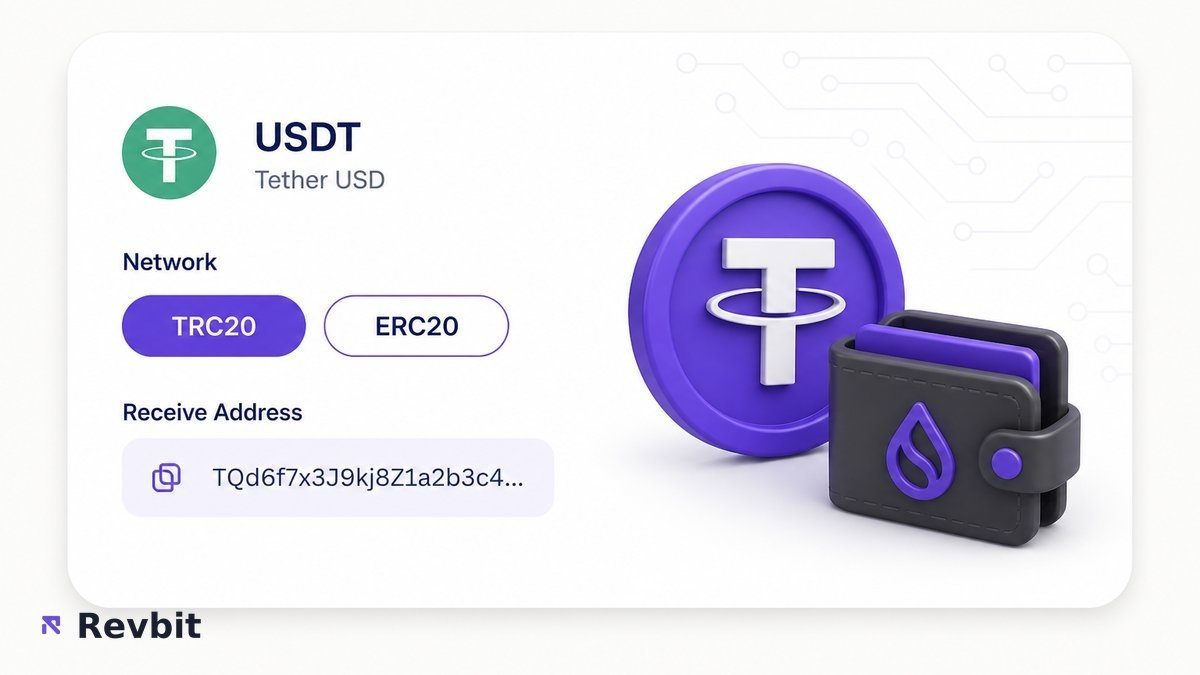
“Which USDT network” is a wallet question first. Open the receive screen and note the network label next to USDT. Many wallets list TRC20 and ERC20 as separate tokens. If only one appears, that is your constraint.
On RevBit top USDT landings, the default receive network for USDT is TRC20. If the destination must be ERC-20, select ERC20 in the widget explicitly – do not assume the default matches every wallet.
For large transfers, prefer the network your destination already uses and has credited with a small test. Size alone does not make ERC-20 “safer” or TRC-20 “always better.” Match and test first, then scale.
Copy destination tag memo fields when the order requires them
Some assets need a second identifier besides the address: a destination tag, memo, or payment ID. Think of it as a building address plus an apartment number. The street can be right while the apartment is wrong – and credits go elsewhere or nowhere.
If the order UI shows a memo or destination tag field, copy it exactly from the order. Do not invent a tag, leave it blank, or reuse an old tag. Address-only coins still need the correct network; memo coins need both fields.
RevBit Terms 2.12 cover memo or destination tag recovery: a 5% fee with a minimum of $20 applies only if the amount is greater than $30, review can take up to 14 days, and refusal is possible. That path is not a guarantee. Wrong network or wrong address can still mean irretrievable loss. Read the Terms of Use before you rely on recovery.
Popular mistake: filling the address carefully and skipping the memo because “the wallet did not ask.” The order decides what is mandatory, not habit.
Avoid wrong network crypto exchange deposits
Wrong network on a crypto exchange or swap deposit is different from a typo inside the same chain. USDT sent as TRC-20 toward an ERC-20 deposit address (or the reverse) often never appears in the order balance. Support usually cannot move those coins for you.
Can you send TRC20 USDT to an ERC20 address? In practice, no – formats and ledgers differ. Many wallets refuse the paste. If a send somehow goes through, the credit still fails on the receiving side. Treat “same ticker, other chain” as a hard stop.
Same-ticker network changes (USDT ERC-20 to USDT TRC-20) need a proper cross-chain swap. Open the pair landing rather than renaming the network in the wallet. Start from the USDT ERC20 to USDT TRC20 page when that is the move you need.
Important: after a wrong-network send, assume funds are gone unless support confirms otherwise. Do not retry to “force” a credit.
Complete the pre-send network checklist
Run these checks in order before you broadcast. First confirm labels, then formats, then memo, then amount – then send.
- Confirm ticker and network are separate: USDT is not TRC-20 by itself.
- Open the order and write down the exact You send and You receive networks.
- Check that your wallet lists the same network for the asset you will spend.
- Compare address prefixes: Tron T… versus Ethereum 0x…; reject mismatches.
- If the order shows a destination tag, memo, or payment ID, copy it from the order UI.
- Paste the recipient address for that same network only; never force a cross-format paste.
- Prefer USDT TRC20 receive on RevBit flagship USDT flows unless the wallet requires ERC-20.
- For ERC-20 to TRC-20 USDT, use the cross-chain pair – do not rename the network.
- Final visual check: amount, network label, address prefix, memo filled if required, then broadcast.
When ready, open the RevBit swap widget, set both networks, then copy the deposit address. Fixed rate freezes for 12 minutes at 1% plus network fee; Floating is 0.5% plus network fee and is not fixed until funds arrive and the exchange completes.
If something already went wrong: wrong network – expect no recovery; memo or tag error – contact support with TxID only when Terms 2.12 may apply; claims window is 7 business days via support@revbit.net.
Frequently asked questions
Can I send TRC20 USDT to an ERC20 address?
No. TRC-20 and ERC-20 are different networks with different address formats. Rebuild the order so send and receive networks match the wallets on both sides, then send a small test first.
Is TRC20 cheaper than ERC20 in 2026?
Often Tron network fees feel lower than busy Ethereum fees, but the number changes with congestion. On RevBit you still pay the service fee (0.5% Floating or 1% Fixed) plus the network fee. Compare live wallet estimates before you choose.
What is the difference between USDT TRC20 and ERC20?
Same ticker, different chains. TRC-20 USDT sits on Tron; ERC-20 USDT sits on Ethereum. Addresses, fees, and wallet support differ, so the tokens are not interchangeable by paste.
Do all exchanges support both TRC20 and ERC20 USDT?
No. Always read the deposit network on that specific order. If only one network is listed, use that network or pick another route – do not invent a second option in your wallet.
Which network should I use for large transfers?
Use the network your destination already supports and has credited with a small test. Large size does not override a mismatch. Prefer a verified path over chasing the lowest fee alone.
Is USDT Tether the same as USDT TRC20?
USDT is the ticker. USDT TRC20 is that ticker on Tron. Saying “USDT” without a network is incomplete for deposits and swaps – always add the network label.
What happens when sending to the wrong chain?
Funds often never credit the order and are usually not recoverable by support. Stop further sends, save the TxID, and contact support only for memo or tag recovery cases – not for wrong-network hopes.