
Choosing between USDT TRC-20 and BEP-20 before an instant swap is a destination-compatibility decision, not simply a search for the lowest advertised fee. The correct network is the one your receiving wallet, exchange, or swap deposit screen explicitly accepts for USDT at the moment you create the order.
Summary: TRC-20 means USDT on Tron, while BEP-20 means USDT on BNB Smart Chain, and the same ticker does not make those networks interchangeable. Confirm the destination network first, then compare the live order details, match the network label with the address, reserve the correct gas token, and test a small amount. These checks help you avoid sending USDT on the wrong chain and give you a clear process for completing a larger instant swap safely.
An instant exchange can show several USDT routes that look similar until you inspect the network field, minimum, fee, and expected receive amount. Treat the receiving service’s deposit instructions as the controlling requirement, because a familiar-looking address or attractive rate cannot make an unsupported network compatible.
How to confirm the destination network
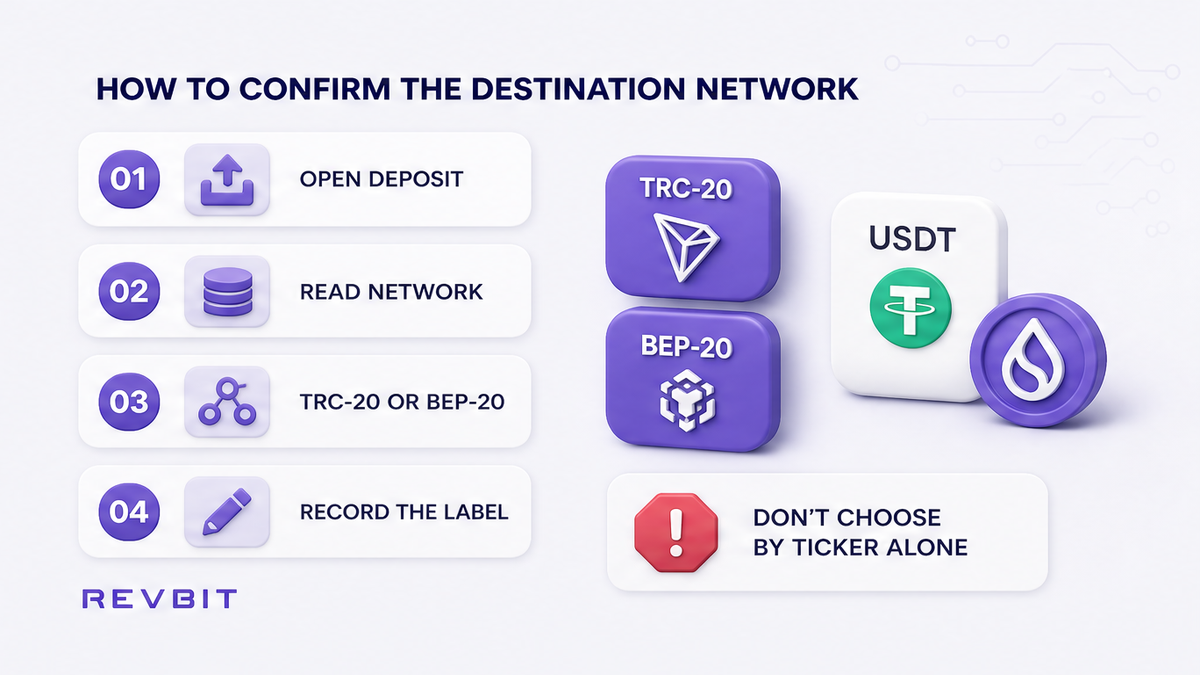
Do: Open the destination wallet, exchange account, or swap deposit screen before selecting a route, and find the exact USDT network listed beside the deposit address. Look for wording such as Tron or TRC-20, or BNB Smart Chain, BSC, or BEP-20, and record the choice exactly as displayed rather than relying on memory.
Don’t: Choose a network because the asset ticker says USDT, because a previous deposit used another chain, or because the address format appears familiar. Do not assume that TRC-20 USDT will be accepted merely because the destination platform supports USDT somewhere in its account or supports another chain for the same asset.
For a practical explanation of network selection before sending, read the crypto swap network selection checklist before opening the order.
How to compare the live order
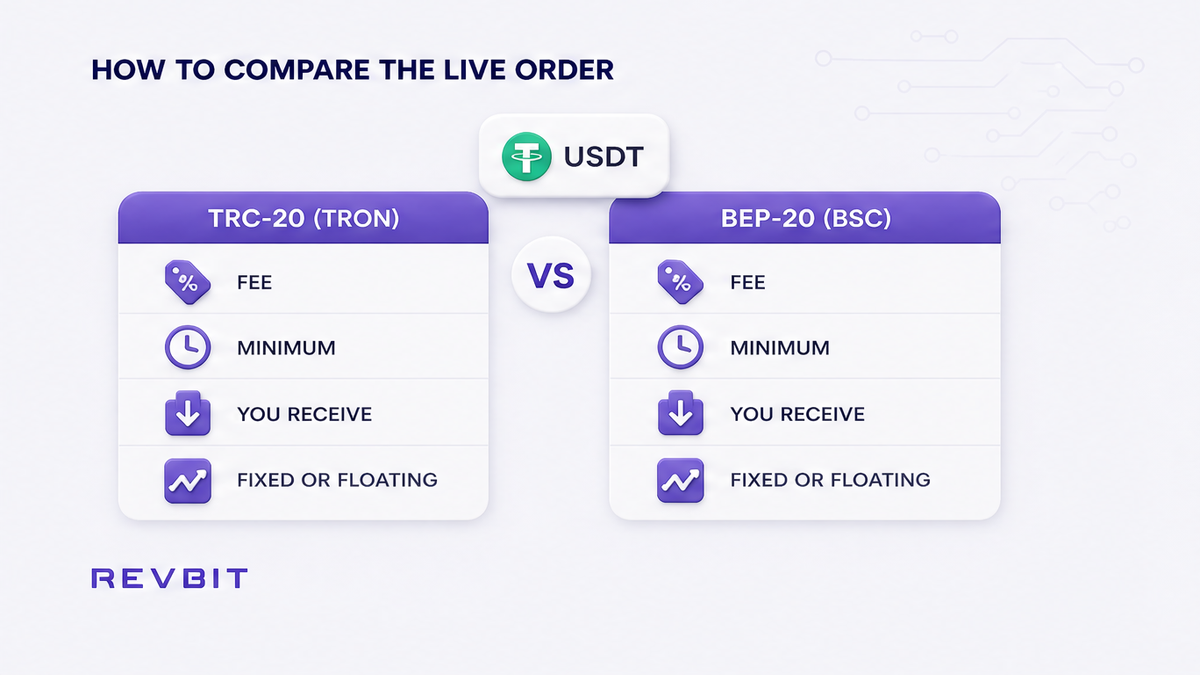
Do: After confirming the destination, select the matching network in the instant-swap interface and compare the complete live quote rather than looking only at the headline exchange rate. Check the network label, destination asset, total fee, minimum amount, expected receive amount, and whether the order uses a fixed or floating rate before you approve anything.
| Network | TRC-20 or BEP-20 |
|---|---|
| Destination | Wallet accepts selected chain |
| Fee | Platform and network costs |
| Minimum | Current order minimum |
| Receive amount | Estimated destination USDT |
| Rate type | Fixed or floating quote |
RevBit states that a fixed-rate exchange uses a 1% platform fee plus network fee with a 12-minute quote lock, while a floating-rate exchange uses a 0.5% platform fee plus network fee and is not locked until funds arrive and the exchange completes.
Don’t: Treat a general comparison claiming that Tron or BNB Smart Chain is always cheaper, faster, or safer as a substitute for the quote currently shown in your order. Route-specific costs, minimums, liquidity, and extra commissions can change, so compare the final fee and expected receive amount for the exact direction you intend to use.
How to match the network pill and address
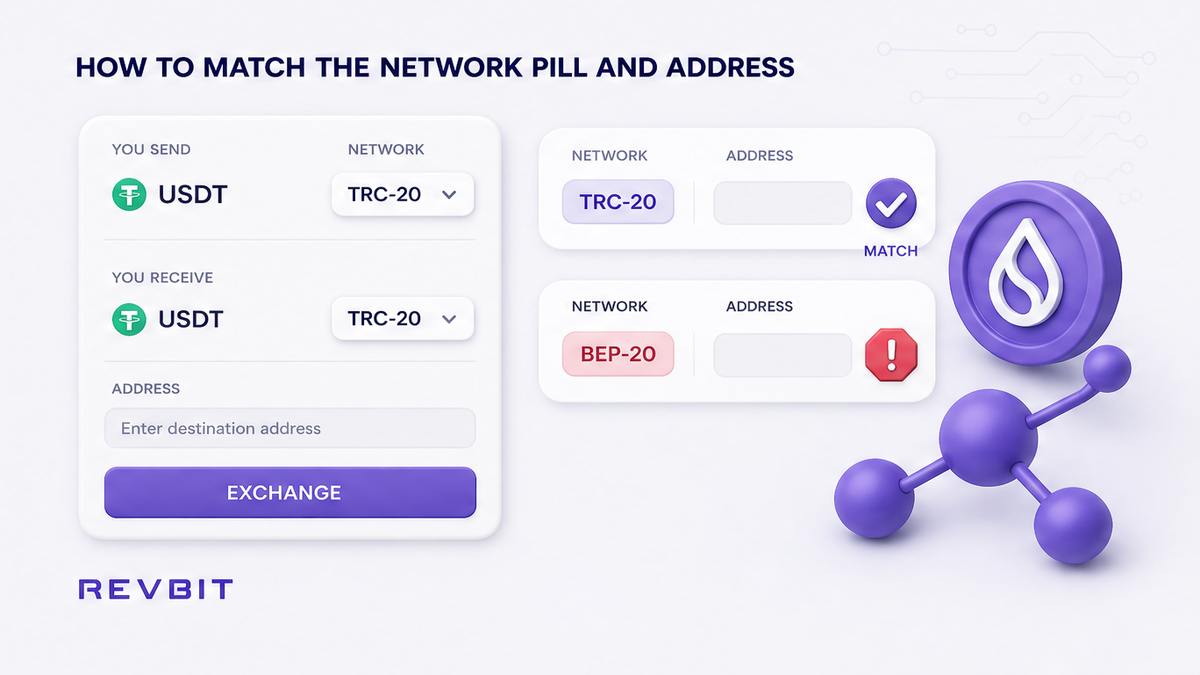
Do: Match the network pill, meaning the chain label displayed next to the asset, between the swap deposit screen and the sending wallet before copying or confirming the address. Verify the full destination address after pasting it, then compare the selected chain again because identical-looking address formats do not prove that two networks are interchangeable.
- Open the destination deposit page for USDT.
- Read the complete network name beside USDT.
- Select the identical network in your swap order.
- Copy the displayed deposit address directly.
- Paste it into the sending wallet.
- Compare address characters and network labels carefully.
- Review the final screen before broadcasting funds.
Don’t: Change the network selector after copying an address without checking the destination instructions again, and do not use an address from an older order if the current deposit screen provides a different one. Never send TRC-20 to a BEP-20 deposit route, or BEP-20 to a TRC-20 route, simply because both screens display USDT.
If your funds begin at a centralized exchange, follow the withdrawal from a CEX to an instant swap guide and compare the withdrawal network with the order network.
How to budget TRX or BNB
Do: Keep the native gas token for the network from which you are sending, separate from the USDT amount you want to exchange. TRX pays Tron fees, while BNB pays BNB Smart Chain fees, so reserve the token required by the selected sending chain before starting the transfer.
Don’t: Assume that holding USDT alone pays the transaction fee, or that having BNB lets you send a TRC-20 transaction. Do not calculate the available swap amount without leaving the required gas token in the sending wallet, and check the wallet’s current fee estimate rather than relying on an old amount.
How to stop when the networks differ
Do: Stop immediately when the destination accepts one chain but the selected order or sending wallet is configured for another, and return to the network selection step. The same USDT ticker does not convert TRC-20 into BEP-20, so you need a supported route, a documented conversion service, or a new order configured for the destination chain.
Don’t: Send the other chain as a test, because a small wrong-network transfer can still become inaccessible or require a platform-specific recovery process. Recovery is not guaranteed, and sending more funds will not repair the first transfer or make the address accept a different chain.
If a RevBit order needs attention, contact official support within seven business days at support using support@revbit.net, and never share a seed phrase or private key.
How to test a small amount first
Do: Once every label matches, send a small test amount that is meaningful enough to verify the route but limited enough to reduce exposure if the destination does not credit it as expected. Wait until the receiving service shows the deposit as fully credited, then confirm the credited asset and network before sending the remaining balance.
Don’t: Treat a transaction hash, an apparent wallet balance, or an initial pending notification as proof that the swap is complete. Do not send the full amount while the test remains pending, under review, uncredited, or displayed with an unexpected asset or network label.
For a repeatable test procedure before a larger transfer, use the small test swap guide and keep the successful test details for comparison.
Frequently asked questions
Can I send TRC-20 USDT to a BEP-20 address?
Not as a normal direct transfer, unless the receiving service explicitly supports that deposit route or provides a documented recovery or conversion process for it. Stop when the networks differ, because an identical ticker and a similar-looking address do not establish compatibility.
Which network is cheaper for an instant swap?
Neither network is universally the cheapest, because the result depends on the live platform fee, network fee, route, minimum, rate type, and expected receive amount. Compare the complete order for USDT TRC-20 and BEP-20 when both are genuinely supported, then choose the compatible route with the clearer final result.
Do I need TRX or BNB to send USDT?
You normally need the native gas token for the chain from which the USDT is being sent. TRX pays Tron transaction fees, and BNB pays BNB Smart Chain transaction fees, so keep the relevant token in the sending wallet rather than assuming USDT covers every cost.
Does USDT TRC-20 automatically convert to BEP-20?
No, USDT remains on the network used for the transfer unless a supported exchange, bridge, or conversion route processes it into another network representation. Selecting the same ticker on a different deposit screen does not perform that conversion, so follow the receiving platform’s exact instructions.
What if I already sent USDT on the wrong network?
Contact the receiving platform’s official support promptly and provide the order details and transaction hash through its approved channel, without sharing private keys or a seed phrase. Recovery depends on the platform, asset, wallet control, and network support, so it is not guaranteed and you should not send additional funds to test a second route.
How can I avoid this mistake next time?
Confirm the destination network first, select the same network in the order, compare the full address and network pill, reserve TRX or BNB, and send a small test before the main amount. Save the receiving service’s current instructions for that order, because a previous deposit choice should not replace a fresh check.
Disclaimer: The material in this article is not financial or investment advice. Everything stated here reflects the author's personal view and should not be treated as a recommendation to trade or invest. We make no warranties regarding the accuracy, reliability or completeness of the information presented. Cryptocurrency markets are highly volatile and can move unpredictably. Before committing any funds, every investor, trader or crypto user should study several independent sources and check the regulations that apply in their own jurisdiction.