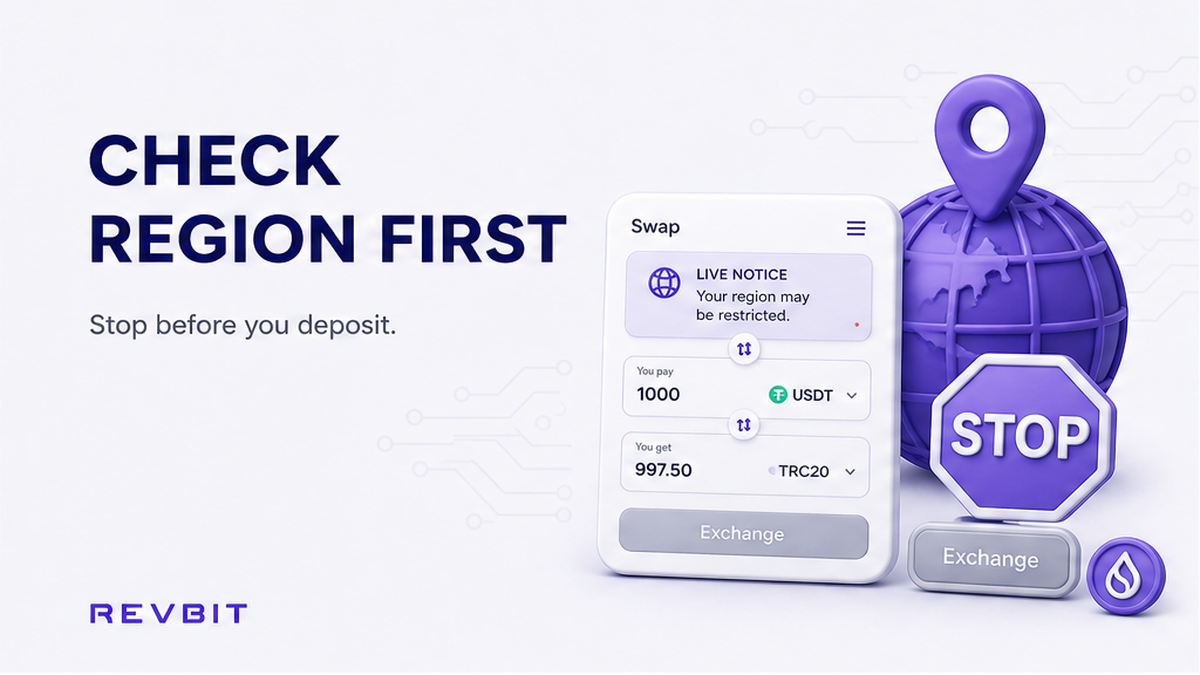

A swap order can fail before any blockchain transaction begins because the service does not accept users from every location. If you search for “EU EEA cannot use instant swap”, the important question is whether your residence and current access are eligible for the crypto exchange service you are trying to use.
Summary: Check RevBit’s live swap widget and current Terms before entering a wallet address or creating an order. RevBit states that residents of the EU and EEA, as well as residents of other restricted regions, cannot use the service. If the widget shows a regional block or unavailable pair, stop and contact official support instead of depositing funds or using a VPN.
Settle eligibility before creating or funding an order. The checks below distinguish location restrictions from asset and network errors.
How to check the live eligibility notice first
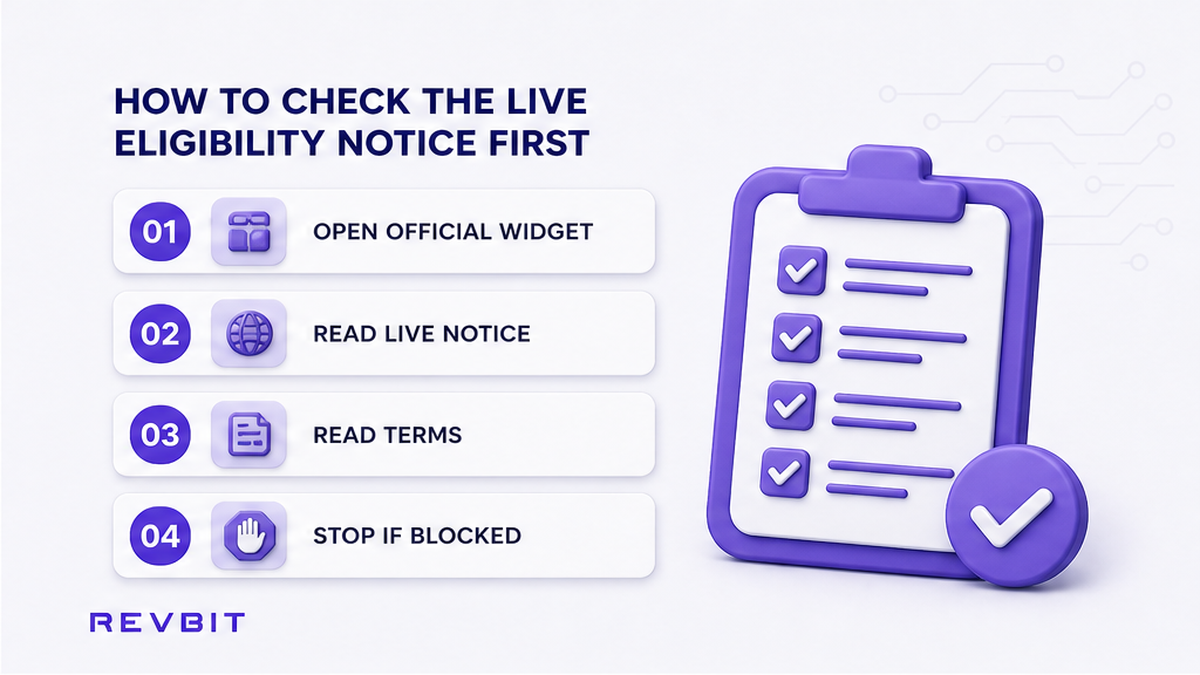
Do: Open the official RevBit swap widget and look for notices about location, residence, supported jurisdictions, or restricted regions. Read the current RevBit Terms of Use before pasting a wallet address.
A regional notice concerns whether you may use the service at all. A network warning concerns whether an address or chain matches the selected asset.
Use the official site rather than a copied exchange form, advertisement, or message claiming to be support. The crypto swap walkthrough explains the normal order flow, but regional eligibility must be checked first.
Don’t: Paste your address, choose a rate, or send funds just to discover whether the service accepts your location. A wallet address does not prove that an order is eligible, and a blockchain transaction may not be reversible.
How to confirm your residence and restricted-region status
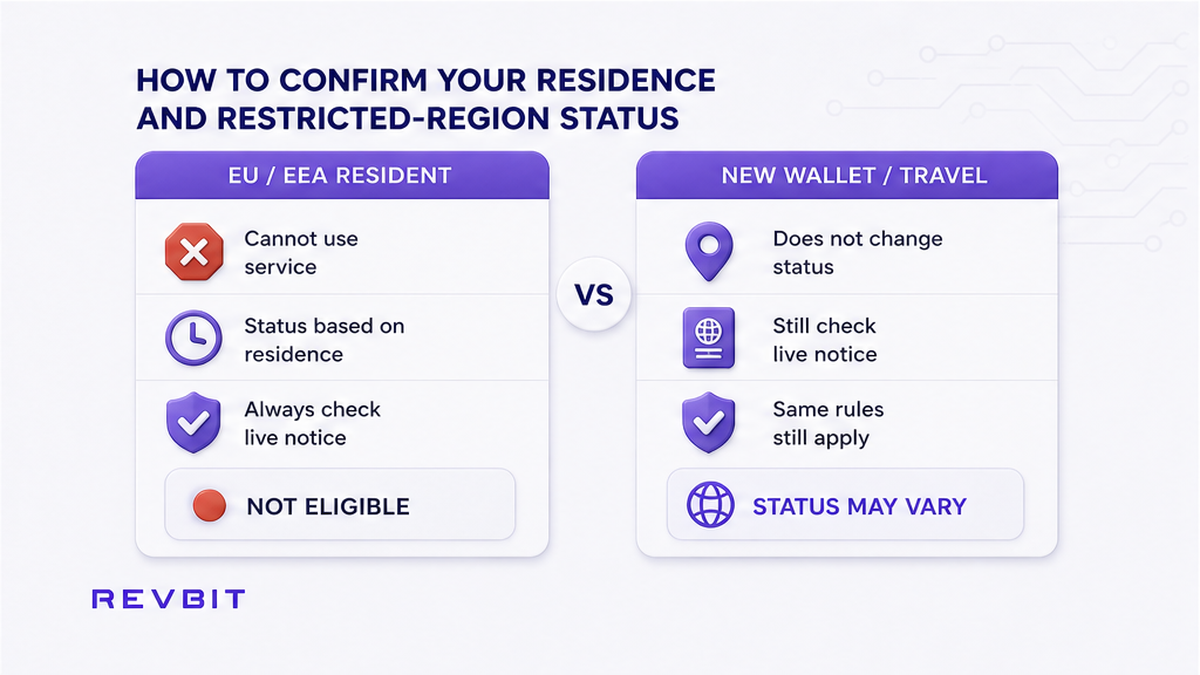
Do: Answer eligibility questions using your real residence and circumstances. RevBit’s live guidance specifically states that EU/EEA residents cannot use the service. It also refers to other restricted regions, but the available product guidance does not establish a complete public list. Check the current notice rather than relying on a remembered list or third-party post.
Physical travel and residence are not automatically the same status, and this article is not legal advice. If your situation is unclear, ask official support before creating an order.
Also check whether the widget shows a company, account, or country restriction. A pair displayed in a selector does not necessarily mean every visitor can create an order.
Don’t: Assume that a different browser, new wallet, or different coin changes your regional status. Changing an asset can resolve a pair-availability problem, but it cannot make a restricted resident eligible.
How to stop at a geo or eligibility block
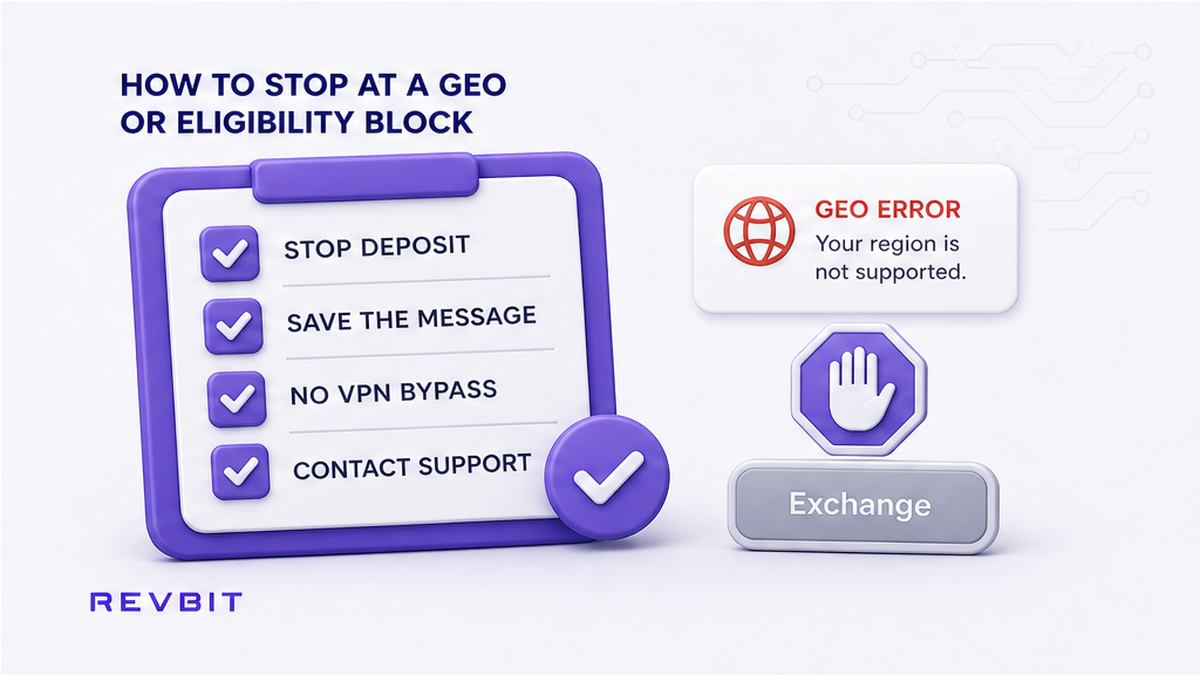
Do: Stop before depositing if the widget displays a geo error, says the service is unavailable in your region, disables the order button, or marks the selected pair as unavailable for your location. A blocked pair may be a product limitation, while a geo message is a location restriction, but both require verification rather than an attempted workaround.
Record the wording, page URL, selected assets and networks, time, and when the message appeared. If the widget asks you to bypass a restriction, close that flow and use only official support channels.
Do not confuse a regional block with an address mistake. Selecting an ERC-20 receiving address when the widget expects another network requires careful network matching. Review the crypto swap network selection checklist for that issue. It does not override a regional notice.
Don’t: Keep refreshing, switch to a mirror page, or use a third-party unblock service to make the order button appear.
Complete this seven-step pre-order checklist
Do: Complete every step before creating an order. If any answer is uncertain, stop at that step and ask official support.
- Open the official RevBit swap widget and confirm that you are using the current site, not a copied form or unsolicited support link.
- Read the live eligibility notice and current Terms of Use for regional restrictions and instructions that apply to your location.
- Confirm that you are not an EU/EEA resident and are not in another region currently listed or blocked by RevBit.
- Select the intended asset pair and networks, then check that the widget keeps the pair available without a geo or eligibility error.
- Check that the order button works normally and that the widget does not suggest a VPN, proxy, mirror, or other bypass.
- After the earlier checks clear, review the receiving address and network. Copy a new deposit address from the fresh order rather than using one from an earlier session.
- Save the order details and follow the normal deposit instructions. If anything changes before funding, stop and review the new message.
The address check matters because a valid blockchain address can still be the wrong network for the asset. A correct network does not fix regional ineligibility, and regional eligibility does not protect against sending to a mismatched network.
Don’t: Treat one successful step as permission to skip the others. A pair can be available while the final order screen shows a restriction, or a previously used address can belong to an old order with different conditions.
How to avoid bypassing or funding a blocked order
Do: Keep your connection state honest while checking the widget. Note whether a VPN, proxy, privacy relay, or corporate network was active, since this may help support interpret a location message. If you see a block, save a screenshot before changing settings or clearing the session.
A VPN changes the apparent network location of a connection. It does not change your residence, contractual eligibility, or a restriction that applies to you. RevBit’s guidance says EU/EEA residents cannot use the service, so a VPN is not a valid fix. Do not present a false country, borrow another person’s account, or ask someone in an eligible region to create the order for you.
Leave the order untouched when the widget shows a geo or eligibility error. Do not create a replacement order or send a test amount. If the page generated an order reference, preserve it and contact official RevBit support or the technical support address listed in the legal documentation, support@revbit.net.
If funds were already sent after a restriction appeared, collect the order ID, transaction hash, asset, network, amount, destination address, error text, and screenshots. State your country or residence accurately. Do not pay anyone who privately claims they can release the funds. The fake crypto exchange support scam checklist covers requests for extra deposits, recovery fees, passwords, or seed phrases.
If the live widget and Terms show that your location is eligible, the pair is available, and no geo warning appears, create a fresh order. Copy the deposit address from that order, review the amount and destination, and keep the order reference with your transaction record. Never send a seed phrase, private key, password, or remote-access code to support.
Don’t: Send funds because someone says the block is temporary or because the deposit address still accepts a transaction. Blockchain acceptance and service eligibility are not the same thing.
Frequently asked questions
Can EU or EEA residents use RevBit?
RevBit’s live swap guidance states that EU/EEA residents cannot use the service. Re-check the current widget and Terms before relying on an older article or search result. If your status is unclear, ask official support before creating or funding an order.
Does a VPN make a restricted-region swap valid?
No. A VPN can change the apparent network location of your connection, but it does not change your residence or contractual eligibility. Do not use a VPN, proxy, false country, or another person’s account to bypass a regional restriction.
What if the widget already took my order?
Do not assume that an order reference means the order is eligible or ready for funding. Save the reference, screenshot the message, and record the selected pair, network, and time. If funds were sent, include the transaction hash and contact official support only.
Should I send funds after a geo error?
No. A geo or eligibility error is a reason to stop before depositing. Do not send a test amount, use an old deposit address, or create a second order to bypass the message. Preserve the details and ask support what action is appropriate.
Can I reuse a deposit address from a blocked order?
No. Do not reuse an address from a blocked, incomplete, or old session unless official support gives explicit instructions. For an eligible fresh order, copy the address displayed for that order and verify the asset and network before sending.
Is an unavailable pair always a regional restriction?
No. A pair may be unavailable because of asset, network, or temporary service conditions. A geo message specifically points to a location or eligibility issue. In either case, do not deposit until the widget gives clear instructions and your use of the service is confirmed as eligible.