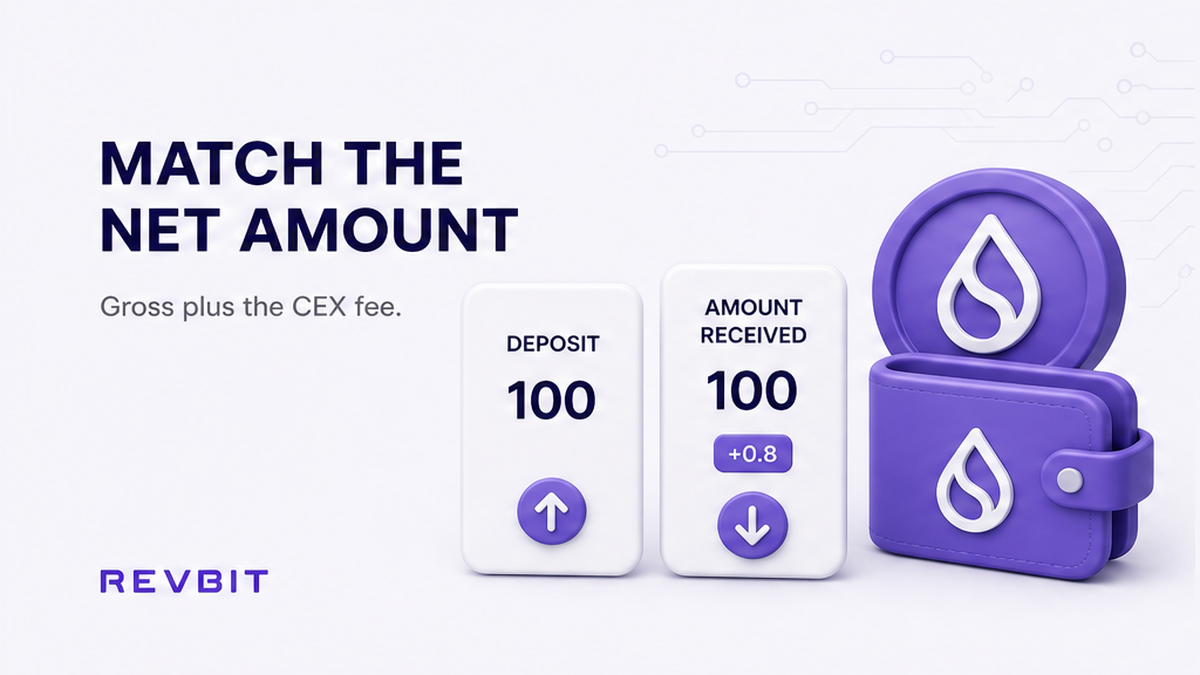

When you move coins from a centralized exchange, or CEX, to an instant swap, the amount you type into the withdrawal form is not always the amount that arrives. The exchange may subtract a flat withdrawal fee, so sending the exact amount shown in the swap order can leave the swap deposit short.
Summary: Match the swap’s required deposit with the CEX withdrawal form’s final “amount received” figure, not simply with the amount you enter. Check the asset, network, fee treatment, minimum, and order validity before confirming. If the net amount cannot meet the order, stop and create a new order rather than sending an underpayment.
This guide explains how to compare a CEX withdrawal fee with a swap deposit amount and how to calculate the correct gross withdrawal. The method applies whether the CEX displays a fixed coin fee, deducts that fee from the entered amount, or changes the fee after you select another network.
A withdrawal fee is separate from the swap’s own pricing. Depending on the service and rate type, a swap may also include its stated service fee and network fee, while the CEX controls the amount removed before the transaction reaches the destination.
How to read the swap order before withdrawing
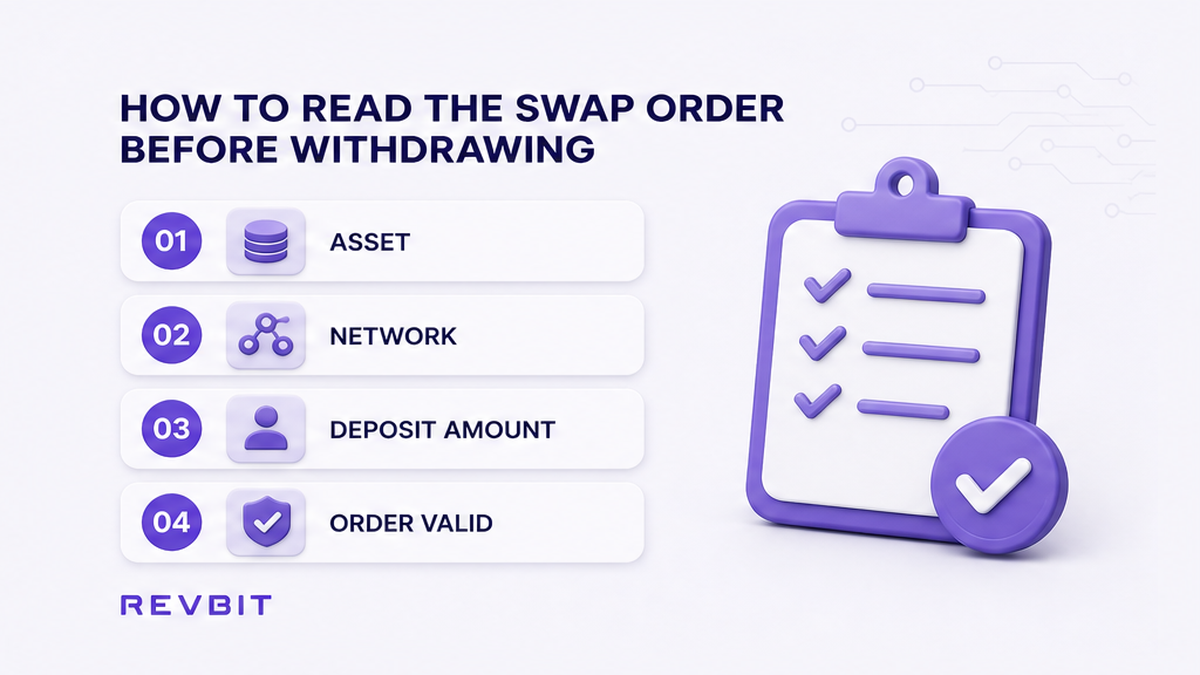
Open the active swap order and record three details exactly: the deposit asset, the deposit network, and the required deposit amount. Treat the amount as a specific quantity of a specific coin on a specific chain, not as a general dollar value.
- Open the swap order page and locate the deposit or “send” instruction.
- Write down the exact asset, including whether it is a token such as USDT rather than a native coin.
- Check the selected network and compare it with the network options shown by the CEX.
- Record the required deposit amount with all displayed decimal places.
- Check the order status, quote type, and any visible expiration or validity notice.
- Keep the deposit address and memo or destination tag available for the final review.
Do: Use the order’s required deposit as the target for the CEX “amount received” line. Don’t: assume that an amount in another coin, on another chain, or rounded to fewer decimals will be accepted as equivalent.
How to find the CEX withdrawal fee
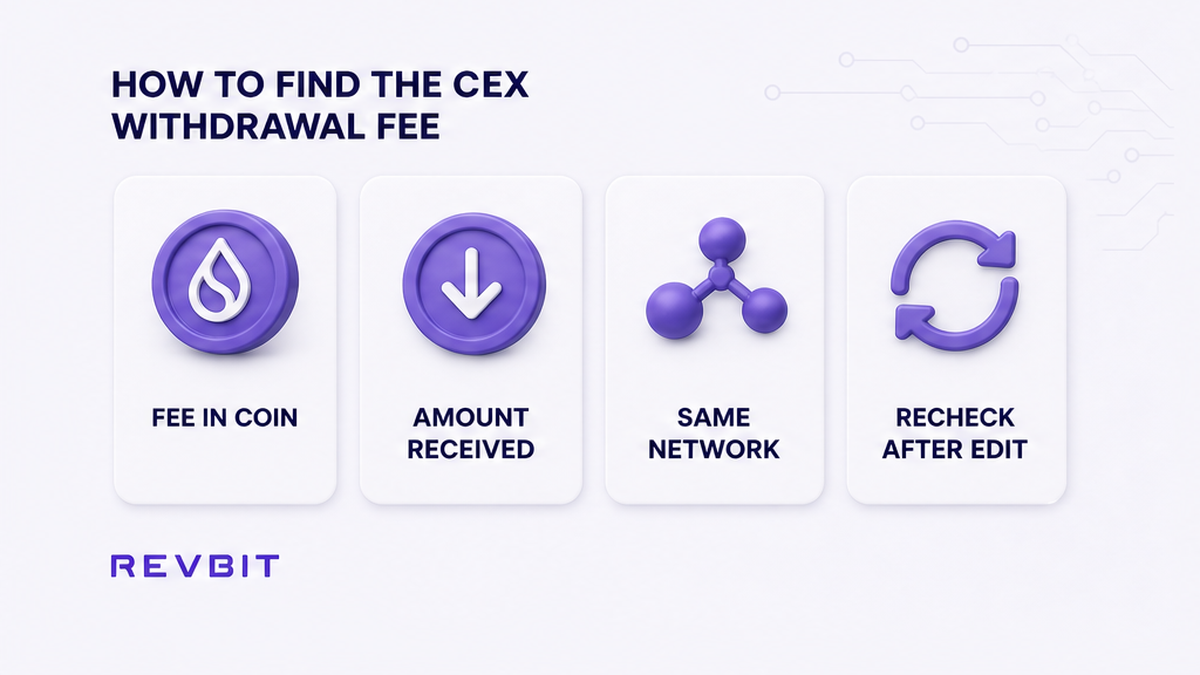
Open the CEX withdrawal form for the same asset and select the same network shown in the swap order. Do not rely on a fee copied from a search result or an older withdrawal, because the displayed charge can depend on the asset, network, account screen, and current exchange settings.
Read the fee as a coin amount whenever the CEX shows it that way. A fee such as a fixed quantity of BTC, ETH, or USDT is not automatically a percentage of your order, so do not calculate it as a percentage unless the CEX explicitly presents it in that format.
Look for the fields labelled “withdrawal fee”, “amount received”, “you will receive”, or similar. The important field is the final amount that will reach the destination after the CEX applies its fee, not merely the gross amount entered in the send box.
Do: Recheck the fee after changing the network or editing the amount. Don’t: presume that the cheapest-looking network is compatible with the swap address.
How to calculate the gross withdrawal
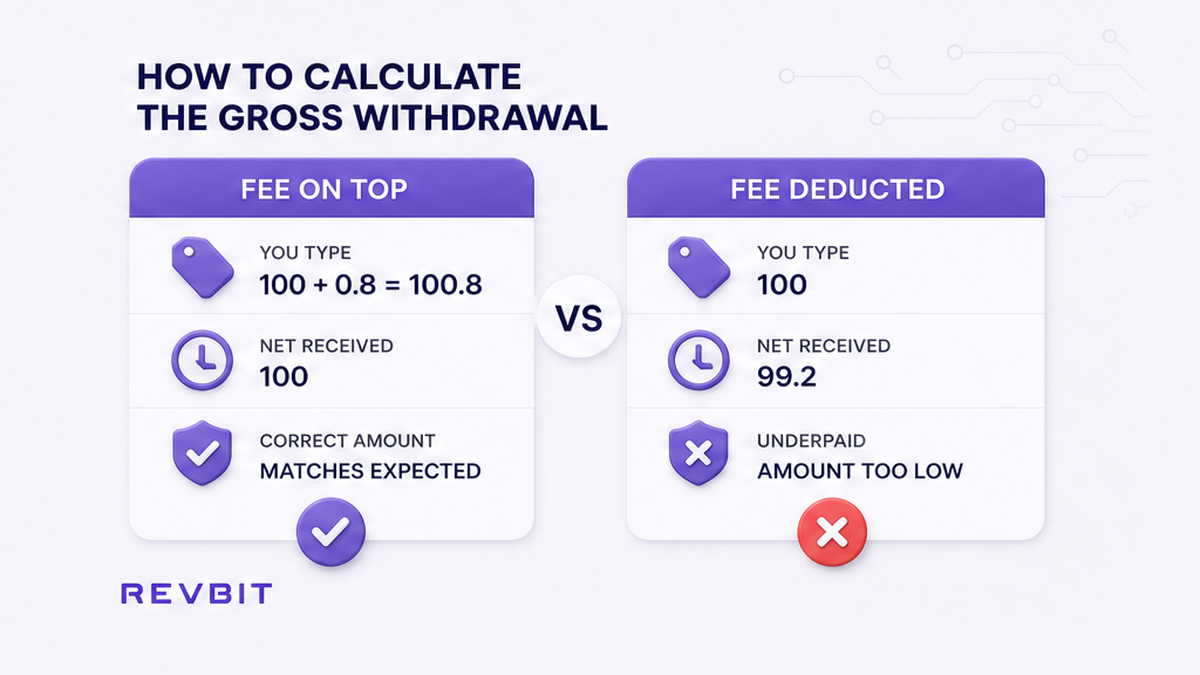
When the CEX adds the withdrawal fee on top of the amount delivered, use this generic formula: gross withdrawal = required swap deposit + CEX withdrawal fee. Enter the resulting gross amount only if the CEX preview confirms that the net amount received equals or exceeds the order requirement.
For a numeric example, suppose the swap requires 100 units and the CEX displays a withdrawal fee of 0.8 units. If the fee is added on top, the calculation is 100 + 0.8 = 100.8 units, so the preview should show 100 units received. This example explains the method only and does not represent a live exchange fee.
Some forms deduct the fee from the amount you enter instead. If you type 100 units and the CEX subtracts 0.8 units, the destination receives 99.2 units, which is below a 100-unit swap requirement.
Because exchanges label these fields differently, use the preview as the final check. If the displayed net amount is lower than the swap deposit, increase the gross amount only as needed and confirm that you still satisfy the CEX minimum and available-balance rules.
Do: Adjust the gross amount until the received amount matches the order. Don’t: add the fee twice when the CEX has already included it in the amount you entered.
How to avoid an underpaid swap
The most common mistake is copying the swap deposit amount into the CEX send field without checking what arrives. That amount is correct only when the CEX preview shows the same quantity reaching the swap address after all withdrawal deductions.
Before confirmation, compare the swap screen and the CEX preview side by side. Verify the asset ticker, network name, destination address, memo or tag requirement, gross send amount, fee, and net received amount.
Also check whether your balance covers the gross amount and whether the CEX imposes a minimum withdrawal. A calculation can be mathematically correct but unusable if the available balance is lower or the amount violates a current CEX limit.
Do not try to compensate for a mismatch by changing the asset or selecting an unapproved chain. For example, a token sent through one network is not made compatible with another network merely because both options use the same ticker.
Do: Stop before broadcasting if any field conflicts with the order. Don’t: send a deliberately short amount and expect the swap to infer or automatically collect the missing balance.
How to finish the withdrawal safely
After the CEX preview matches the required deposit, copy the destination details from the swap order into the withdrawal form. Review the first and last characters of the address, the selected network, and any memo or destination tag before you submit.
Save a record of the CEX fee line, gross amount, net amount, order details, and withdrawal receipt. After the transaction is broadcast, save the TxID as well, because it connects the CEX withdrawal to the swap order if you need to investigate the transfer later.
If the fee changes, the net amount becomes short, the quote expires, or the order details no longer match, do not send against the old instructions. Recreate or refresh the swap order, then repeat the asset, network, fee, and received-amount checks from the beginning.
For a broader transfer workflow, see how to withdraw from a CEX to an instant crypto swap. If a short payment has already been sent, use the underpaid swap refund checklist and keep the transaction evidence.
Do: Confirm only after the destination amount satisfies the active order. Don’t: close the receipt before saving the fee and TxID.
Frequently asked questions
Do: Base the decision on the CEX’s final received amount and the active swap order. Don’t: treat a headline withdrawal rate as proof that the transfer will meet the deposit requirement.
Does the CEX withdrawal fee count toward the swap deposit?
The fee itself does not count as part of the swap deposit because it is removed by the CEX. The deposit is the net amount that reaches the swap address, so the gross withdrawal normally needs to cover both the required deposit and the fee when the fee is added on top.
How do I calculate the withdrawal so the swap is not underpaid?
Start with the formula gross withdrawal = required swap deposit + CEX withdrawal fee when the fee is charged in addition to the delivered amount. Then confirm the CEX preview shows a net amount equal to or greater than the swap’s required deposit.
What if the CEX receive amount is lower than the order?
Do not confirm that withdrawal. Check whether the fee is deducted from the entered amount, whether another compatible network is available, and whether the order is still valid; if the mismatch remains, create a new swap order rather than sending short.
Should I raise the order or add the fee on top?
Usually, add the CEX fee to the gross withdrawal so the destination receives the existing required deposit. Raising the swap amount creates a different order and may change the quote, while adding the fee on top preserves the intended deposit when the CEX supports that calculation.
Why does the CEX send amount differ from the amount the swap receives?
The CEX send amount can be the gross quantity entered in the form, while the swap receives the quantity left after the withdrawal fee is deducted. The difference can also reflect your choice of network, so compare the CEX fee and net preview for the exact asset and chain.
Can I use a different network to reduce the withdrawal fee?
Only if the swap order explicitly supports that network and the destination address is compatible with it. Network fees are not a reason to select an unmatching chain; if the order uses another network, review the network selection checklist and create the correct order before sending.
Once the net amount, asset, network, and order details match, you can proceed to the CEX confirmation screen. For a new exchange, you can open the RevBit swap widget and compare its deposit instructions with the CEX preview before authorizing the withdrawal.
Disclaimer: The material in this article is not financial or investment advice. Everything stated here reflects the author's personal view and should not be treated as a recommendation to trade or invest. We make no warranties regarding the accuracy, reliability or completeness of the information presented. Cryptocurrency markets are highly volatile and can move unpredictably. Before committing any funds, every investor, trader or crypto user should study several independent sources and check the regulations that apply in their own jurisdiction.