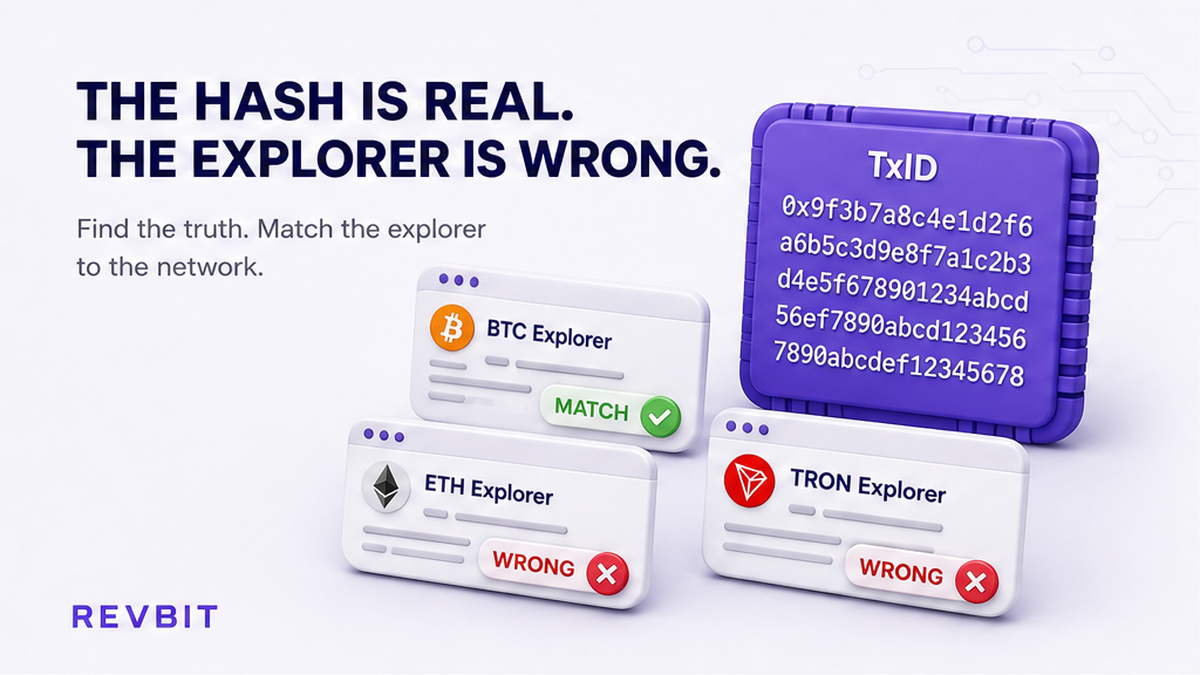

When a swap page asks for a TxID, choose the explorer for the blockchain that created the transfer. A transaction hash works only when searched on the chain where it was broadcast.
Summary: Match the complete swap TxID to the exact blockchain and open that network’s explorer. Check the amount, destination, status, and confirmations before contacting support. For a cross-chain swap, keep deposit and payout hashes separate.
How to copy the complete swap TxID
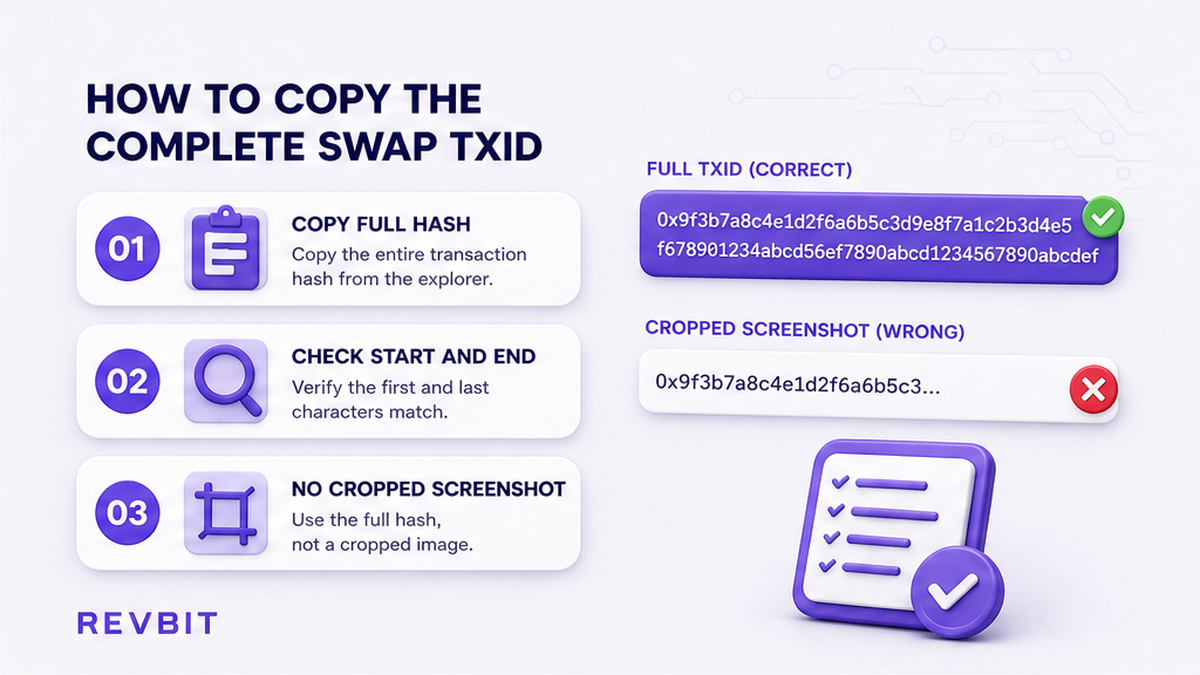
Start with the transaction record that sent funds. Open the wallet activity, exchange withdrawal history, or swap order page and find the deposit or payout entry. TxID, transaction hash, and transaction ID are practical names for a blockchain lookup value, although length and character set vary by network.
Use the wallet’s copy control when possible. Paste the value into a plain-text field and compare its beginning and end with the source record. Do not rely on a cropped screenshot, shortened display, or message copy that may omit a character.
| Record | Meaning | Copy |
|---|---|---|
| Deposit | Funds sent to the swap service | Full hash and sending network |
| Payout | Funds sent from the service | Full hash and receiving network |
| Order page | Service reference for the swap | Order ID and every blockchain TxID |
| Exchange withdrawal | External broadcast record | Withdrawal hash, not only request number |
An order ID is not necessarily a blockchain hash. A service can create an order before broadcasting, and an exchange can show an internal withdrawal number beside the on-chain hash. Keep both values, but search the explorer with the blockchain hash.
If copying adds spaces or line breaks, remove only formatting outside the hash. Do not change letters, numbers, prefixes, or capitalization without checking the original. One incorrect character can produce an empty result. For an exchange withdrawal, open the withdrawal details instead of assuming its order number is searchable publicly.
For a wallet transfer, identify whether the record says Bitcoin, Ethereum, Base, TRON, Solana, or another chain. The visible coin name alone is insufficient. Before opening an explorer, note which side of the swap the hash represents. This prevents searching for a payout hash on the deposit network.
Do: save the complete TxID, order ID, wallet address, network label, and source time. Don’t: send support a screenshot with the hash, network, or destination cut off.
How to match the network to its explorer
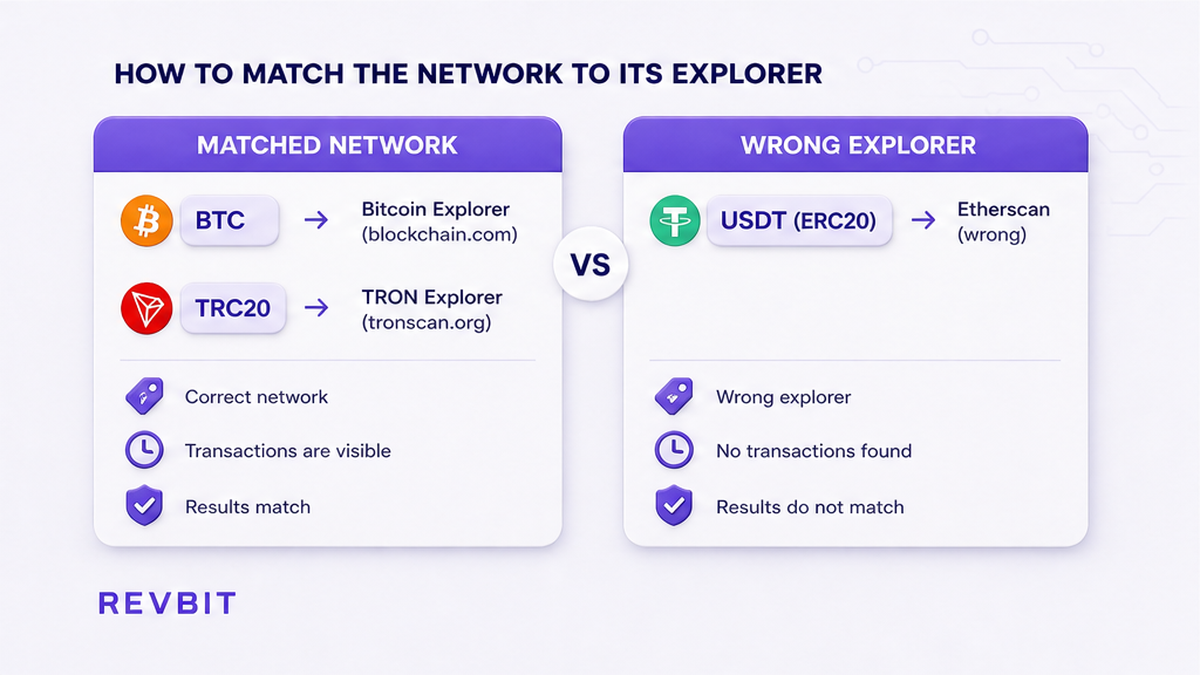
The network determines the explorer. A ticker is only an asset label and can exist on multiple chains. USDT may be an ERC-20 token on Ethereum or a TRC-20 token on TRON, and those transfers require different lookups.
| Network or asset form | Explorer | Wrong choice |
|---|---|---|
| Bitcoin | Mempool.space | Etherscan |
| Ethereum and ERC-20 | Etherscan | TRONSCAN |
| Base and Base tokens | Basescan | Etherscan because both are EVM networks |
| TRON and TRC-20 | TRONSCAN | Etherscan |
| Solana | Solscan | Ethereum or another EVM explorer |
| Osmosis | Mintscan | Bitcoin or EVM explorer |
An explorer displays records for a specific blockchain. Etherscan can show Ethereum and ERC-20 activity, but it cannot show Bitcoin, TRON, or Solana transactions because a hash was pasted into its search field. A Bitcoin hash belongs in a Bitcoin explorer.
Use the network shown by the sending or receiving wallet, not the token logo. Wallets may label an asset “USDT TRC20,” “USDT ERC20,” or “USDC on Base.” If the label is hidden, inspect the withdrawal details or destination instructions before selecting a scanner.
Some chains use similar-looking hexadecimal hashes, making a wrong-explorer error easy to miss. Base and Ethereum both use EVM-style hashes, but a Base transaction still needs a Base-supporting explorer. A result on another chain does not prove that the intended transfer exists there.
Do: match the exact chain label to the explorer in the network map. Don’t: choose a scanner because its brand is familiar or its ticker looks the same.
How to diagnose an empty transaction result
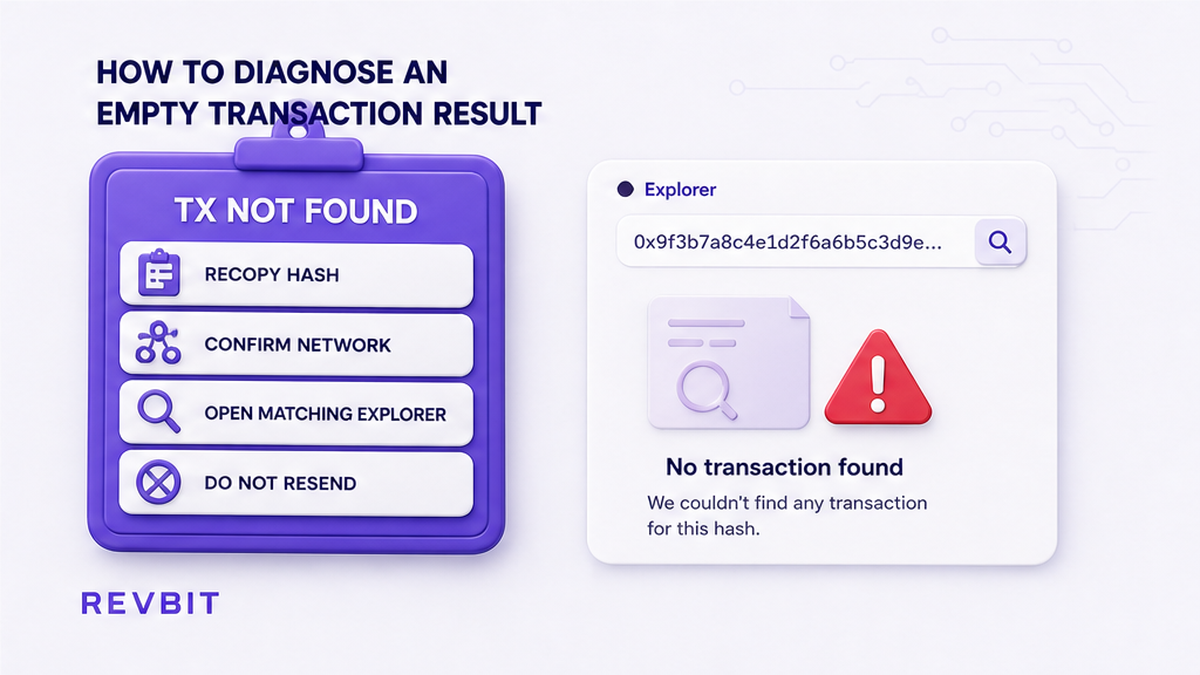
If an explorer says “transaction not found,” pause before taking further action. The cause may be a wrong network, incomplete hash, copied internal reference, or transaction that has not been broadcast. An absent result does not by itself prove that the swap failed.
- Return to the original wallet, exchange, or order page and copy the hash again.
- Identify whether it is a deposit TxID, payout TxID, order ID, withdrawal ID, or internal reference.
- Read the exact network, including a token standard such as ERC-20 or TRC-20.
- Open the matching explorer from the network map.
- Paste the complete hash without a coin symbol, spaces, quotation marks, or URL fragment.
- Compare the first and last characters with the source record and check the other transaction leg.
- If it remains absent, preserve the details and contact official support without resending funds.
Check whether the sending wallet marks the transfer as pending, submitted, or broadcast. Some applications provide a hash only after broadcast, while others first display an internal activity record. If no public hash exists, an explorer search may be premature.
Do not repeatedly edit a hash until it produces a result. If one character seems wrong, obtain a fresh copy from the source record and compare the values. Searching invented variations makes it unclear which value came from the wallet.
If the transaction is pending, the explorer may show a partial record or mempool entry rather than final confirmation. If confirmed, compare sender, recipient, amount, and token or network. If failed, keep the result and its URL for support. For an exchange withdrawal, check whether the exchange has broadcast it or whether review is delaying publication.
If an explorer is temporarily unavailable, try again later or use another trusted explorer for the same chain. Do not switch to an unrelated chain merely because its website loads.
Do: treat an empty result as a diagnostic signal. Don’t: conclude that funds are lost, create a second payment, or resend while the network mismatch is unresolved.
How to verify the result and prepare support evidence
Finding a transaction page is only the first verification step. Compare the network, status, amount, sender, recipient, and token information instead of assuming that a matching-looking hash proves the swap reached its destination.
| Check | Compare | Purpose |
|---|---|---|
| Status | Pending, confirmed, failed, or absent | Shows whether it was broadcast and completed |
| Amount | Asset and quantity | Confirms the intended transfer |
| Destination | Recipient address or account | Checks the expected destination |
| Network | Chain and token standard | Prevents network confusion |
| Confirmations | Count or finality indicator | Shows current settlement state |
| Transaction leg | Deposit or payout | Separates cross-chain events |
For token transfers, inspect the token name and contract information when available. A ticker can be reused by different contracts, so the symbol alone is not a complete identity check. The token contract verification guide explains this comparison.
A cross-chain swap commonly has two blockchain events. The deposit TxID may be on Bitcoin, Ethereum, TRON, or another sending network, while the payout TxID may use the receiving network. Open each hash on its own explorer and record which side it represents. Do not expect the deposit hash to become the payout hash.
Use official support channels. Do not publish private keys, seed phrases, passwords, or unrelated personal data. A public TxID and explorer URL are normally the relevant technical evidence, while a recovery phrase is never a troubleshooting requirement.
For a RevBit order, open official support after checking the network and transaction page. Do not create a replacement payment for an unresolved transaction. If funds were sent on the wrong network, do not send more funds to correct it. Preserve the transaction details and contact the relevant service or wallet support with the original network and destination.
Keep one evidence line for each transaction, identifying its leg, asset, network, explorer, and status. Clear labels help support distinguish separate events without guessing which chain or side of the order is involved.
Do: send the full explorer URL, uncut TxID, order ID, network, status, amount, and destination comparison. Don’t: send a cropped screenshot, expose credentials, or open a second swap as a substitute for diagnosis.
Frequently asked questions
Why does Etherscan say “transaction not found” for my USDT?
The USDT may be TRC-20, on Base, or on another network rather than Ethereum ERC-20. Check the sending record and search the matching explorer with the complete TxID.
Which explorer should I use for TRC-20 versus ERC-20 USDT?
Use TRONSCAN for TRC-20 and Etherscan for Ethereum ERC-20. Confirm the network because the USDT ticker does not identify the chain.
Can I look up a Bitcoin TxID on Etherscan?
No. Search a Bitcoin transaction in a Bitcoin explorer such as Mempool.space. Etherscan is for Ethereum and compatible token activity.
Why does a Solana transfer not appear on an EVM explorer?
Solana and EVM networks use different blockchains and transaction systems. Search Solana transfers on Solscan or another Solana explorer.
Should I send the swap again if the explorer is empty?
No. Recopy the TxID, confirm the network and transaction leg, check the wallet or exchange status, and contact support if the result remains absent.
Disclaimer: The material in this article is not financial or investment advice. Everything stated here reflects the author's personal view and should not be treated as a recommendation to trade or invest. We make no warranties regarding the accuracy, reliability or completeness of the information presented. Cryptocurrency markets are highly volatile and can move unpredictably. Before committing any funds, every investor, trader or crypto user should study several independent sources and check the regulations that apply in their own jurisdiction.