
If a BTC swap deposit is unconfirmed, sending more BTC to the same deposit address is not a fee-bumping method and can create a separate payment that needs tracing. The safer approach is to identify the transaction you already sent, determine whether it is pending or replaced, and then use your wallet’s supported fee tools or contact the swap service before making another payment.
Summary: Check the original BTC transaction before doing anything else. Do not send a second deposit simply because the first is unconfirmed. If you use RBF, the replacement has a new TxID, while CPFP raises package priority without replacing the original transaction. If two separate payments were sent, stop and give support the full transaction history.
A swap deposit has two layers to track: the blockchain transaction and the exchange order. A transaction can remain unconfirmed, be replaced through opt-in RBF, or be followed by a separate payment. These cases look similar in a wallet but require different actions. RevBit guidance recommends avoiding blind top-ups and giving support the Order ID and transaction details when a deposit does not credit.
How to check the original BTC transaction
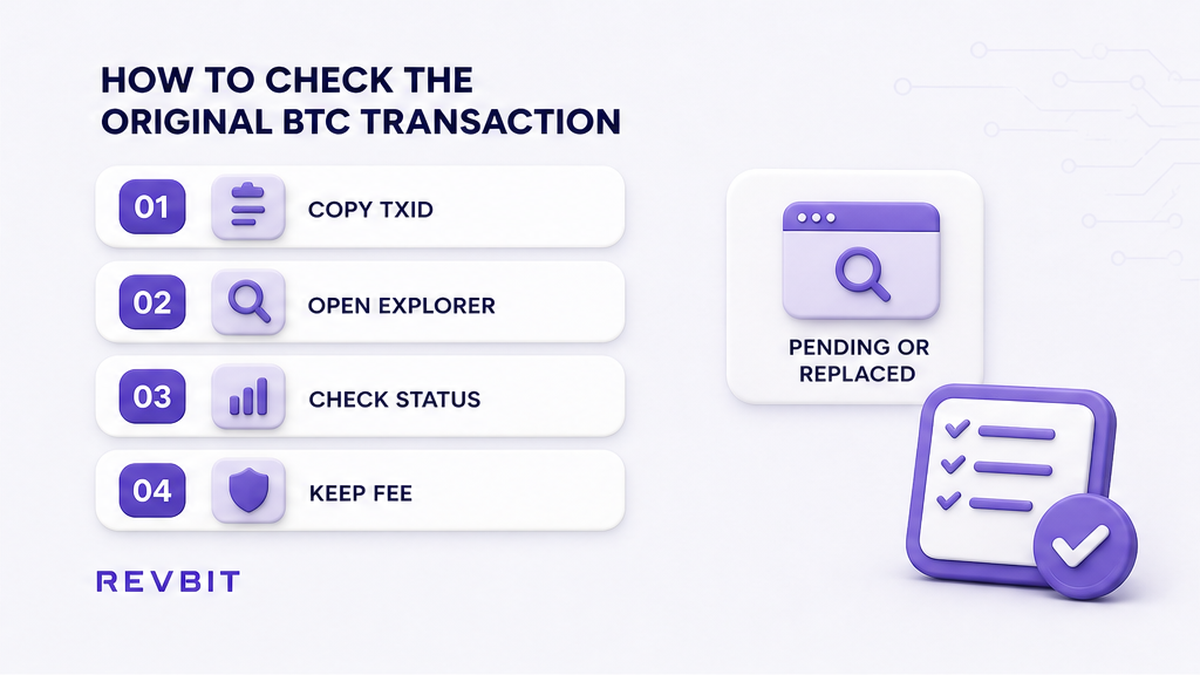
Start with the TxID shown by your wallet and open it in a Bitcoin block explorer. Check the transaction before changing the fee, sending more BTC, or assuming that the swap needs another deposit. The explorer gives you the transaction-level evidence needed to separate a slow confirmation from a replacement or a second payment.
- Copy the original TxID from your wallet and confirm it is the BTC payment intended for the swap.
- Open the TxID in a block explorer and check whether it is unconfirmed or confirmed.
- Record the fee rate and transaction inputs and outputs so you can distinguish a replacement from a separate payment.
- Check whether the transaction signals opt-in RBF and whether your wallet offers a replacement or fee-bump action.
- Compare the explorer status with the swap order status before taking another wallet action.
Do: Keep the original TxID, explorer status, fee information, and order details together while troubleshooting.
Do not: Treat an unconfirmed transaction as proof that the deposit failed, or broadcast another payment because the swap screen has not updated.
How to avoid a second deposit when BTC is pending
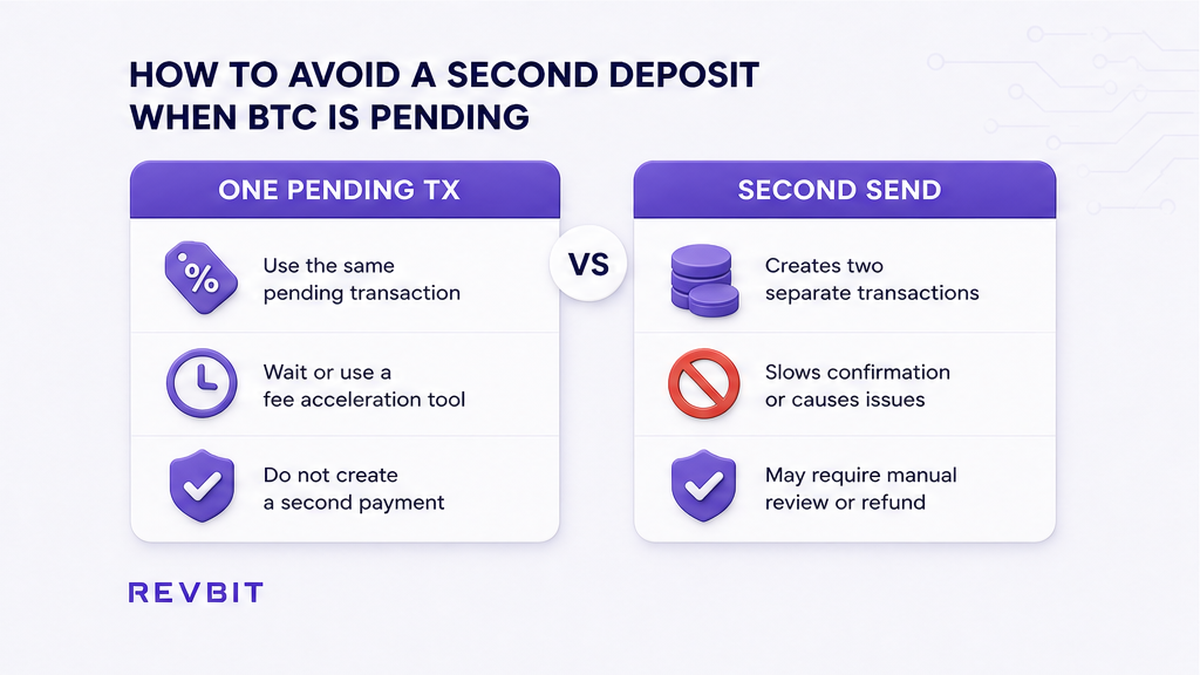
A pending BTC transaction does not become faster because another payment is sent to the same address. Two BTC payments are separate payment events unless one transaction is actually replaced under Bitcoin’s rules. Sending a second amount can make the order harder to trace instead of fixing the first transaction. First identify what happened to the original payment, then choose the fee-management or support path that matches that status.
Do: Wait for the first transaction to resolve or use a supported RBF or CPFP workflow when appropriate. Keep the original deposit details unchanged in your records.
Do not: Send a second BTC payment to the same deposit address to push the first transfer through, or assume the two payments will merge into one deposit.
How to handle an RBF replacement with a new TxID
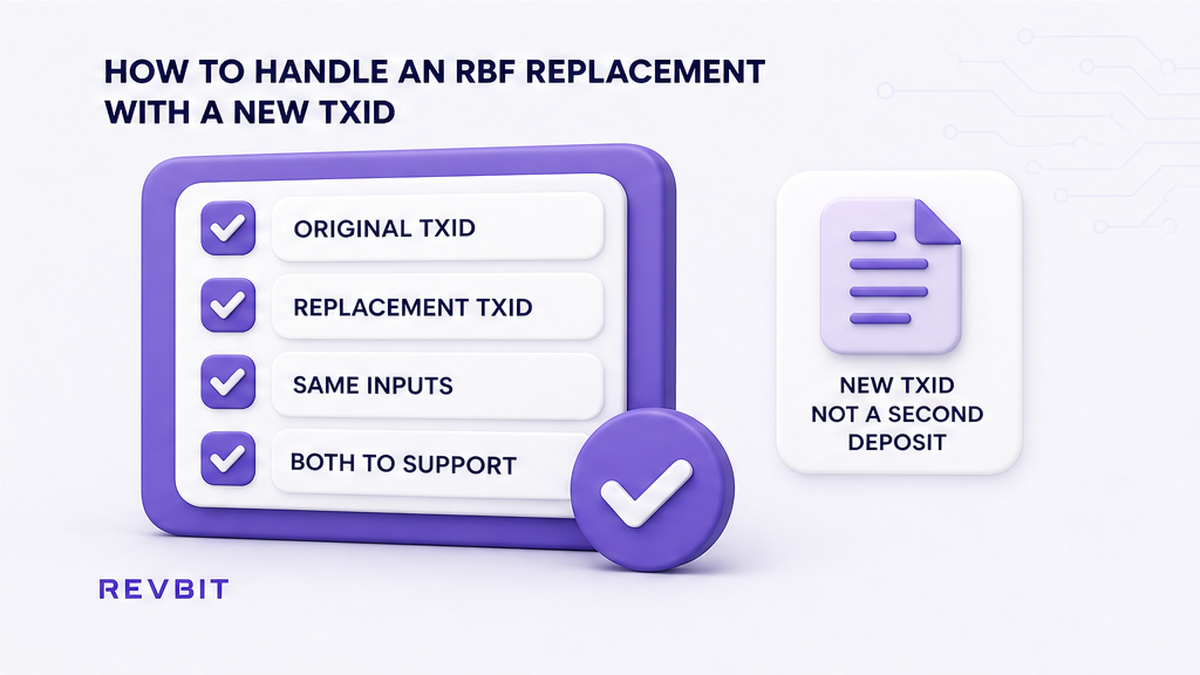
Opt-in Replace-by-Fee, or RBF, replaces an unconfirmed transaction with another transaction that spends the same inputs, subject to Bitcoin relay rules. The replacement is a new transaction with a different TxID. RBF is therefore a fee-management action, not a second payment to the swap address. This distinction matters when an exchange order records the original identifier while the blockchain ultimately confirms the replacement.
Do: Record the original TxID and replacement TxID together, and provide both when the order system needs help matching the replacement to the same payment attempt.
Do not: Keep rebroadcasting deposits because the original TxID remains visible, or tell support that the replacement has the original transaction identity.
How to use CPFP without creating another swap deposit
Child Pays for Parent, or CPFP, is different from RBF. Instead of replacing the unconfirmed parent, CPFP creates a child transaction with a higher fee so the package can receive more favorable mining priority. Use it only when your wallet identifies an appropriate output you control. The important point is that CPFP works from an existing transaction output, rather than creating another payment to the swap receiver.
Do: Use the wallet’s CPFP flow when available and keep the parent TxID and child transaction details for support.
Do not: Create another swap deposit and call it CPFP. A CPFP child spends an output from the pending transaction; it is not a duplicate payment to the receiver.
How to contact support after an RBF or second send
Support needs enough information to distinguish a replacement from a separate payment. For a RevBit order, prepare the Order ID, deposit address, BTC network, every TxID sent, amounts, timestamps, and explorer status. If RBF occurred, identify the original and replacement TxIDs. A complete timeline is more useful than another wallet transaction when the order needs manual tracing.
If two separate BTC payments were already broadcast, stop sending more and open one support case with both TxIDs. Never send a seed phrase or private key. See the stuck order checklist for a structured status check.
Do: Give support the complete transaction trail, including both TxIDs after RBF or both TxIDs when two separate payments were sent.
Do not: Hide the second transaction, omit an RBF replacement, or provide wallet secrets.
How to recheck the swap order before acting again
Before any further wallet action, compare the live swap order with the blockchain evidence. Check the intended order and deposit address, and review the applicable payment or order window. The Fixed-rate quote lock is not a promise about BTC confirmation time; quote timing and blockchain confirmation are different. If the order status has changed, follow the current instructions instead of relying on an earlier screen or deposit attempt.
Do: Recheck the order, payment instructions, current status, and applicable window immediately before another transaction.
Do not: Assume an unchanged deposit address means a new payment is appropriate, or treat a quote window as a blockchain confirmation guarantee. For related cases, see the expired order checklist and instant exchange guide.
| Situation | What it means | What to do | What not to do |
|---|---|---|---|
| Unconfirmed | The original BTC transaction has not confirmed. | Check the TxID and use supported fee management if needed. | Send another deposit to speed it up. |
| RBF replacement | The unconfirmed transaction was replaced with a new TxID. | Give support both TxIDs if the order tracks the original. | Treat the replacement as a second deposit. |
| Two payments | Two separate BTC transactions were sent. | Stop sending and provide both TxIDs, amounts, and timestamps. | Assume the payments merge or send a third payment. |
| CPFP | A child spends an output from the pending parent. | Use the wallet’s CPFP flow when an appropriate output is available. | Create another swap deposit and call it CPFP. |
Frequently asked questions
Does sending BTC twice make a swap deposit confirm faster?
No. A second payment is not a fee-bump method for the first transaction and may need separate tracing. Use RBF or CPFP when your wallet supports an appropriate fee-management workflow, rather than creating another swap deposit.
What happens to the TxID when RBF replaces the BTC transaction?
The replacement has a new TxID. Keep the original and replacement identifiers together because a service watching the original may need the new TxID to identify the transaction that can confirm. Retain both identifiers for any order-tracing request.
What should I send RevBit support if I already paid the deposit address twice?
Stop sending and provide the Order ID, deposit address, BTC network, both TxIDs, amounts, timestamps, and explorer status. Explain that the payments were separate if they were separate transactions, and do not label the second payment as an RBF replacement.
Can I use RBF instead of sending another BTC deposit?
If the original transaction is opt-in RBF and your wallet supports replacement, RBF can raise the fee by replacing the unconfirmed transaction. The replacement has a new TxID, so retain both identifiers.
Is CPFP the same as sending BTC to the swap deposit address again?
No. CPFP uses a child transaction that spends an output from the unconfirmed parent and can increase package mining priority. It is a fee-management technique, not a second swap deposit.
What if the swap still shows the original TxID after I used RBF?
Do not send another deposit because the old TxID remains visible. Give support the Order ID, original TxID, replacement TxID, and explorer status so they can review the transaction relevant to the order without another payment being broadcast.
Disclaimer: The material in this article is not financial or investment advice. Everything stated here reflects the author's personal view and should not be treated as a recommendation to trade or invest. We make no warranties regarding the accuracy, reliability or completeness of the information presented. Cryptocurrency markets are highly volatile and can move unpredictably. Before committing any funds, every investor, trader or crypto user should study several independent sources and check the regulations that apply in their own jurisdiction.