
You sent crypto, checked the order page, and saw that the swap had already expired. The transfer cannot be pulled back, but a second payment can make the case harder to resolve. Stop sending, save the order and transaction records, verify when the deposit was broadcast, then give official support one complete evidence packet. This checklist helps you prove what happened and request the available resolution without assuming the old rate or a guaranteed refund.
Summary: If you sent a crypto deposit after a swap order expired, do not send again or reuse that deposit address. Save the Order ID and TxID, compare the order expiry time with the on-chain broadcast time, and submit one complete case to official support within seven business days. The provider may review an exchange at an available rate or a possible refund, but the expired Fixed quote is not guaranteed.
This guide covers one event: the wallet broadcast the deposit after the order deadline. “Broadcast” means the wallet released the transfer to the blockchain, the public record used by a crypto network. The workflow is stop → save records → verify the transfer → compare times → contact support → wait for a written decision.
How to stop further transfers and preserve the expired order
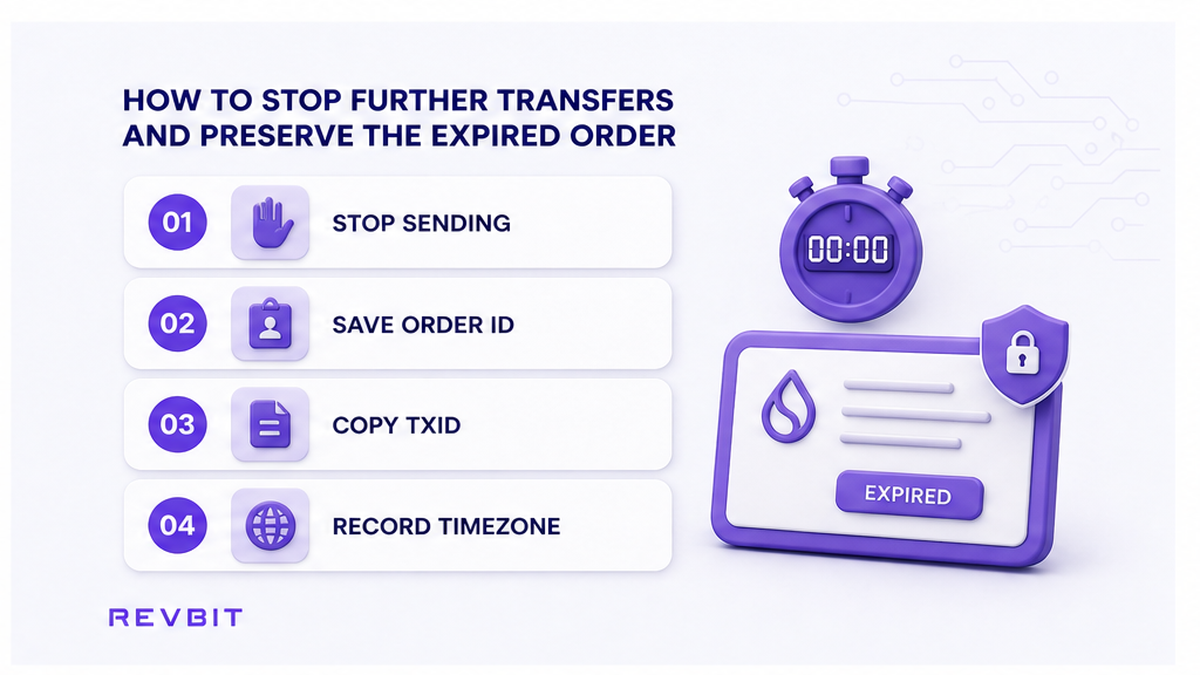
Freeze your actions first. The original transfer may already be moving through the network, while a second payment to the old address may not be detected automatically.
- Stop any queued or copied second transfer in your wallet or exchange account.
- Leave the expired order page open and record its Order ID.
- Save the send asset, network, exact amount, deposit address, and receive address.
- Take a screenshot showing the order status and expiry time.
- Save the wallet or exchange withdrawal timestamp and status.
- Copy the TxID when it appears in the sending wallet.
- Write down the timezone used by each screen so the timestamps can be compared.
A TxID, or transaction hash, is the public receipt number for an on-chain transfer. Support can use it, but never needs your seed phrase, private key, wallet password, or login code.
Do: preserve exact values before screens change. Do not: assume closing the order reverses a blockchain transfer. The order page and transfer are separate records.
How to verify the TxID, network, recipient, and confirmations
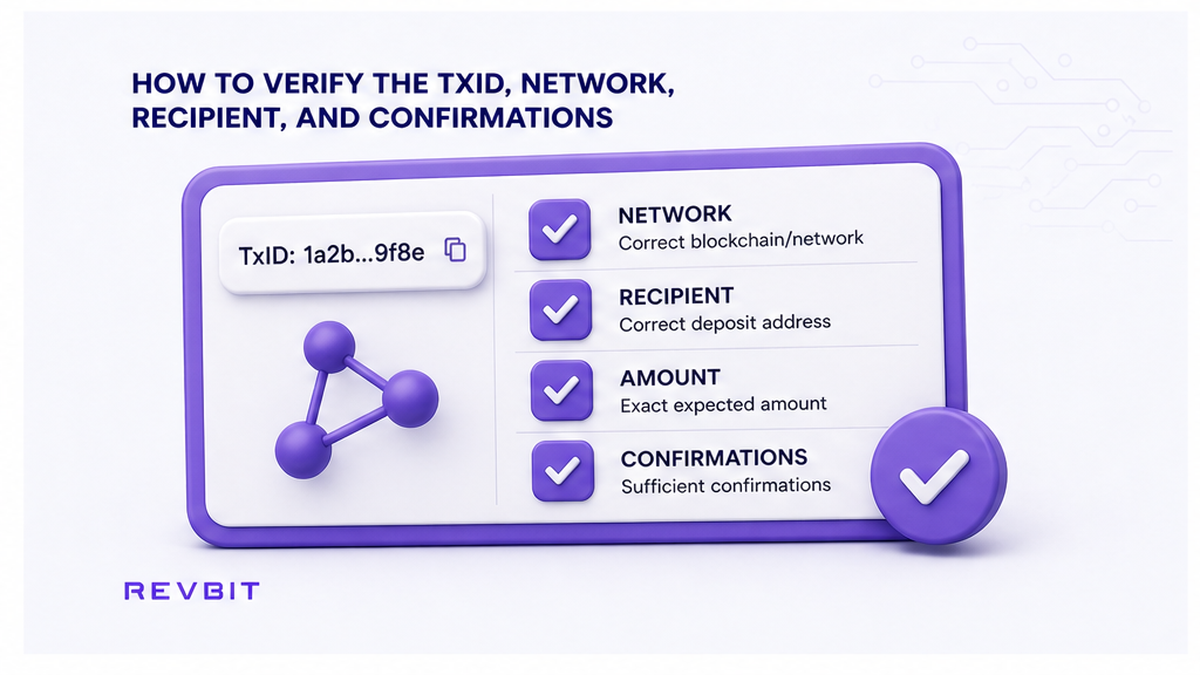
Open the TxID in the correct block explorer. This is a public search page for a blockchain, like parcel tracking: paste the receipt number to see where the transfer went. Use the explorer linked by your wallet or the network, not a stranger’s link.
| Explorer field | What to compare | What the result tells you |
|---|---|---|
| Transaction status | Success, pending, or failed | Success proves the network recorded it |
| Recipient | RevBit order deposit address | An exact match ties it to the order |
| Asset and network | Order asset and network label | Another network is a different route |
| Amount | Exact value delivered on-chain | This is what support can verify |
| Time and confirmations | Broadcast record and blocks added after it | This separates late send from slow confirmation |
A confirmation means the transaction was included in a block. A wallet may say “sent” while the explorer says “pending”. Do not send again. Without a TxID, a withdrawal may still be inside the sending exchange.
Check the road, not just the coin. USDT on TRC-20 and ERC-20 travels on different networks. If the network differs from the order, stop and report it. Use the network selection checklist to decode labels.
Do: save the explorer record with status, recipient, amount, network, and time. Do not: treat a wallet’s “sent” badge as proof without a matching explorer record.
When to classify a deposit as late: broadcast vs confirmation
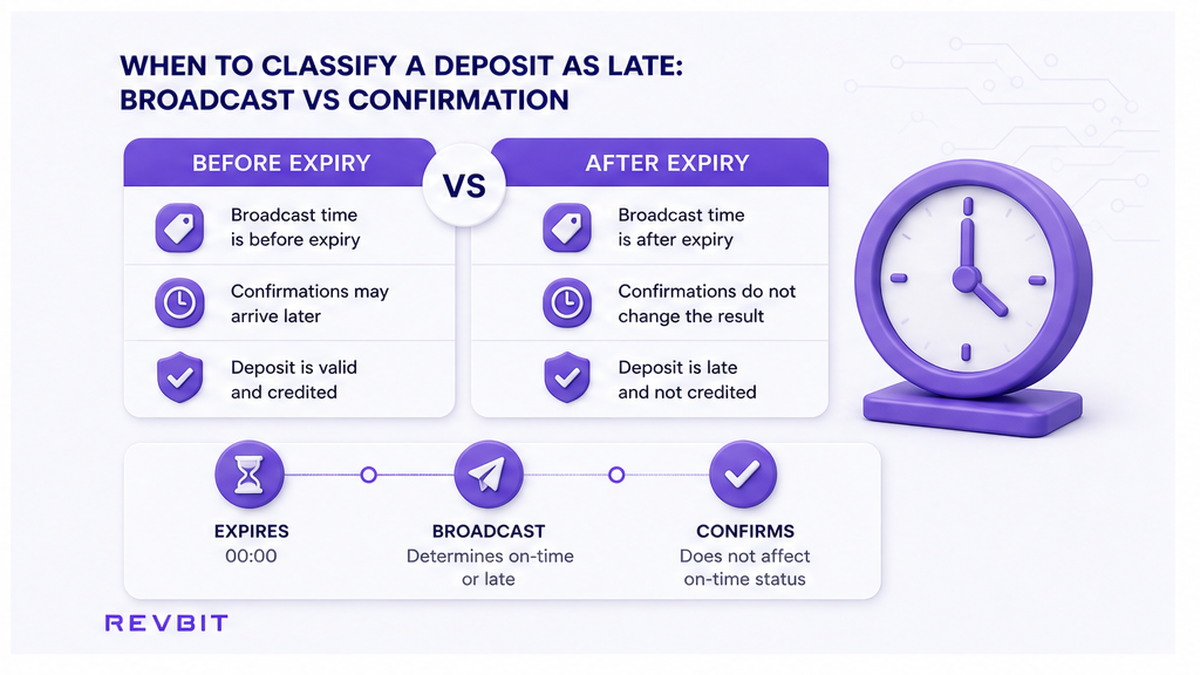
Compare the order expiry with the broadcast time, then treat confirmation as a separate event.
- Broadcast after expiry: the transfer first appears after the deadline. This is a late deposit.
- Broadcast before expiry, confirmed after: payment left on time, but the network included it later. Save both times.
- No TxID after expiry: nothing proves an on-chain send yet. Check the sending service.
- Failed transaction: no value reached the recipient. Check balance and fee records before acting.
Convert screen times to one timezone and keep the originals. If the broadcast moment is unclear, say so instead of guessing.
RevBit states a 12-minute Fixed quote lock, while its Terms say a send made more than 10 minutes after confirmation loses the Fixed-rate guarantee. Treat 10 minutes as the practical send limit.
Do: report “expired → broadcast → confirmed” when records support it. Do not: merge broadcast and confirmation into one “arrival time”. For other delays, use the stuck swap checklist.
How to contact official support with one complete evidence packet
Send one claim to official RevBit support or support@revbit.net. The Terms require exchange claims within seven business days with complete, truthful evidence.
Use a subject such as “Deposit broadcast after expiry – Order ID [your ID]”. In the message, include:
- State the Order ID and that the deposit was broadcast after the displayed expiry.
- Provide the full TxID and the correct block explorer link.
- List the asset, network, exact on-chain amount, and sending wallet type.
- List the deposit address and the receive address from the order.
- Give the order expiry, wallet send, broadcast, and confirmation times with timezones.
- Attach the expired order page and wallet or withdrawal screenshots.
- Ask for a written choice among the resolutions available under the Terms.
Keep the full TxID and screen labels. Hide unrelated balances if needed, but do not alter transaction data. Reply in the same case when support asks for more.
Do: keep the case number. Do not: open duplicate tickets, pay a direct-message “unlock fee”, share wallet secrets, or reuse the expired address.
Fixed vs Floating: ask which resolution is available
Fixed holds a quoted rate for a limited window. Floating follows the market while processing. Neither makes an expired address permanent.
| Order type or outcome | What you can reasonably request | What not to assume |
|---|---|---|
| Expired Fixed order | Ask about exchange at an available rate or a possible refund | The expired quote is not guaranteed |
| Floating order | Ask which rate and processing path are available | The estimate shown before receipt was not locked |
| Exchange no longer possible | Ask if return is possible and request fees in writing | A full or fee-free refund is not guaranteed |
Under RevBit Terms sections 2.2.1, 2.10, and 2.11, a late Fixed payment keeps the original rate only when market conditions allow. A market move over 1.3% before detection can lead to a refund offer or continuation at the market rate. If exchange is impossible, return may be possible after fees.
Manual sends or refunds from liquidity exchanges usually take up to 24 hours under the Terms, but this is not a case guarantee. Crediting beyond two hours may also add 0.5% at the provider exchange rate for a return or exchange. Ask which calculation applies.
Do: ask for the decision, rate, fees, destination, and next action in writing. Do not: assume the old quote or a full refund. See Fixed vs Floating rate for the rate-mode comparison.
How to prevent another expiry with a pre-send checklist
Wait until support closes the case before another swap. Then create a new order and use its fresh deposit address. A disposable address is a one-use payment reference, not a saved contact.
- Create the order only when the funds are available to send immediately.
- Choose Fixed only when your wallet can broadcast inside the practical 10-minute limit.
- Choose Floating when a custodial withdrawal or busy network may delay broadcast.
- Match coin, network, deposit address, receive address, and memo or tag if shown.
- Check whether the send-side fee changes the amount that will arrive.
- Send the exact expected amount once and save the Order ID and TxID.
- Track the correct explorer instead of refreshing only the order page.
Do: use a fresh order on the RevBit swap widget after resolution. Do not: reuse the expired address, split a payment into guesses, or top up without written instructions.
Frequently asked questions
What happens if crypto arrives after a swap expires?
It may need manual review because automatic detection can fail after expiry. Stop transfers, verify the TxID, and submit one evidence packet within seven business days.
Can I send again to an expired swap address?
No. Keep the first transaction record, wait for a written decision, and use a fresh address only after the case closes.
Will an expired Fixed-rate swap use the old rate?
Not necessarily. A send more than 10 minutes after confirmation loses that guarantee. Ask if the original rate, market rate, or a return is available.
How do I prove the deposit was broadcast after expiry?
Compare expiry and broadcast in one timezone. Send the originals, TxID, recipient, network, amount, and confirmation time.
How long can a manual exchange or refund take?
The Terms say usually up to 24 hours for manual sends or refunds from liquidity exchanges, not a guarantee. Keep the case number and follow official updates.
What should I send support for a late crypto deposit recovery?
Send the Order ID, TxID, explorer link, asset, network, amount, addresses, timestamps, and screenshots. Never send wallet secrets or login codes.