
A crypto swap can fail before execution if the amount you plan to send does not fit the current limits for the selected route. The safest approach is to check the live minimum and maximum in the order form after choosing the exact assets and network, then compare those limits with the amount your wallet can actually send.
Summary: Check the live minimum and maximum before creating the order. Account for sender-side network or withdrawal costs, and create the order only when the amount you can actually send fits the displayed range. If it does not fit, adjust the amount or route instead of sending funds to an order that cannot be funded.
A minimum is the smallest amount accepted for the selected swap setup, while a maximum is the largest amount shown for that setup. These values should be treated as order-form information, not as a universal number that applies to every crypto pair.
Read the pair minimum and maximum on the order form
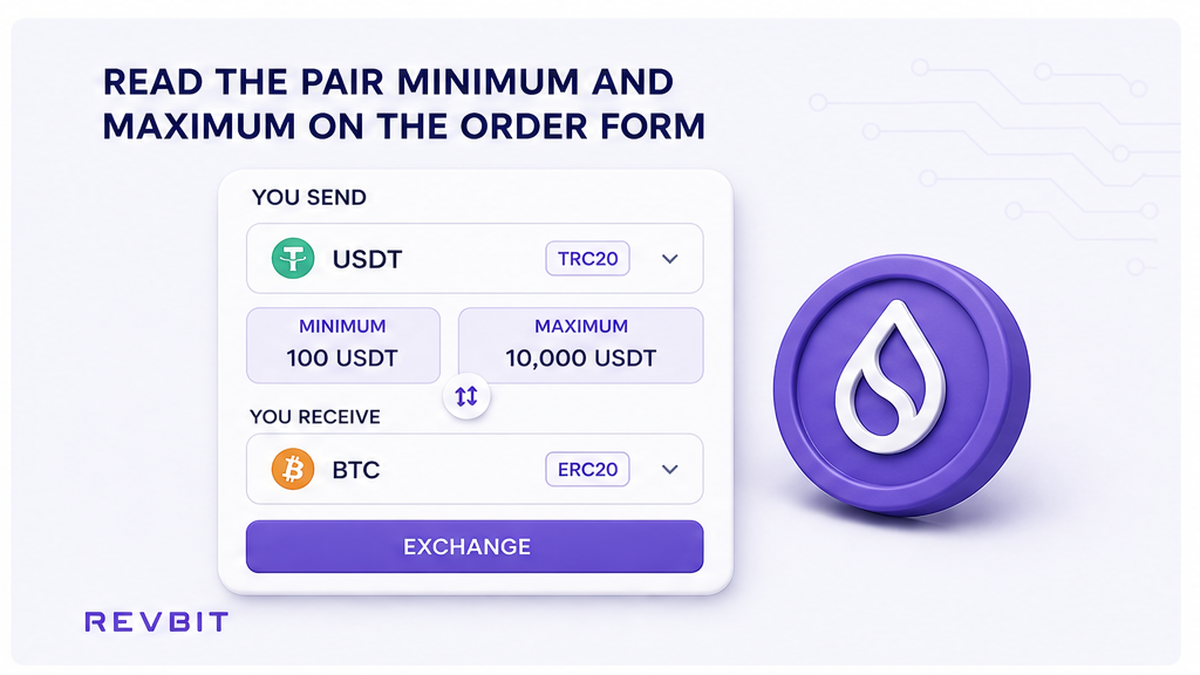
Start by selecting the asset you will send, the asset you want to receive, and the network you intend to use. Then look at the current order form for the displayed minimum and maximum. Check the values in the send asset, because that is the amount you must be able to fund from your wallet.
Do: Record the live minimum and maximum before entering a final amount.
Don’t: Reuse a limit from another pair, network, or older order.
The important detail is that a crypto exchange minimum is tied to the selected swap setup. A token may have one practical range when sent over one network and a different range when another route is selected. The same principle applies to the maximum. If you change the pair or network, return to the form and read the limits again.
Subtract network and withdrawal costs before comparing
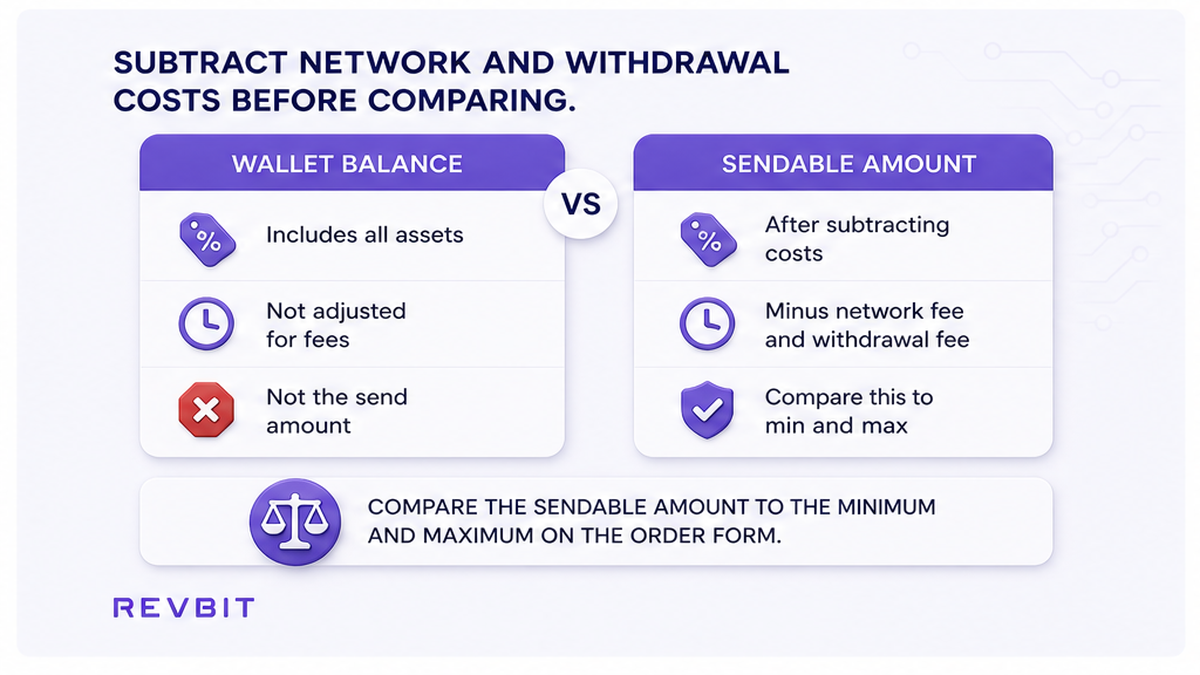
Your wallet balance is not necessarily the same as the amount you can send. A sender-side withdrawal charge or blockchain network fee may reduce the amount available for the swap. Compare the minimum with the amount that can actually leave the wallet, not simply with the balance displayed in the wallet.
Do: Calculate the spendable amount after applicable sender-side costs.
Don’t: Treat your full wallet balance as the amount available for the order.
For example, if a wallet shows enough funds to appear above the minimum, a fee charged before the transfer can leave the actual transaction amount below it. This is why checking the order minimum and checking the wallet’s sendable amount are separate steps. Keep enough balance for the fee while making sure the amount sent to the generated order address is the amount the order expects.
Raise a below-minimum amount or change the route
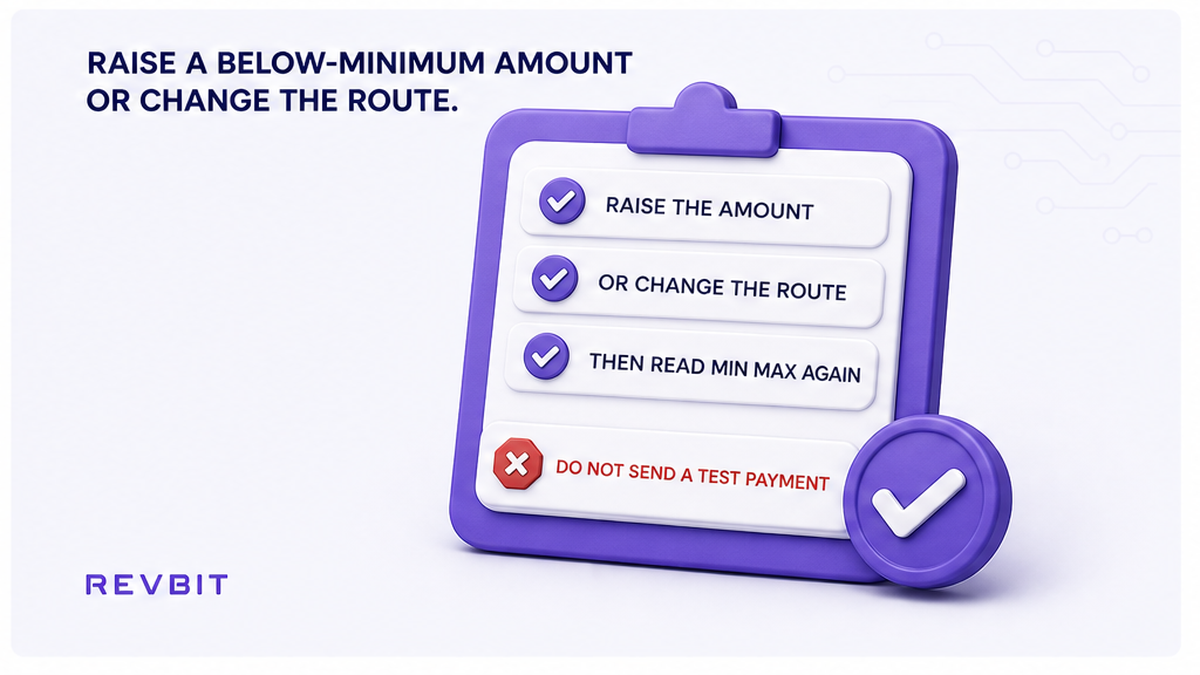
If the amount you can actually send is below the displayed minimum, do not create an order on the assumption that a smaller payment will be accepted. Increase the amount if that is appropriate for your trade, or select a different pair or network and check the new limits.
Do: Make the amount fit the current minimum or choose another route.
Don’t: Send a smaller amount just to test whether the minimum is enforced.
A failed or underfunded payment can create extra work because the amount received may not match the order setup. RevBit’s terms also warn that sending a different amount, including an amount reduced by withdrawal or network fees, can affect a Fixed-rate recalculation when the funds arrive. For that reason, the minimum should be treated as a pre-send check, not a target to approach after the transfer is already made.
Keep an oversized swap inside the maximum
If the amount you want to exchange is above the displayed maximum, do not guess that the form will accept it. First check whether a different route has a suitable current limit. If you consider several smaller swaps, create fresh orders and confirm that each fresh order independently shows an acceptable range.
Do: Keep every new order within its own displayed maximum.
Don’t: Assume one large order can exceed the shown maximum.
Splitting a transfer is not automatically supported simply because the total value can be divided mathematically. Each order has its own setup and deposit instructions. A fresh order must be created and checked before its payment is sent. Never use an additional deposit to an existing order as a substitute for creating a suitable new order; RevBit’s terms warn that several transactions to one generated application address can lead to a refund minus applicable fees.
Recheck limits after changing the swap setup
Limits belong to the setup you are about to fund. If you change the send asset, receive asset, network, or other order setting, pause and read the current minimum and maximum again. Do not carry the previous range into the revised order.
Do: Recheck the range whenever the route or network changes.
Don’t: Assume a previous quote has the same limits as the new setup.
Fixed and Floating are also choices that should be considered after the pair and network are set. RevBit’s published terms state that Fixed uses a 1% fee plus network fee with a 12-minute rate freeze, while Floating uses a 0.5% fee plus network fee and is not fixed until funds are received and the exchange completes. Those rate-mode details do not establish a universal min or max, so use the live order form for the limits.
Use a five-step pre-send checklist
Use this short sequence whenever you are preparing a new swap. It is designed to catch the most common mismatch before any cryptocurrency is sent.
- Select the exact send asset, receive asset, and network.
- Read the current minimum and maximum shown in the send asset.
- Check the wallet balance and subtract applicable sender-side fees.
- Confirm the amount you can actually send fits between the displayed limits.
- Create the order, copy its fresh deposit address, and send only the amount shown for that order.
Do: Complete the checks in order before sending.
Don’t: Skip the range check because the swap amount looks small or routine.
Use this final checklist before funding:
- Wallet balance leaves room for sender-side fees.
- Actual send amount meets the current minimum.
- Actual send amount stays below the current maximum.
Confirm the final amount and deposit address
Once the amount fits, create the order and review its final details before making the transfer. Copy the fresh deposit address generated for that order and send only the amount shown. RevBit’s swap guidance recommends setting the asset and network, verifying the amount, then copying the current deposit address and sending the exact amount.
Do: Verify the amount and fresh address immediately before sending.
Don’t: Send to an address copied from an older order.
If you later notice that the amount sent differs from the order amount, do not make a blind second transfer. First compare the order’s “You send” amount with the actual on-chain amount and follow the appropriate support or refund process. The safer habit is to resolve the mismatch before sending anything additional.
For a broader walkthrough of selecting assets and networks, see how to swap crypto on an instant exchange. If you are planning a larger transfer, a test swap before a large crypto transfer can help you verify the workflow first.
Frequently asked questions
What happens if I send less than the crypto swap minimum?
A payment below the displayed minimum may not satisfy the order requirements. Do not rely on a small test payment to bypass the limit. Check the current order, compare the actual amount sent with the expected amount, and use the applicable support or refund process if a mismatch has already occurred.
Do minimum and maximum limits change by pair and network?
They can differ by the selected swap setup. The safe practice is to read the current minimum and maximum after selecting the exact send asset, receive asset, and network rather than applying a number from another route.
Can I split one large swap into several orders under the maximum?
Only do this by creating fresh orders whose individual limits accept the amounts you plan to send. Do not assume that multiple payments to one existing order will combine safely.
Should I compare the minimum with my wallet balance?
Compare it with the amount you can actually send after applicable sender-side withdrawal or network costs. A balance that appears high enough can still produce a below-minimum transaction after fees.
Do Fixed and Floating rates change the minimum or maximum?
The rate modes have different fee and rate-lock terms, but those terms do not provide a universal min or max. Check the live limits for the exact order after the pair and network are selected.
What should I do after changing the pair or network?
Start the limit check again. Read the new minimum and maximum, recalculate the amount you can actually send, and create the order only when the amount fits the revised setup.
Disclaimer: The material in this article is not financial or investment advice. Everything stated here reflects the author's personal view and should not be treated as a recommendation to trade or invest. We make no warranties regarding the accuracy, reliability or completeness of the information presented. Cryptocurrency markets are highly volatile and can move unpredictably. Before committing any funds, every investor, trader or crypto user should study several independent sources and check the regulations that apply in their own jurisdiction.