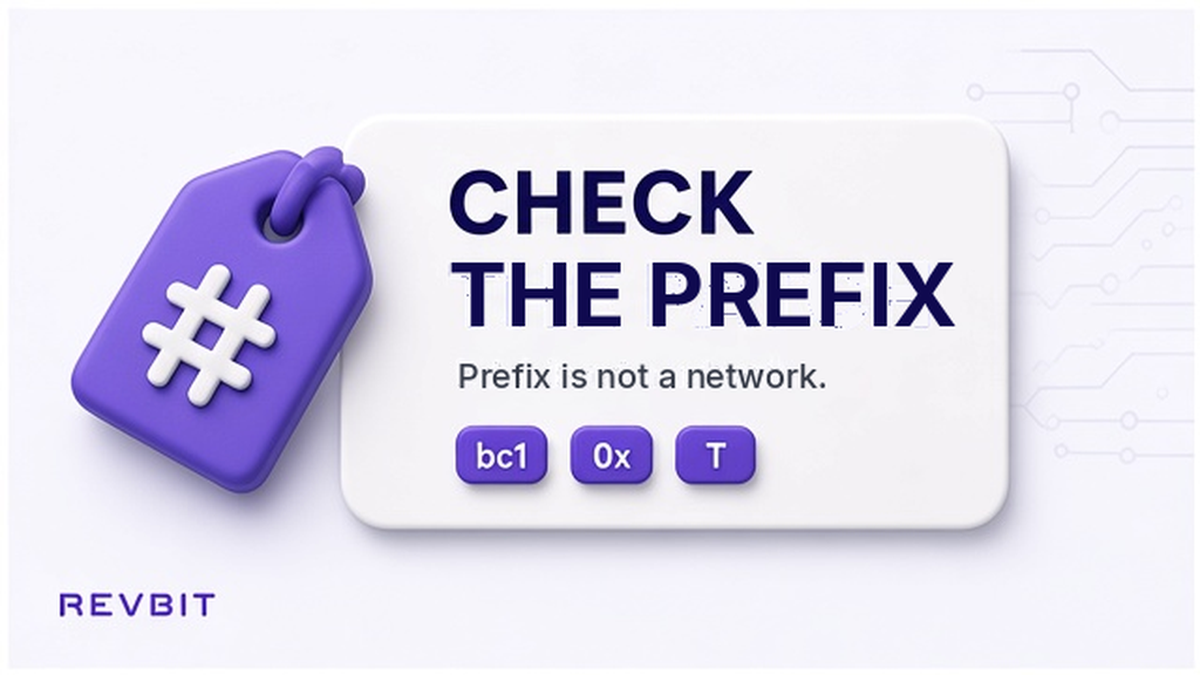

A crypto address prefix check is a simple step that can prevent a costly mistake before a swap. The first characters often reveal the address format, but they do not prove which network you should use. Before you send, compare the prefix with the asset, the network named on the open swap order, and the complete copied address.
Summary: Check the raw deposit address, identify its prefix family, and confirm the exact network shown by the swap order. A matching prefix is only a clue, especially when several networks use the same format. Stop rather than edit an address when any detail conflicts.
An address can look familiar and still be unsuitable for the transaction you are preparing. Bitcoin commonly uses formats beginning with bc1, 1, or 3; EVM deposits commonly begin with 0x; and TRON addresses commonly begin with T. These patterns help you notice an obvious mismatch, but they are not a substitute for selecting the correct asset and network.
How to copy the raw address from the active swap
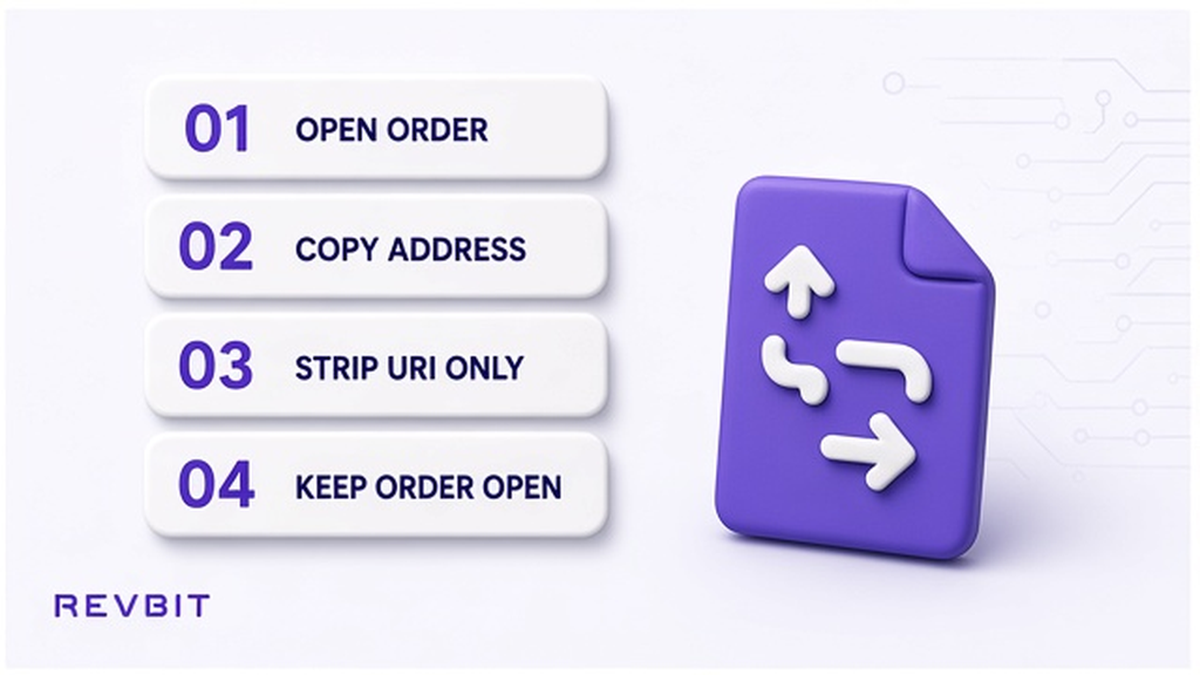
Start with the swap order that you are actually funding, not an old screenshot, a saved contact, or an address copied from a different transaction. Open the order and locate the deposit address for the asset you intend to send. Check the asset name and network label beside it before copying, because the same coin or token may be available through more than one network.
Use the copy control where possible, then paste the result into the receiving field without retyping it. Some wallets display a payment URI such as bitcoin:bc1… or ethereum:0x… instead of only the address. If the wallet field expects a raw address, remove only the URI scheme and any related payment details so the field contains the address itself, such as bc1… or 0x….
- Open the active swap order and confirm the asset you are sending.
- Read the network named on the order, including a token standard such as TRC20 or ERC20 when shown.
- Copy the displayed deposit address using the order or wallet copy button.
- Check whether the pasted value begins with a URI scheme such as bitcoin: or ethereum:.
- If the receiving field requires a raw address, remove the scheme only, then compare the remaining address with the order.
- Keep the order open while checking the prefix, network, amount, and final recipient field.
Do: Use the current order as the source of truth and keep the copied text unchanged whenever the field accepts the full value. Don’t: replace an address with a manually typed version or remove characters simply because the beginning looks unusual.
How to match the prefix family with the asset
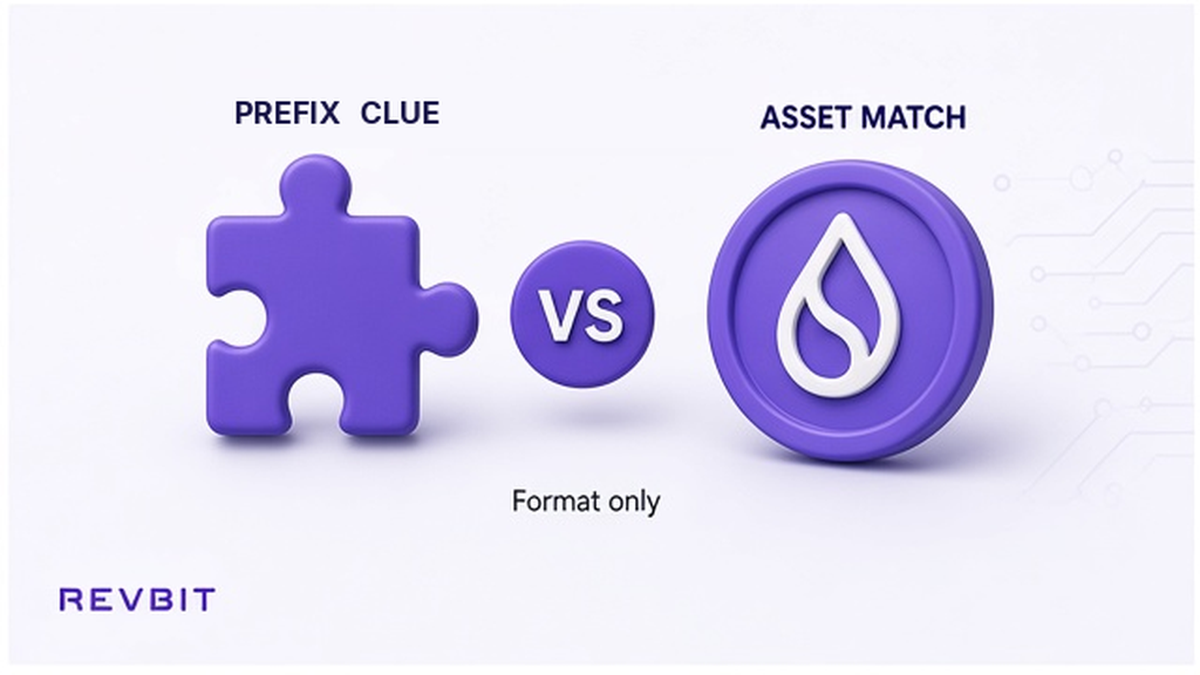
The first few characters can work as a fast screening tool. A Bitcoin address may begin with bc1, 1, or 3, while a typical EVM address begins with 0x and a typical TRON address begins with T. These are format-family clues, not universal labels for every supported asset, wallet, or address type.
Compare the address family with what the order says you are sending and receiving. If a Bitcoin order presents a deposit beginning with 0x, or a TRON order presents a format that does not fit the selected network, pause before opening the wallet confirmation screen. A prefix mismatch is a reason to recheck the order, asset, and copied value, not a reason to edit the address until it appears familiar.
Prefix patterns are useful because they can catch a clear wrong-address error early, before funds leave the wallet. They do not validate the whole string, confirm ownership, or guarantee that the receiving service supports that network. Treat the check like reading a road sign: it can tell you that you may be on the wrong route, but it cannot prove that every turn ahead is correct.
Do: Use bc1, 1, 3, 0x, and T as quick visual clues alongside the asset and network. Don’t: assume that one prefix alone proves the destination is compatible.
How to verify an 0x address and its network
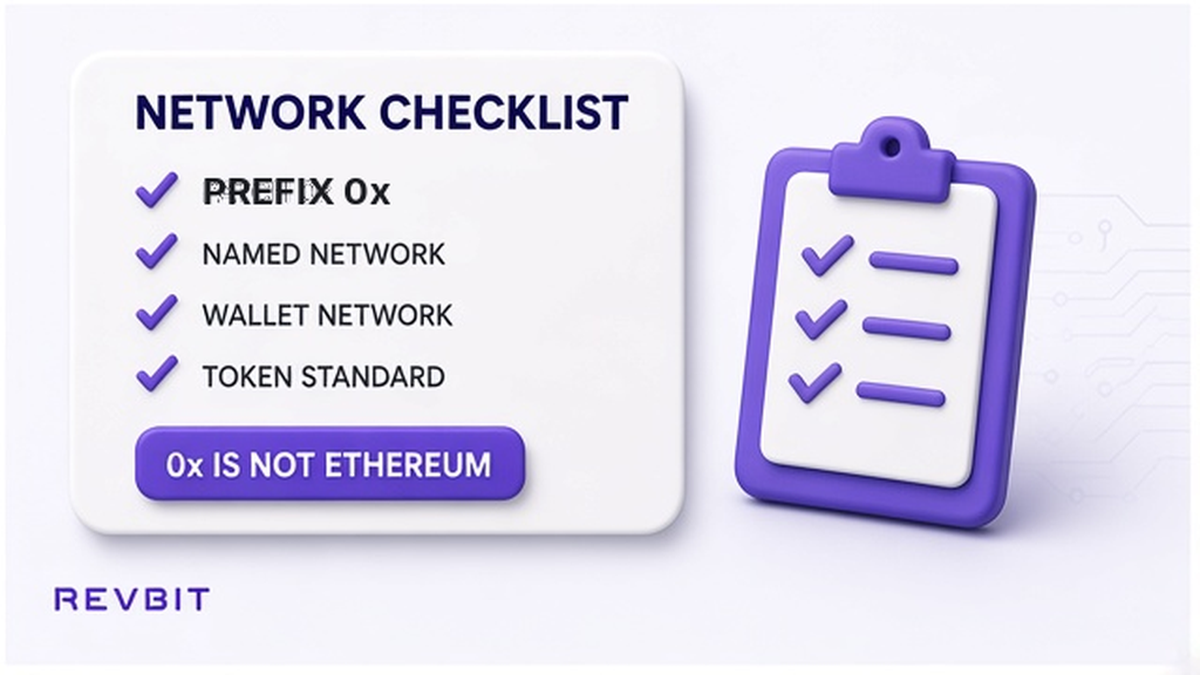
An 0x prefix identifies a common EVM address format, but it does not identify Ethereum by itself. Ethereum, BNB Smart Chain, Polygon, and other EVM-compatible networks can use addresses beginning with 0x. This is why an address can pass a visual prefix check while the transaction is still prepared on the wrong network.
Read the exact network name on the open swap order and choose that same network in the sending wallet. For example, if the order specifies an ERC20 deposit, do not select BNB Smart Chain merely because both options show an 0x recipient. If the order specifies another EVM network, match that selection instead, and confirm the asset standard where the order provides one.
Network choice and address format answer different questions. The prefix asks whether the text resembles a family of addresses; the network selection asks where the transaction will be broadcast and how the receiving service will interpret it. For a practical network review, see the crypto swap network selection checklist, especially when the asset is a token available on several chains.
Do: Match the named EVM network in the order to the network selected in your wallet. Don’t: treat 0x as proof that Ethereum is the correct network.
How to compare the pasted address without editing it
After pasting the address, compare the first and last several characters with the address shown in the order. This is a practical way to catch a truncated paste, an accidental extra character, or a copied address from another order. The middle of a long address is difficult to inspect visually, so do not rely on a quick glance at only its opening characters.
Do not type missing characters, change a capital letter, or rewrite a prefix to make the value fit a familiar pattern. A valid address is an exact string, and a small change can create a different destination or an invalid value. If your wallet or exchange displays a checksum warning, an incompatible-recipient notice, or a different beginning or ending, cancel the send and copy the order address again from its source.
It is also worth checking that the receiving field did not preserve a URI label when it accepts only raw addresses. The safe operation is limited: remove a scheme such as bitcoin: only when the field explicitly requires the raw value, then leave the address characters untouched. Never use an online converter or text editor to invent a replacement address.
Do: Compare the beginning and ending of the pasted value with the order and recopy when they differ. Don’t: force a match by editing, deleting, or manually completing address characters.
How to stop, test, and record the transfer
A wallet warning is a stop signal, not a challenge to bypass. If it says that the recipient is incompatible, return to the order and verify the asset, network, prefix family, complete address, and amount. A matching prefix cannot override a network conflict, and a familiar-looking address cannot make an unsupported destination safe.
When every check agrees, consider a small test transfer before moving a larger balance, provided the amount and network rules make that practical. A test can show that the selected route and destination behave as expected, but it does not replace the address and network checks. Keep the swap order ID with the transaction ID and the final amount, so the two records can be connected if you need to investigate the transfer later.
Before confirming, review the wallet screen one final time rather than relying on the address preview from an earlier step. Make sure the asset, network, recipient, and amount are still the values you intended. After broadcasting, save the transaction ID and order information; for future preparation, RevBit’s guide on how to test a crypto swap before a large transfer covers the same cautious sequence.
Do: Stop at any conflict, then use a small test only after the full checklist agrees. Don’t: force a wallet send because the prefix looks right or because you are trying to meet a quote deadline.
Frequently asked questions
Does an 0x prefix mean the address is on Ethereum?
No. 0x indicates a common EVM address format, and Ethereum, BNB Smart Chain, Polygon, and other EVM networks may use it. Check the exact network named on the swap order and select that network in the wallet.
Should I paste bitcoin:bc1 or only the raw address?
It depends on what the receiving field accepts. If it asks for a raw Bitcoin address, remove the bitcoin: URI scheme and paste only the address beginning with bc1, 1, or 3, without changing any address characters.
What if the prefix matches but the order uses a different network?
Stop and follow the network named on the order, not the visual prefix. A matching format does not override the selected network, so recheck the asset, token standard, address, and wallet network before sending.
Can a prefix check replace a checksum or network check?
No. It is an early warning check that can identify an obvious format mismatch, but it does not prove that the full address is correct or that the selected network is supported. Use the wallet’s validation, the order details, and a careful first-and-last-character comparison together.
What should I do when the wallet says the recipient is incompatible?
Cancel the send and do not edit the address to bypass the warning. Reopen the swap order, confirm the asset and network, copy the deposit address again, remove a URI scheme only if the field requires a raw address, and contact support if the conflict remains.
Disclaimer: The material in this article is not financial or investment advice. Everything stated here reflects the author's personal view and should not be treated as a recommendation to trade or invest. We make no warranties regarding the accuracy, reliability or completeness of the information presented. Cryptocurrency markets are highly volatile and can move unpredictably. Before committing any funds, every investor, trader or crypto user should study several independent sources and check the regulations that apply in their own jurisdiction.