
A Bitcoin swap can expire while a low-fee deposit is still waiting for its first confirmation. The safe answer is not to guess a fee or send the same payment twice. Check the live fee rate, make sure your wallet can replace an unconfirmed transaction, preserve the exact swap output, and follow the new transaction ID if you raise the fee. This checklist takes you from the order deadline to a clean support handoff.
Summary: Before a time-sensitive Bitcoin swap, compare the order deadline with live fee estimates and confirm that your wallet offers an RBF or “Speed up” control. Send the exact deposit once, save its TxID, and use the wallet’s replacement flow if the payment remains unconfirmed. Track the replacement TxID and never create an independent second deposit.
Bitcoin fees change as senders compete for limited block space. RBF means “Replace-by-Fee”: the sender can replace a waiting transaction with a higher-fee version that spends the same coins. The replacement gets a new transaction ID, or TxID. Use RBF as a repair tool, not as a reason to underpay initially.
Check current Bitcoin fee conditions before creating the swap
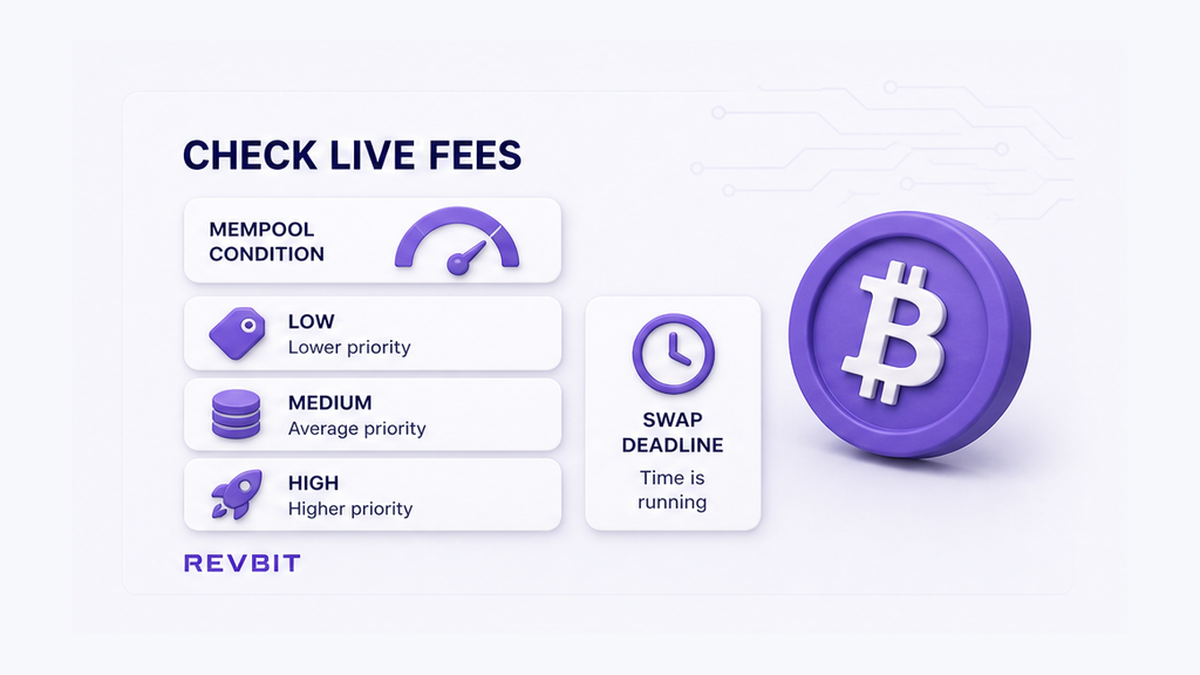
Start with the order deadline, not a remembered fee. Wallets quote sat/vB, or satoshis per virtual byte. A satoshi is the smallest Bitcoin unit; a virtual byte measures the block space used. A higher rate attracts miners, but no rate guarantees a confirmation time.
A dashboard such as mempool.space shows live tiers. Check it just before sending because the waiting queue, called the mempool, can change quickly. If preparation takes several minutes, refresh the estimate before you sign rather than assuming the first reading still applies.
- Read the order’s payment deadline and confirmation requirement.
- Open a live fee estimator before preparing the send.
- Choose a fee tier that fits the deadline.
- Keep enough BTC for the network fee and a possible bump.
- Find the wallet’s RBF or “Speed up” control.
- Check the address and exact recipient amount.
- Broadcast once and save the order ID and TxID.
- Monitor the TxID and replace only through the wallet.
Pre-send workflow: Order deadline → live sat/vB estimate → wallet RBF check → exact output review → one broadcast → explorer tracking.
Recommendation: Match the fee tier to the real order window. Do not reuse one “recommended” sat/vB number.
Confirm that the sending wallet can bump the fee before broadcast
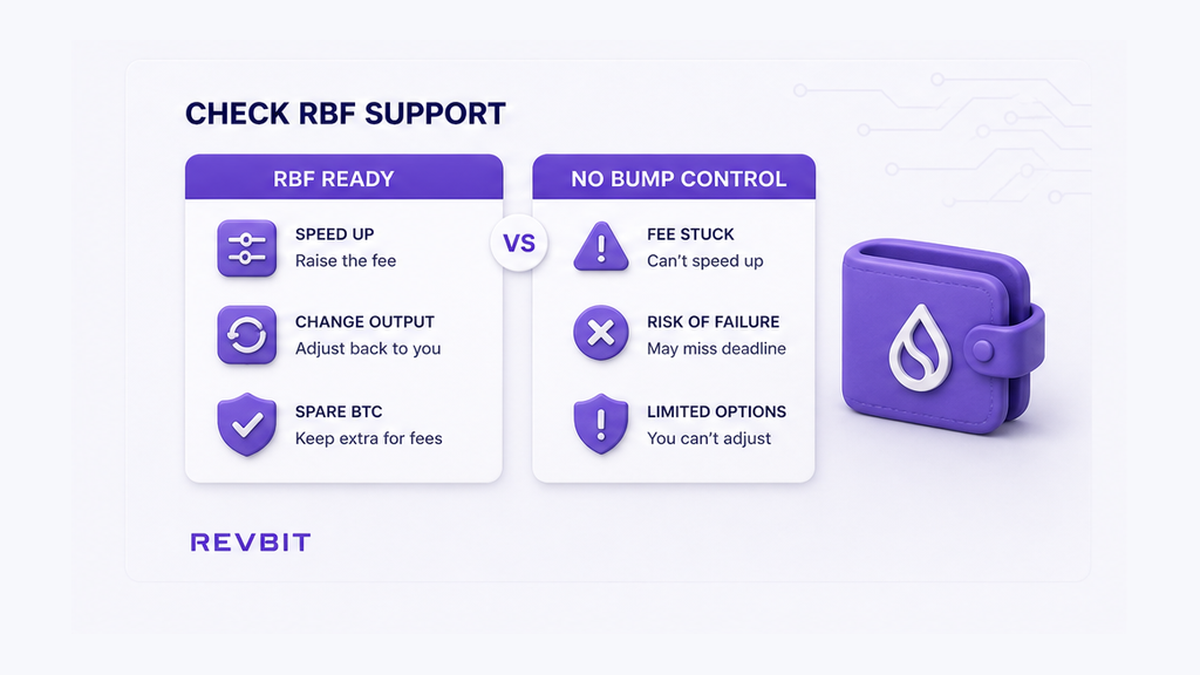
RBF starts in the sending wallet. Look for “Replace transaction,” “Bump fee,” “Increase fee,” or “Speed up” before creating a time-sensitive order. The practical question is whether your wallet and signer can build and broadcast a replacement, not whether a technical flag appears in an explorer.
Keep confirmed BTC for a possible increase. The wallet may pay the added fee by reducing your change, which is BTC returned to your own wallet, or by adding another input. With no usable change or spare BTC, the bump can fail.
Some nodes accept replacements even without an old-style RBF signal, but wallet controls still matter to the sender. Use the wallet’s official documentation if the action is unclear.
Recommendation: Find and understand the fee-bump control before sending. Do not assume every wallet, account, or hardware signer supports it.
Match the send amount, network fee, and exact swap deposit
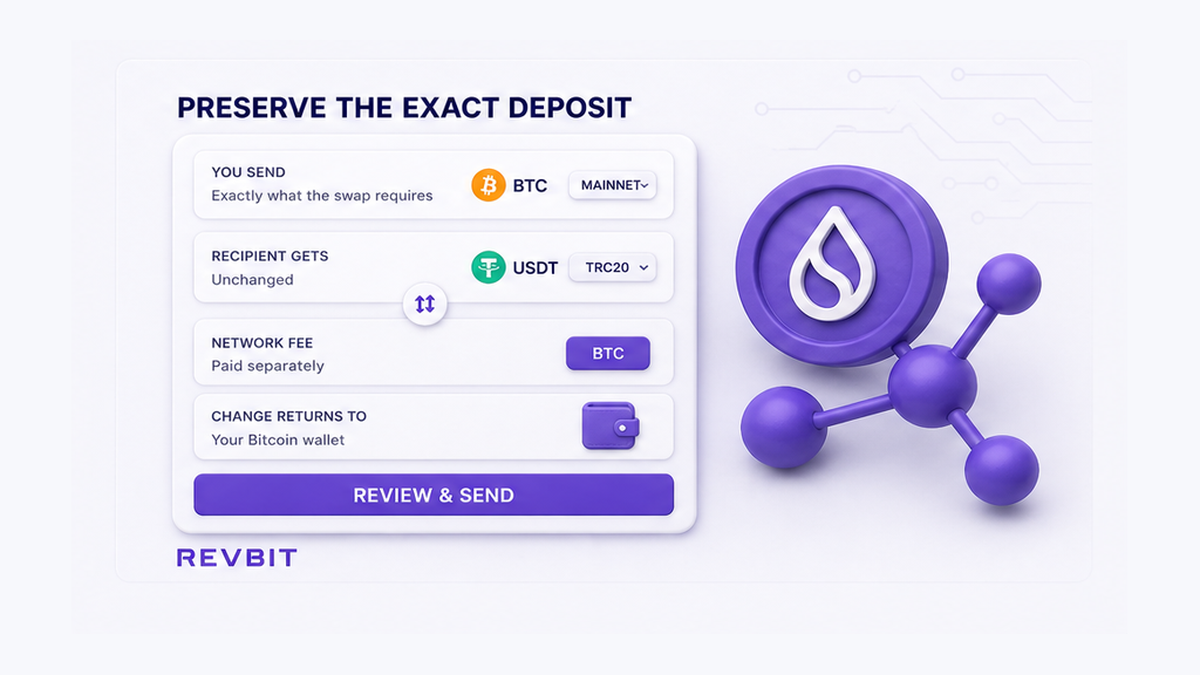
A Bitcoin send can pay the swap and return change to your wallet. The network fee is separate. If the order requests an exact BTC amount, keep that full amount assigned to the deposit address and pay the fee from the remaining balance.
Some wallets offer “subtract fee from amount.” That can make the deposit smaller than requested, so inspect the final review screen.
- Network: Bitcoin mainnet.
- Recipient: the complete address from the current order.
- Amount: exactly the requested BTC deposit.
- Fee rate: current sat/vB matched to the deadline.
- Change: returned to your own wallet.
Repeat the review during a bump. A proper replacement spends the original inputs again and preserves the intended payment. It normally raises the fee by reducing your change or adding funds. Stop if the preview reduces the swap output.
Recommendation: Compare the recipient amount with the order, digit by digit. Do not subtract the fee from an exact deposit.
Save the original TxID and verify that it is still unconfirmed
Copy the TxID after broadcast and open it in a Bitcoin explorer. A TxID is the long identifier for one transaction. The explorer shows its recipient output, fee rate, and confirmation count.
“Unconfirmed” means the transaction is waiting but not yet in a block. If it already has a confirmation, RBF cannot bump it. If the wallet and explorer disagree briefly, refresh them and compare the complete TxID.
Record the order ID, original TxID, amount, address, broadcast time, fee rate, and explorer link. Copyable text is more useful to support than a screenshot alone.
If the order page expires while the payment waits, use the stuck swap order status checklist. The order timer and blockchain state are separate signals.
Recommendation: Use the explorer as the confirmation reference and keep the original TxID. Do not send again because the order page has not updated.
Use RBF without creating a separate second deposit
If the transaction remains unconfirmed, open that exact outgoing payment and select its fee-bump action. The replacement competes with the original because both spend the same inputs. A separate send spends other coins and can create two deposits.
Keep the same address and exact recipient amount. Choose a new fee from current conditions, not merely one sat/vB above the old rate. A valid replacement must pay more in total and cover the network’s relay increase. The wallet usually enforces this, but a tiny increase may still be ineffective.
A bump is not a confirmation guarantee. If the wallet rejects it, read the error and check available confirmed BTC instead of making several transactions.
CPFP, or “Child Pays for Parent,” uses a high-fee spend from a waiting output to encourage confirmation of both transactions. It is more situational than RBF and should not be the default swap plan.
Recommendation: Use the original payment’s “Speed up” action and verify the recipient output. Do not broadcast an independent second deposit.
Track the replacement TxID and send support one evidence packet
A successful bump creates a new TxID. Copy it and open it in an explorer. The old record may appear as replaced, conflicted, or absent from that explorer’s mempool. Monitor the replacement while retaining both IDs.
Once the replacement confirms, the original cannot confirm because both versions use the same inputs. The confirmed version has spent them.
If the order does not update, send support the order ID, both TxIDs, amount, address, times, explorer links, and visible status. Use only the official route. Never share a seed phrase, private key, password, or remote access.
Create a new order through the RevBit swap widget only after completing the checks. If an existing RevBit order misses the replacement, contact official support instead of depositing again. Availability depends on region and eligibility.
Recommendation: Monitor the replacement and send both TxIDs in one request. Do not discard the original record or answer unsolicited recovery messages.
Frequently asked questions
Should I enable RBF before sending BTC to a swap?
Yes, if the wallet offers it and the order is time-sensitive. Confirm that the wallet can sign a replacement, keep BTC for a bump, and still choose a suitable first fee.
Does an RBF fee bump change the TxID?
Yes. The replacement is a new transaction with a new TxID. Save both IDs, monitor the replacement, and provide both if the order needs review.
Should I send BTC again if the first swap deposit is unconfirmed?
No. Check the original TxID. If it is unconfirmed, replace it through the wallet’s RBF control instead of creating another payment.
Can RBF change the swap deposit amount?
It should preserve the exact recipient output. Check the address and amount before signing, and stop if the preview reduces the deposit.
Will a high-priority fee guarantee the next Bitcoin block?
No. It is an estimate based on the current mempool. Check it before sending, match it to the deadline, and allow for conditions to change.
What should I send support after an RBF replacement?
Send the order ID, both TxIDs, amount, address, times, explorer links, and visible status. Never send a seed phrase, private key, password, or remote-access credentials.